



Problems getting my Elements 2022 installed on iMac M1 with MacOS 12.1 Monterey
I purchased Elements 2022 in November just passed for our new iMac M1 running Monterey. It is to replace my Elements 18. My Monterey was running the 12.0.1 version of Monterey and I had a problem with one of the apps that I had migrated across to my new iMac from an old model I have and was was convinced that one of the apps was causing a problem, so I did a clean install from the Monterey 12.0.1 to Momterey 12.1 and now an trying to reinstall the Elements 2022.
I can't find out how to do it and it took me an age to find what I believe is the redeem code for it. When I try to go through the 'Redeem your purchase' proceedure it tells me "The code you entered is invalid. Please try again."
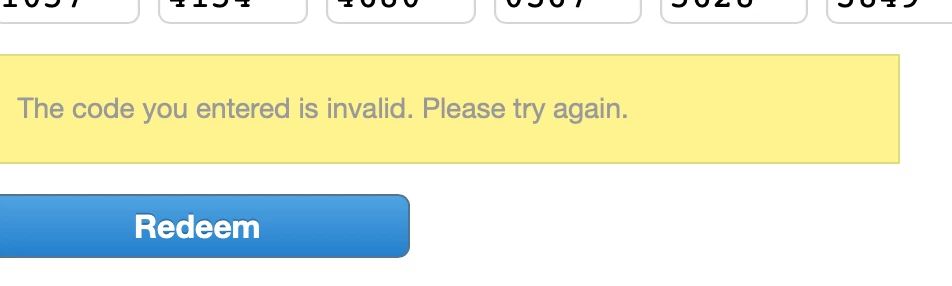
I then found another screen that asked for the serial number' and when I tried to enter what was called the serial number on this screen and was told that that serial number is already in use. My purchase is for Multiple use.
If someone can please tell me what I am doing wrong and how to do it properly I would be grateful
 AdChoices