Participant
March 5, 2023
Question

[PS 17] Subscription was not found

  • March 5, 2023
  • 1 reply
  • 875 views

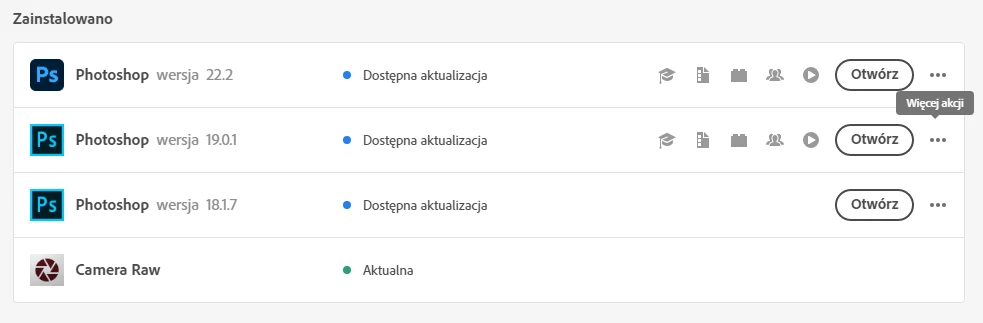
Hi, after renewing my subscription, my older PS versions stopped working. I want to stick with the older versions because they work just fine and the latest version is not compatible with my CPU.
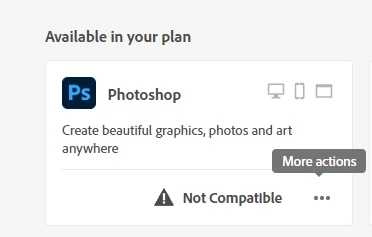
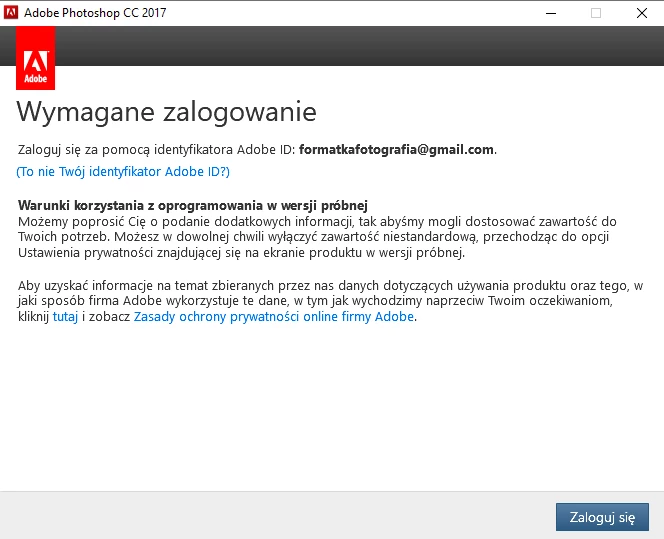
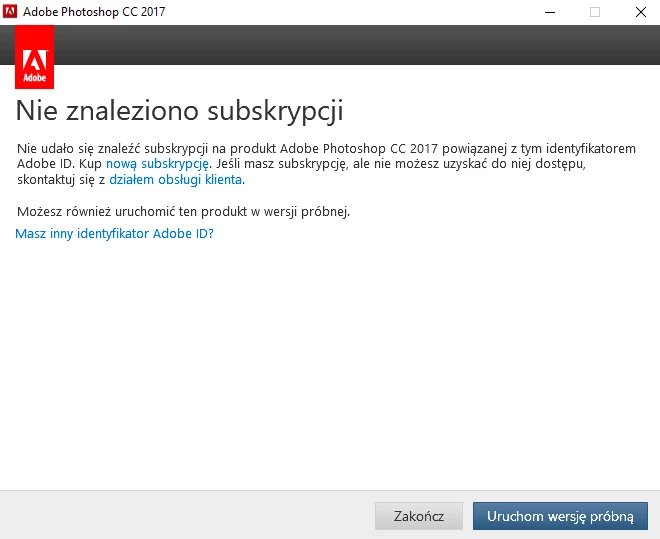
When I try to open PS 18 via CC, it tells me that I need to log in. Then it says that it could not find Photoshop in my subscription plan. I have tried cleaning cache directories and reinstalling CC with no luck. Any ideas?
This topic has been closed for replies.

1 reply

kglad
Community Expert
Community Expert
March 5, 2023

start here - https://helpx.adobe.com/manage-account/kb/stop-creative-cloud-trial-mode-after-purchase.html


if that fails, proceed to these steps - https://helpx.adobe.com/enterprise/kb/resolve-trial-and-license-expired-errors.html


if that fails, https://helpx.adobe.com/download-install/kb/adobe-license-issues-keychain-credential-mgr.html


if those all fail, change your cc language.  eg, try international english


if that fails, change the install location


Participant
March 7, 2023

Thank you for trying help me. Unfortunatelly nothing helped so far. I was not able to change the installation location, because the installer is not asking me for a path. Maybe I need to remove all PS installations to get this option.

kglad
Community Expert
Community Expert
March 7, 2023

contact adobe support if you're unable to access a paid subscription after following the previous suggestions.


there are 3 ways to contact adobe; chat, phone and twitter:

chat:
use a browser that allows popups and cookies
and click here, https://helpx.adobe.com/contact.html?rghtup=autoOpen
in the chat field (lower right), type AGENT
be patient, it can take quite a while to reach a human.

phone:
https://helpx.adobe.com/contact/phone.html

twitter:
tweet @AdobeCare

p.s. if you're contacted by anyone (via email or private message), it's much more likely to be a scammer than an adobe representative. ie, double check for an employee badge if contacted in the forums and look for an adobe.com domain in the email address if you click reply to an email. then check again and be very suspicious. any other method of contacting (or offering to contact you) is almost certainly a scam, https://community.adobe.com/t5/using-the-community-discussions/staying-safe-in-the-adobe-support-community/td-p/12919684/redirect_from_archived_page/true