
darbyg15793322
Participant
June 30, 2019
Answered

PS and Illustrator Not Working?

  • June 30, 2019
  • 2 replies
  • 391 views

So I purchased a brand new laptop recently. Technically a gaming laptop, but I figured it would be really good for whatever I need to do for school (I'm an art and computer science major). I decided that for the next few years of school, I'd probably need to get acquainted with a lot of adobe programs at some point, so I purchased the suite.

However I noticed that both Photoshop and Illustrator are acting weird and are not working when I try to open files or create new ones. Every time I try I get something like this:
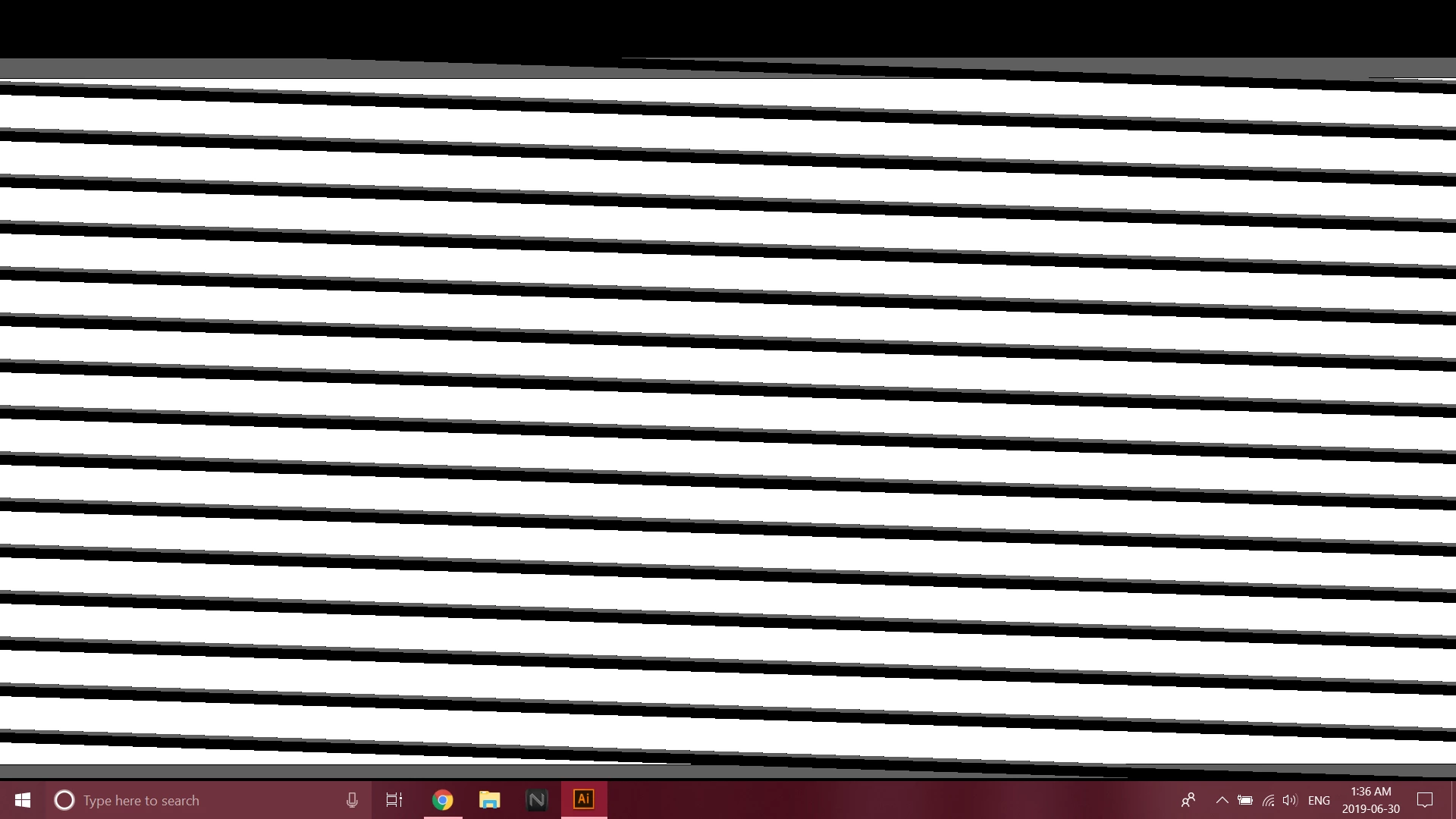
I have no idea what's going on. This laptop is brand spanking new. I uninstalled and reinstalled the creative cloud and both programs as well as restating my computer multiple times and no matter what this still happens.

I've tried out Audition, Animate, Light Room and After Effects and they work just fine with no issues. It's only these two I'm having troubles with.

Please help.

This topic has been closed for replies.
Correct answer AxelMatt

I think you have trouble with the GPU support. Please check that you have installaed the latest version of the appropriate graphic driver.

If no install the latest version. If yes try an previous version. Sometimes the newest drivers are buggy.

Check which graphic card is using in PS or Illustrator. Most of the notesbooks have two "cards" inside. One of thiese cards is the CPU internal card (Intel HD graphics). Please try to deactivate this card.

More infos you'll find here:

Troubleshoot Photoshop graphics processor (GPU) and graphics driver issues

GPU Performance

2 replies

AxelMattCommunity ExpertCorrect answer
Community Expert
June 30, 2019

I think you have trouble with the GPU support. Please check that you have installaed the latest version of the appropriate graphic driver.

If no install the latest version. If yes try an previous version. Sometimes the newest drivers are buggy.

Check which graphic card is using in PS or Illustrator. Most of the notesbooks have two "cards" inside. One of thiese cards is the CPU internal card (Intel HD graphics). Please try to deactivate this card.

More infos you'll find here:

Troubleshoot Photoshop graphics processor (GPU) and graphics driver issues

GPU Performance

My System: Intel i7-8700K - 64GB RAM - NVidia Geforce RTX 3060 - Windows 11 Pro 25H2 -- LR-Classic 15 - Photoshop 27 - Nik Collection 9 - PureRAW 6 - Topaz Photo AI
darbyg15793322
Participant
June 30, 2019

Thanks for the help! This was the issue I needed to fix. I also found out that I didn't update my display adapters and the drivers. Both programs work now.

Mylenium
Legend
June 30, 2019

Technically a gaming laptop, but I figured it would be really good for whatever I need to do for school

Not really. It's simply a wrong assumption as in particular gaming GPUs like the NVidia Ti sub-series may not be compatible with standard GPU-acceleration stuff. that's basically what happens here, but since you haven't offered up any concrete info it will be impossible to advise specifically beyond the usual "Tweek the graphics settings and update your drivers".

Mylenium