

PS and LR Classic cannot load on startup
Hello guys,
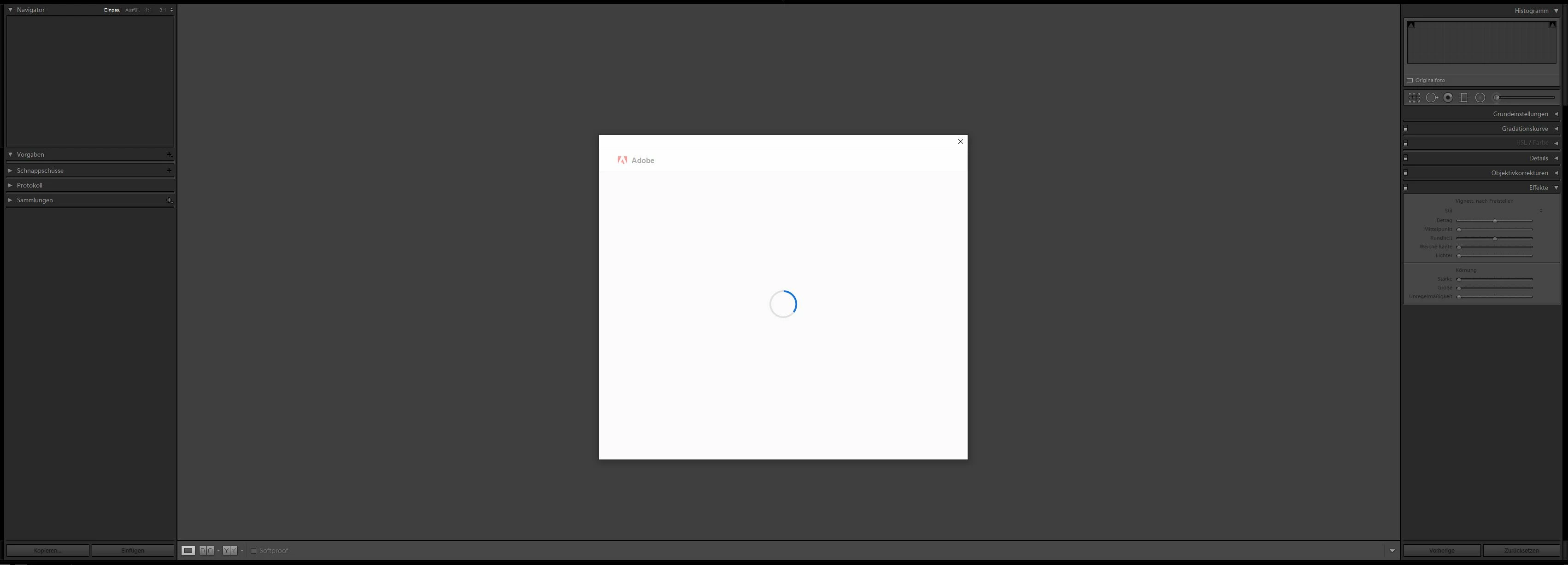
after installing the most recent LR Classic update today, for some reason, I cannot access either it or PS anymore. The application window will come, but with it, a white pop-up window will appear that just loads itself new every 2 to 3 seconds, as if it is trying to verify something (my subscription is of course still active and it worked perfectly until yesterday). This goes on forever and by trying to close that pop-up window, the app is forcibly shut down too, leaving me unable to get some work done. This happens on both PS and LR Classic, though it appears to reload itself less frequently on PS (every 4 to 5 seconds).
I have already reinstalled all programs and the Creative Cloud app itself, updated everything to the newest standard and made room on my subscription management page for an extra PC, just in case. Firewall was also deactivated, exposed host was attempted, antivirus paused... Nothing helped.
Attached you can see the window that I'm getting in LR Classic.
Has anyone else had a similar experience these days?


 AdChoices