



bigdognj
Inspiring
July 14, 2021
Answered

pse 2019 installation fails: "operating system no longer supported"

  • July 14, 2021
  • 2 replies
  • 4706 views

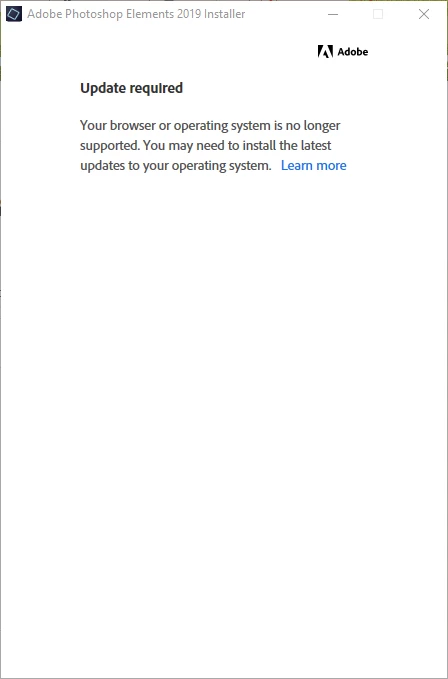
I am trying to install photoshop elements 2019 on a new Windows 10 x64 computer. I have downloaded the installer from my account and installed the latest updates to windows. Here is the message I get whern I try to run the installer.
 

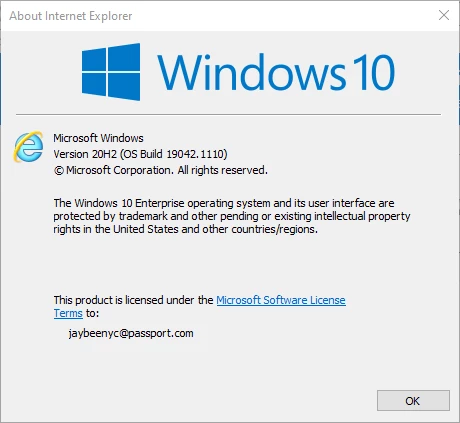
Here is the current information on my OS and Internet Explorer, which seems to be required according to Adobe for some reason, although Chrome is the browser I use.
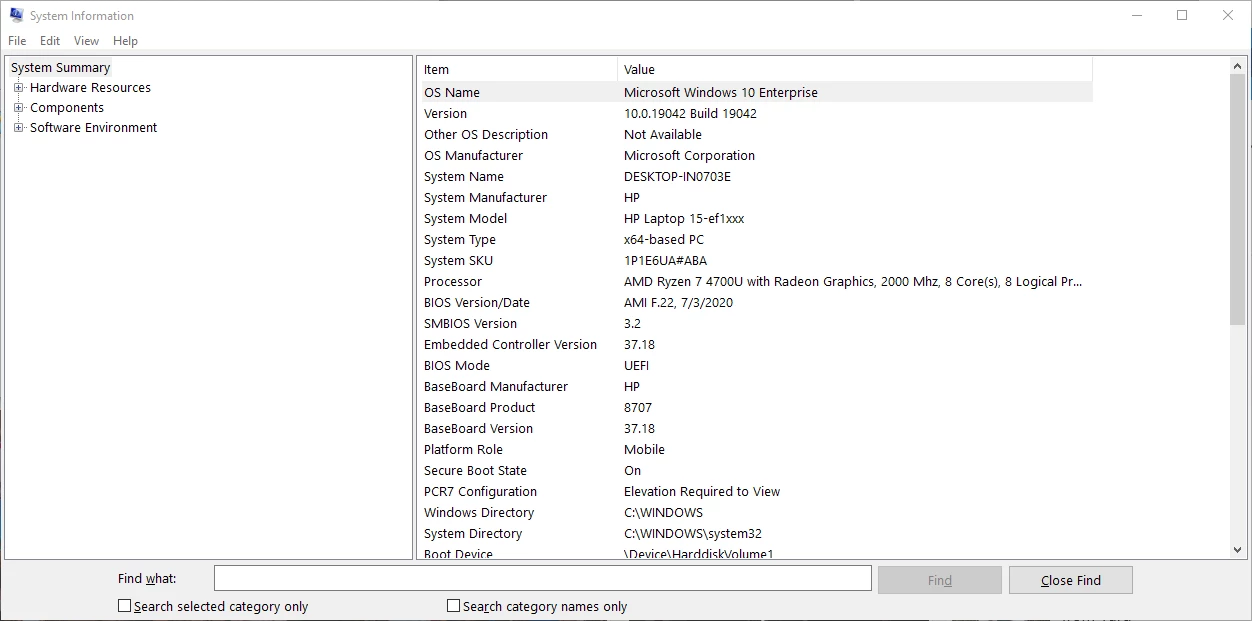


Any help will be appreciated.


This topic has been closed for replies.
Correct answer bigdognj

Resolved. PSE 2019 was purchased as an upgrade to PSE 15. I had to intall PSE 15 before the 2019 installer would work. Very confusing error message and the Adobe help page for this message was just further misdirection. Frustrating evening but all is well now.

2 replies

bigdognj
bigdognjAuthorCorrect answer
Inspiring
July 15, 2021

Resolved. PSE 2019 was purchased as an upgrade to PSE 15. I had to intall PSE 15 before the 2019 installer would work. Very confusing error message and the Adobe help page for this message was just further misdirection. Frustrating evening but all is well now.

John T Smith
Community Expert
Community Expert
July 15, 2021

Upgrades generally do not need the prior version to be installed, you should only need to enter the prior serial number when asked

Participant
September 24, 2022

I am having the same issue. The download is from my account in Adobe.com which already has my serial number attached. It's still stuck. 

John T Smith
Community Expert
Community Expert
July 15, 2021

It may be that Windows ENTERPRISE will not work with your program