When I attempt to launch Photoshop, I get this message:
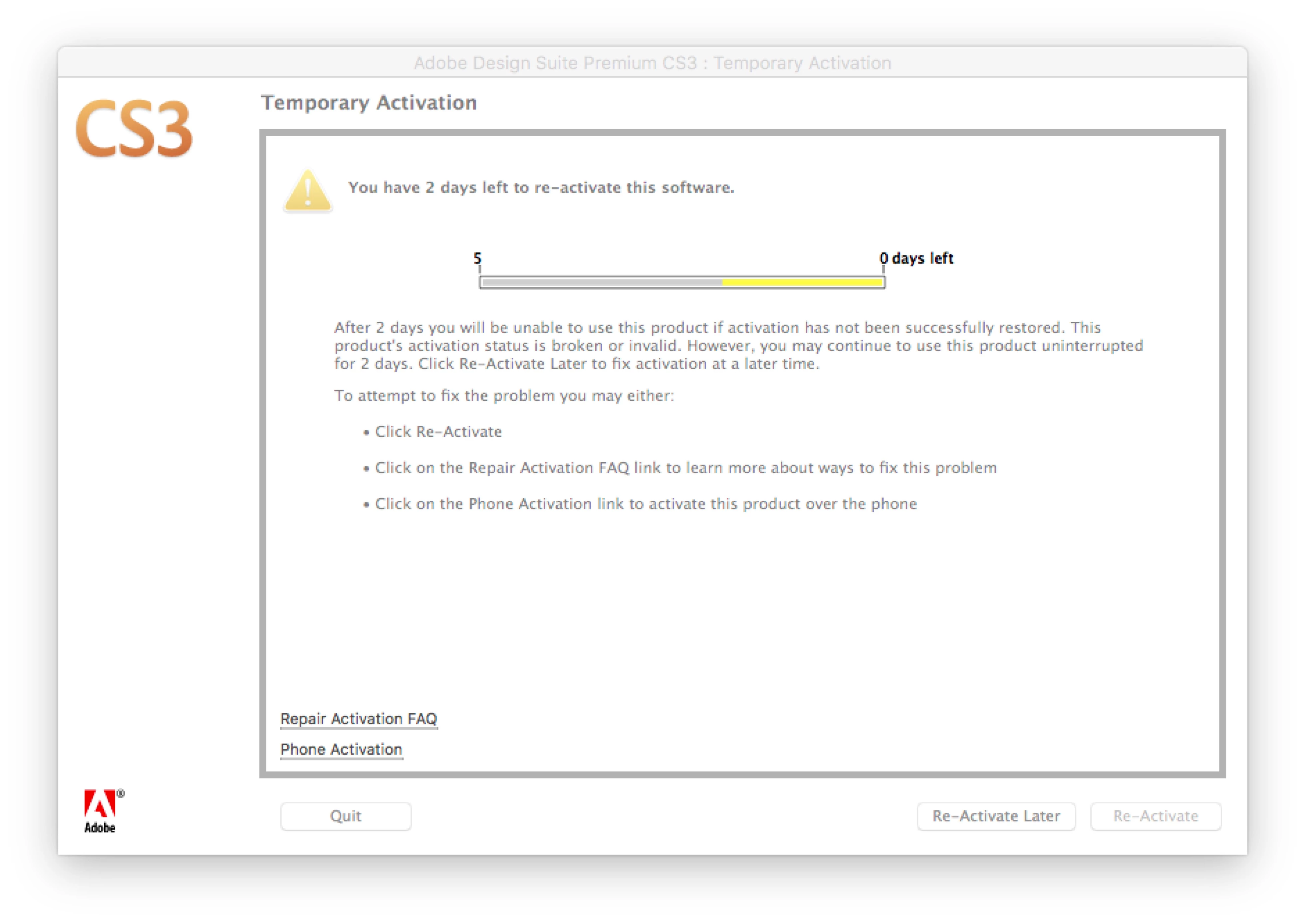
When I click on phone activation, it lets me know that is also not active. When I click on Re-Activate in the lower right, I get this:
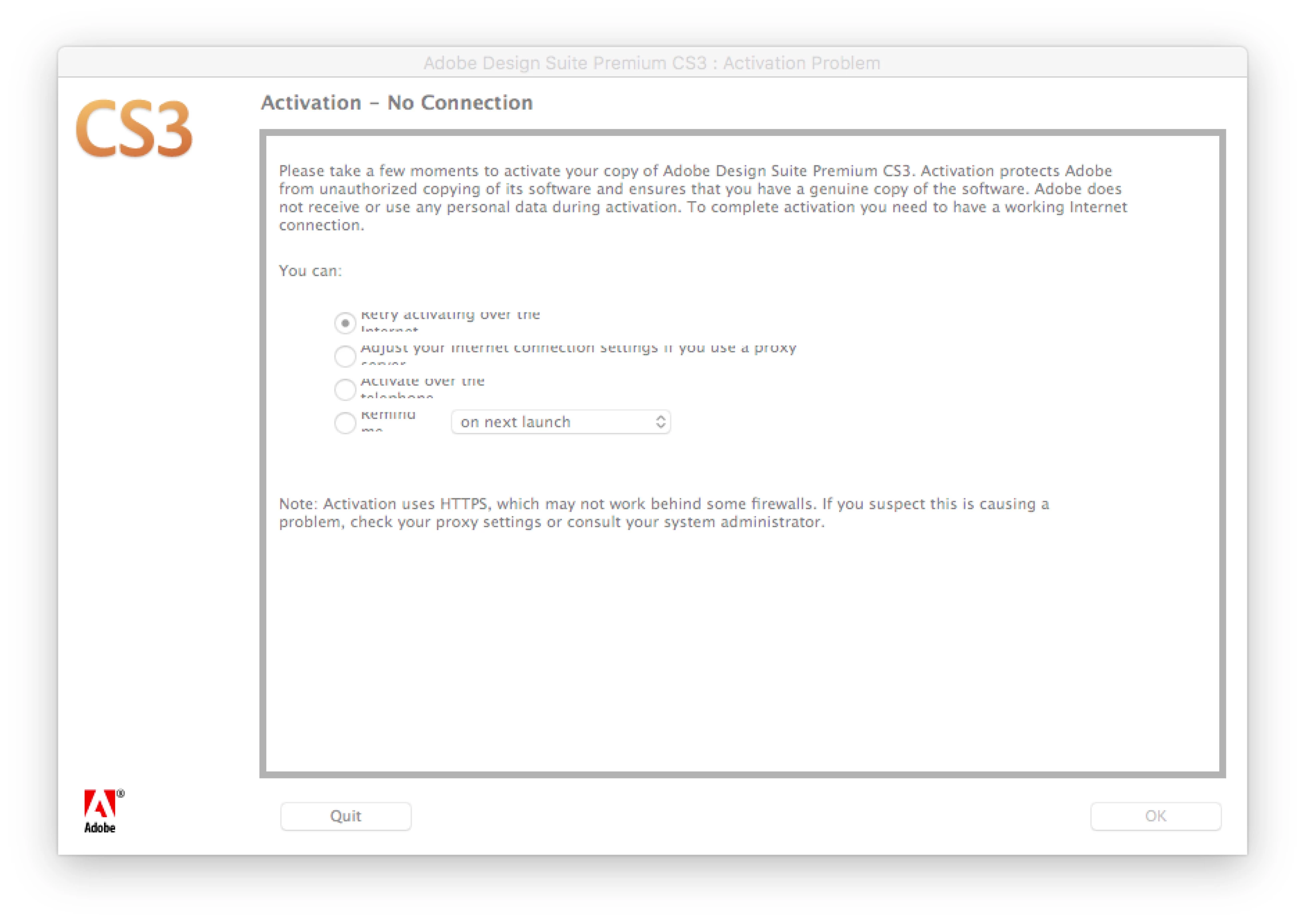
On my computer I have never seen the screen shot in your post giving the option of never registering.
When I tried Repair Activation FAQ in the first screen shot, I got the Adobe web page with instructions on on uninstalling, downloading, etc. which has all been done.
This package is Adobe Creative Suite 3 Design Premium
Ok thanks for the update Jennifera84223390. Please see the suggestion I offered to Nick in post #16 of Re: CS3 - Still getting Activation Error Message with new Installer .
Other individuals in that discussion are facing the same difficulty. I was able to successfully install CS6 Design Standard, yesterday, on Windows 10 and I did not receive a prompt to activate the software.
I would recommend reviewing Re: CS3 - Still getting Activation Error Message with new Installer in it's entirety before implementing the suggestion in post #16 Jennifera84223390. I do mention several steps that should be conducted prior to removing the Cache folder.

 AdChoices