
Participant
April 12, 2018
Answered

Re: Error Code 105 and need to sign into CC (branched)

  • April 12, 2018
  • 3 replies
  • 648 views

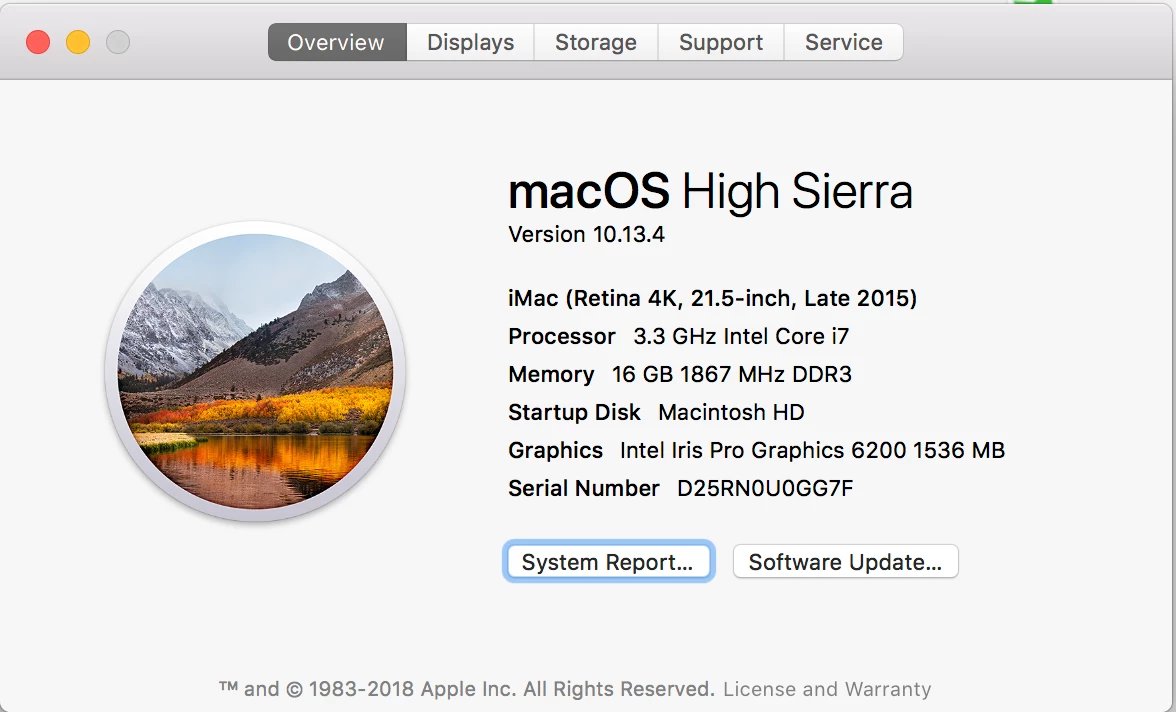
I cannot get around this issue. I cannot update or sync Adobe apps on my iMac configured as so:
Error Reading:
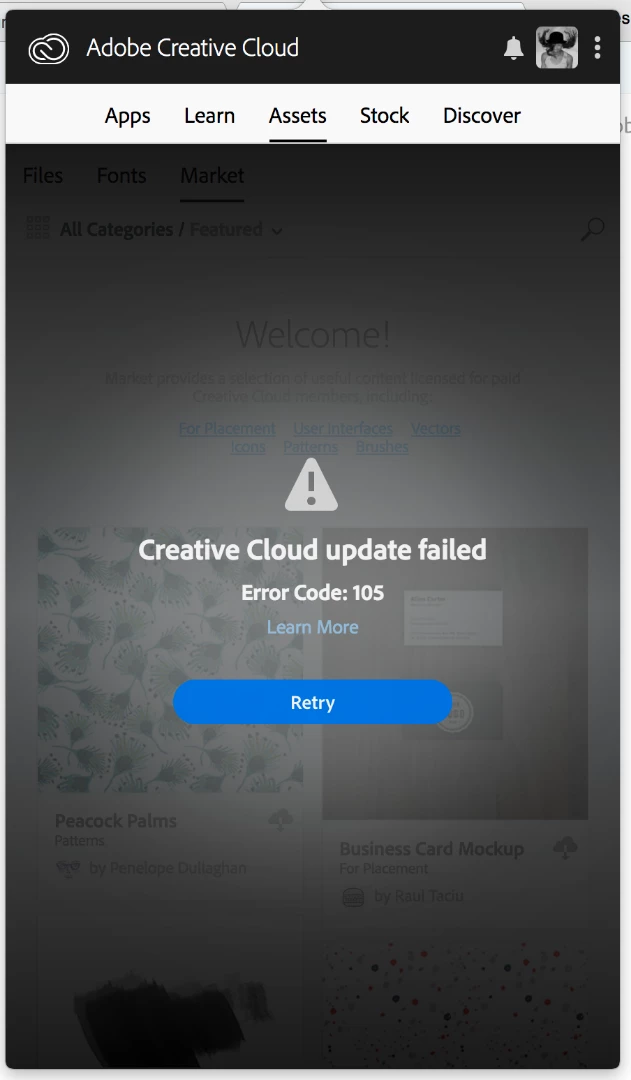
I have already reviewed the following page to no avail: Troubleshoot errors using Creative Cloud log files

And have identified this #105 as a possible read write issue:

I have tried to uninstall, alter permissions, and even set up a whole new USER profile and attempted download there...

all FAILURES. i dk what to do anymore.

Thanks in advance for helping.

Programs work just fine on my MacBook Pro.

#WRC

This topic has been closed for replies.
Correct answer Jeffrey_A_Wright

Wesleyc61198519, I am sorry that you continue to face Error 105 when attempting to update the Adobe Creative Cloud desktop application on macOS 10.13.4.

Were you able to successfully remove the OOBE folder as discussed in "Failed to install" error received when installing Adobe Creative Cloud desktop app ?  If so then did you face any problems when downloading and running the CC Cleaner Tool from Use the Creative Cloud Cleaner Tool to solve installation problems ?  What Adobe applications do you currently have installed on the iMac 4K?

3 replies

elarioy61692686
Participant
January 20, 2019

Hi ive done all of these things and STILL and having issues

Jeffrey_A_Wright
Community Manager
Community Manager
January 22, 2019

Elarioy61692686, the public forum discussion you responded too is from April 2018 .  What current errors are you facing in January 2019?  What steps have you implemented to resolve the error?

Jeffrey_A_Wright
Community Manager
Jeffrey_A_WrightCommunity ManagerCorrect answer
Community Manager
April 12, 2018

Wesleyc61198519, I am sorry that you continue to face Error 105 when attempting to update the Adobe Creative Cloud desktop application on macOS 10.13.4.

Were you able to successfully remove the OOBE folder as discussed in "Failed to install" error received when installing Adobe Creative Cloud desktop app ?  If so then did you face any problems when downloading and running the CC Cleaner Tool from Use the Creative Cloud Cleaner Tool to solve installation problems ?  What Adobe applications do you currently have installed on the iMac 4K?

Kanikas
Community Manager
Community Manager
April 12, 2018