Re Installing Flash CS6 issues. It installs, but I can't use the program properly. I've uninstalled and reinstalled many times
Hi,
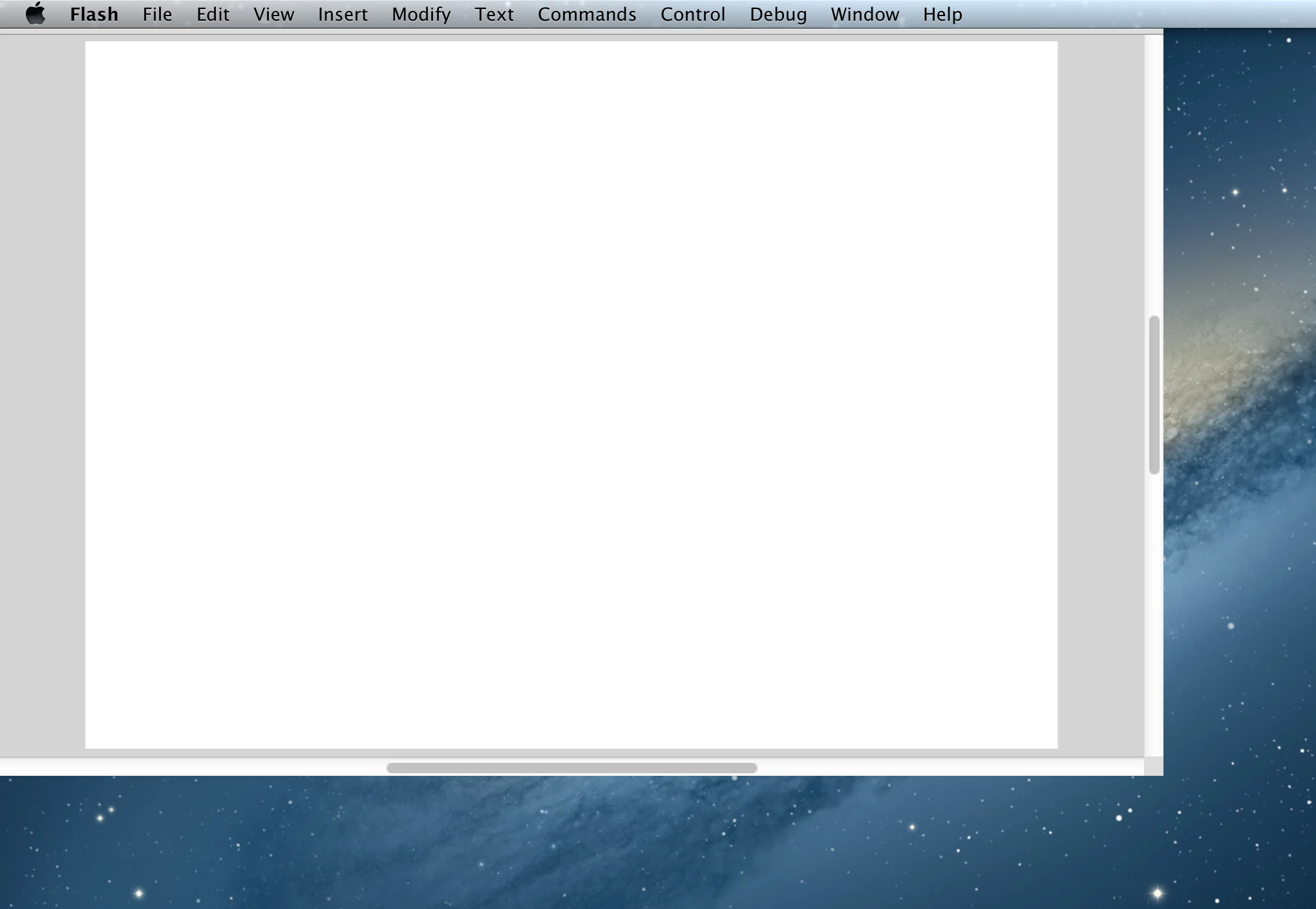
I accidentally uninstalled Flash CS6. When I reinstalled it (using a download found here on the Adobe website: Download CS6 products) I was unable to move the window around my screen. There was no window "boarder", it was only a white box that I couldn't move from the upper left corner. Also there were no toolbars. My first thought was to check in the Window options, but despite my clicking on the various options nothing popped up. I also tried changing the window display options on my computer, thinking that maybe the window header was stuck somewhere "off screen" in a place I couldn't see. I also tried toggling with the "paste board" option in flash. I've also uninstalled and reinstalled flash CS multiple times, and each time its always the same.
This is really weird, I think I've tried practically everything. I just really want to talk to Adobe on the phone but they don't let you do that.
Here's a screenshot of what my screen looks like
Please help me!!!
 AdChoices