Participant
February 25, 2014
Question

Reinstall of PS6 from 2012 not working

  • February 25, 2014
  • 1 reply
  • 344 views

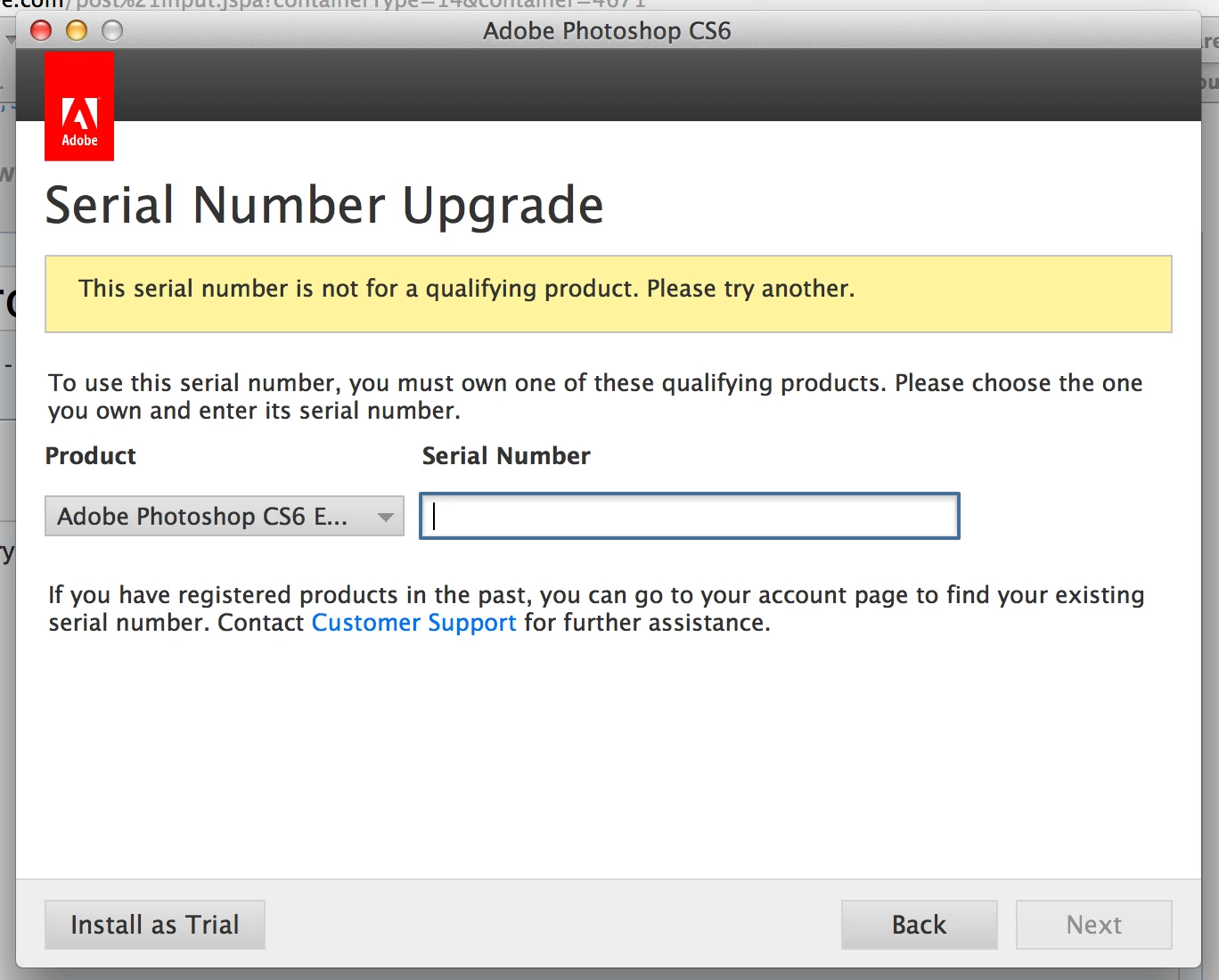
Just setting up my new laptop and trying to install my 2012 download of PS6. I get to the part where I enter my serial number and get an error attached as a screenshot below. I'm entering the serial number. It worked when I reinstalled LR5 but not PS6.
This topic has been closed for replies.

1 reply

kglad
Community Expert
Community Expert
February 25, 2014

you have a ps cs6 upgrade installation file.  you need a qualifying product to upgrade (like ps cs5).  you're being prompted for the qualifying product (not cs6) serial number.

if your ps cs6 serial is for an upgrade, you must install the older version first or enter its serial number when prompted (by the dialog shown in your screenshot).  if your ps cs6 serial number is not for the upgrade, you have the wrong installation file.  download the correct one, http://helpx.adobe.com/x-productkb/policy-pricing/cs6-product-downloads.html

Participant
February 25, 2014

Ok thank you for taking the time to help me! The version I had before that was PS4 and then I upgraded to 6 from that. So I'm trying to install 4 first and now I'm getting this error when I try to install. Any idea why Adobe would be considered an unauthorised developer? Strange...

kglad
Community Expert
Community Expert
February 25, 2014

apple didn't make mavericks compatible with much.  here's how to circumvent that problem, http://www.imore.com/how-open-apps-unidentified-developer-os-x-mountain-lion

but you don't need to install ps cs4.  you just need to enter the ps cs4 serial number when prompted after entering the cs6 serial number.