Says "trial" but I've owned license for years...
Hi! Hoping you guys can help.
I've had the Adobe suite on my Windows computer for a couple of years, no issues.
Last Thursday, I got a log-in loop that has now seemed to change the status of my apps, where now they're trials rather than fully purchased.
I've gone through the support tips already, cleaning my cookies/cache, reinstalling the apps, and making sure my account is active.
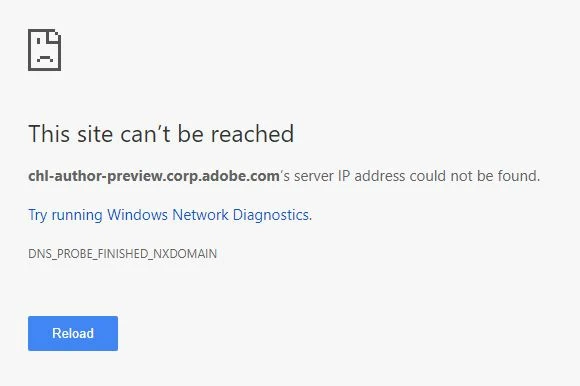
With the last tip provided in support, to remove the entries that reference adobe from the host file, the link didn't seem to work:
Next, I tried to manually remove the adobe files from my host per the instructions here:
- Choose Start > Run, type %systemroot% \system32\drivers\etc, and then press Enter.
- Right-click the hosts file and select Open. Select Notepad for the application to open the hosts file.
- Back up the hosts file: Choose File > Save As, save the file as hosts.backup, and then click OK.
- Search the hosts file for entries that reference activate.adobe.com (for example, 127.0.0.1 activate.adobe.com) and delete these entries.
- Save and close the file.
But, there weren't any Adobe entries in there.
I'm very perplexed and really hoping for a fix as my work does depend on the use of these programs. Thanks for any help you guys are able to provide!
 AdChoices