Participant
January 29, 2020
Question

Serious problem with software display in all Adobe softwares

  • January 29, 2020
  • 1 reply
  • 425 views

Hello,


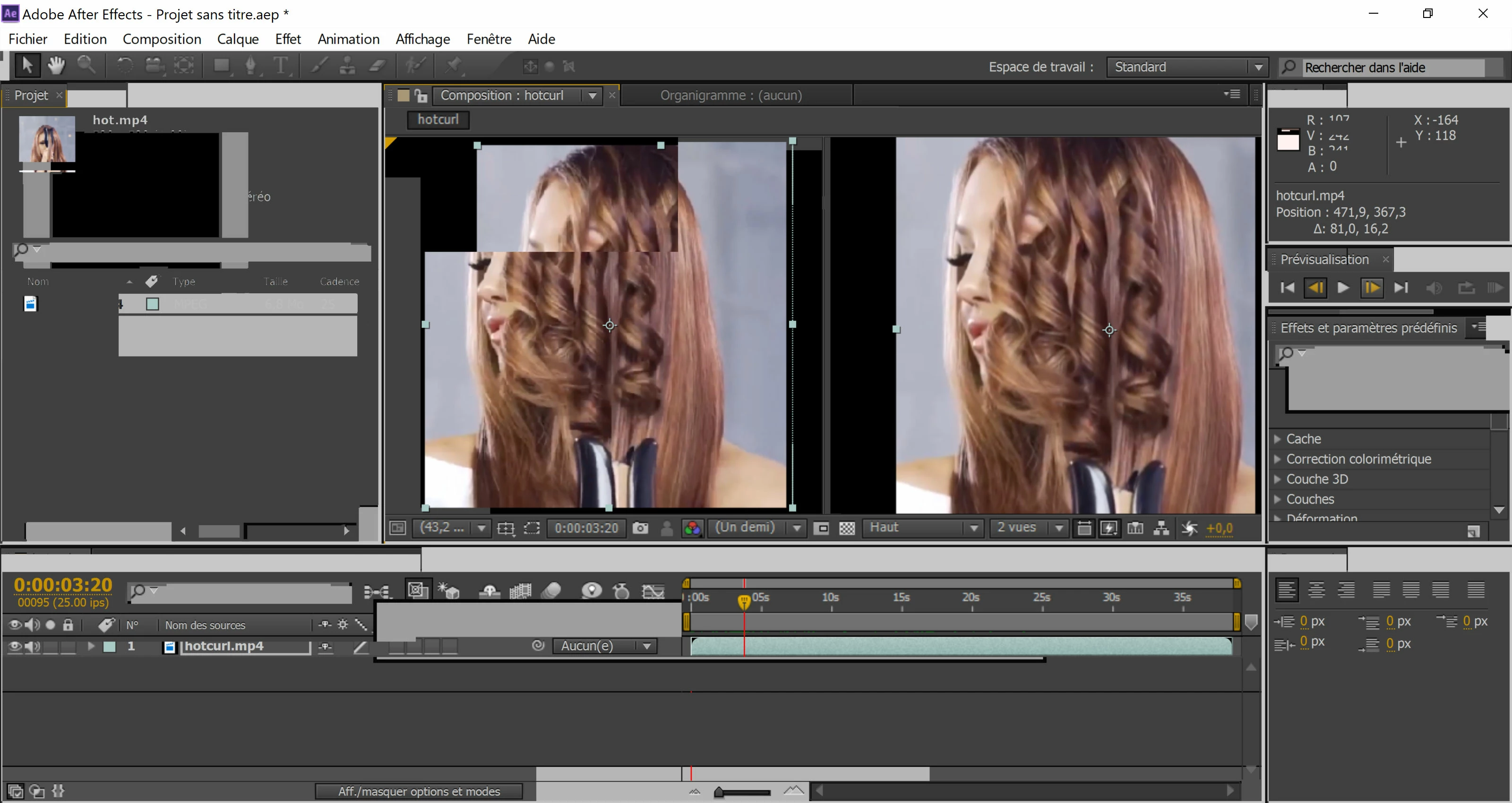
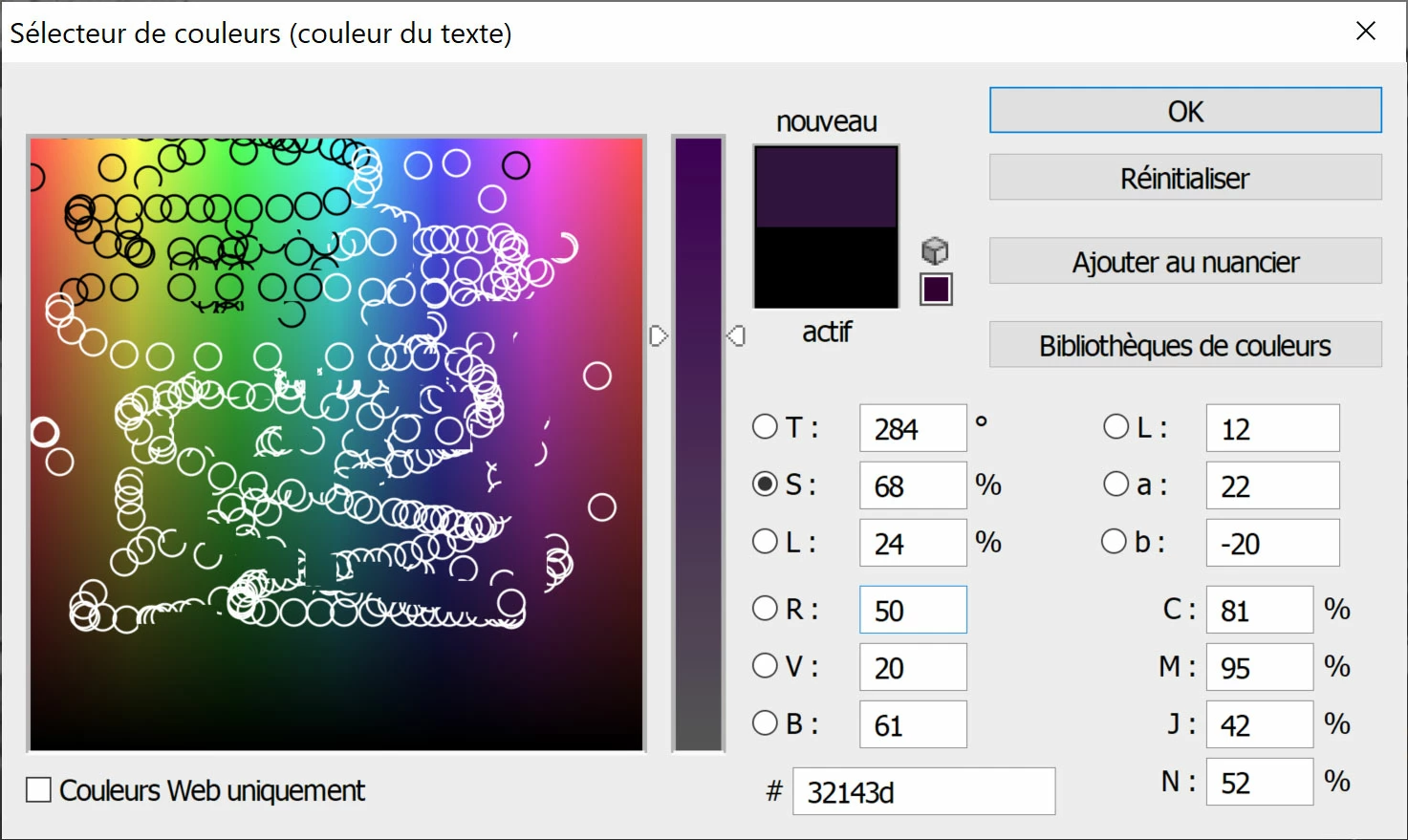
I am using Adobe CS6 softwares and have a problem since I reinstalled w10. It looks like the workspace display does not refresh until I click on a specific button, so I totally cannot see anything of what I am doing. I managed to partly fix photoshop but don't remember what I did and it's even worst with After Effect as I simply cannot see anything...


Here are a few examples
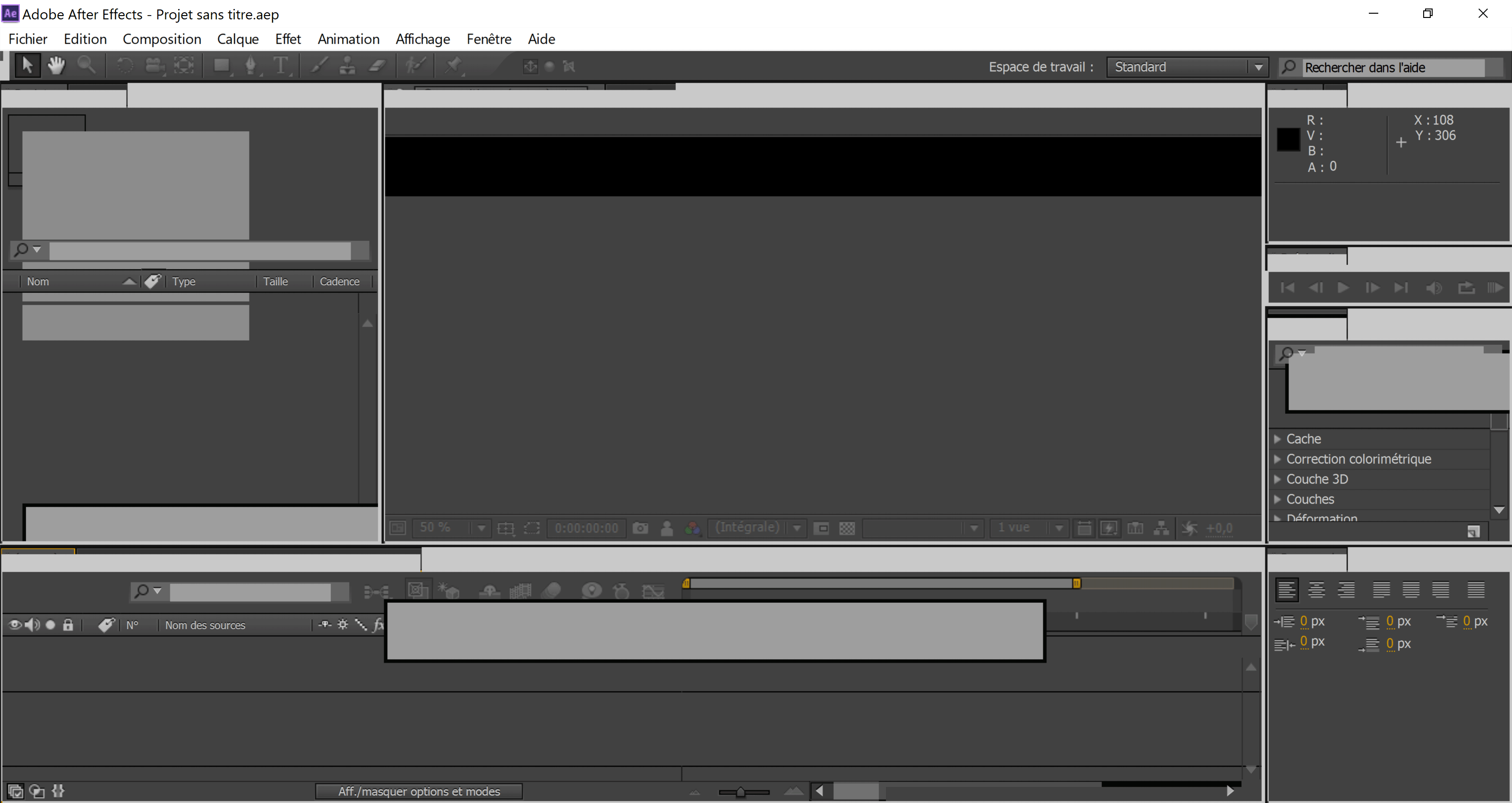


Thanks for the help!! 🙂

This topic has been closed for replies.

1 reply

January 29, 2020

Hi

Looks like an issue with your GPU driver, have you tried updating it from the manufacturers website, it will either be Intel, AMD or Nvidia depending on the make you have.

I'll move the thread to the Get Started forum

joseph18Author
Participant
January 29, 2020

Thank you very much for your reply. I do not have a GPU on my computer but I noticed that when I disable the compatibility mode that I activated (following picture), this problem do not occur. However, if I disable it, the workspace and the buttons become way too small and I cannot see them correctly: high resolution and small screen


joseph18Author
Participant
January 29, 2020

Edit: I tried to update Intel graphic driver but it says that it is already up to date.