


Participant
November 3, 2023
Question

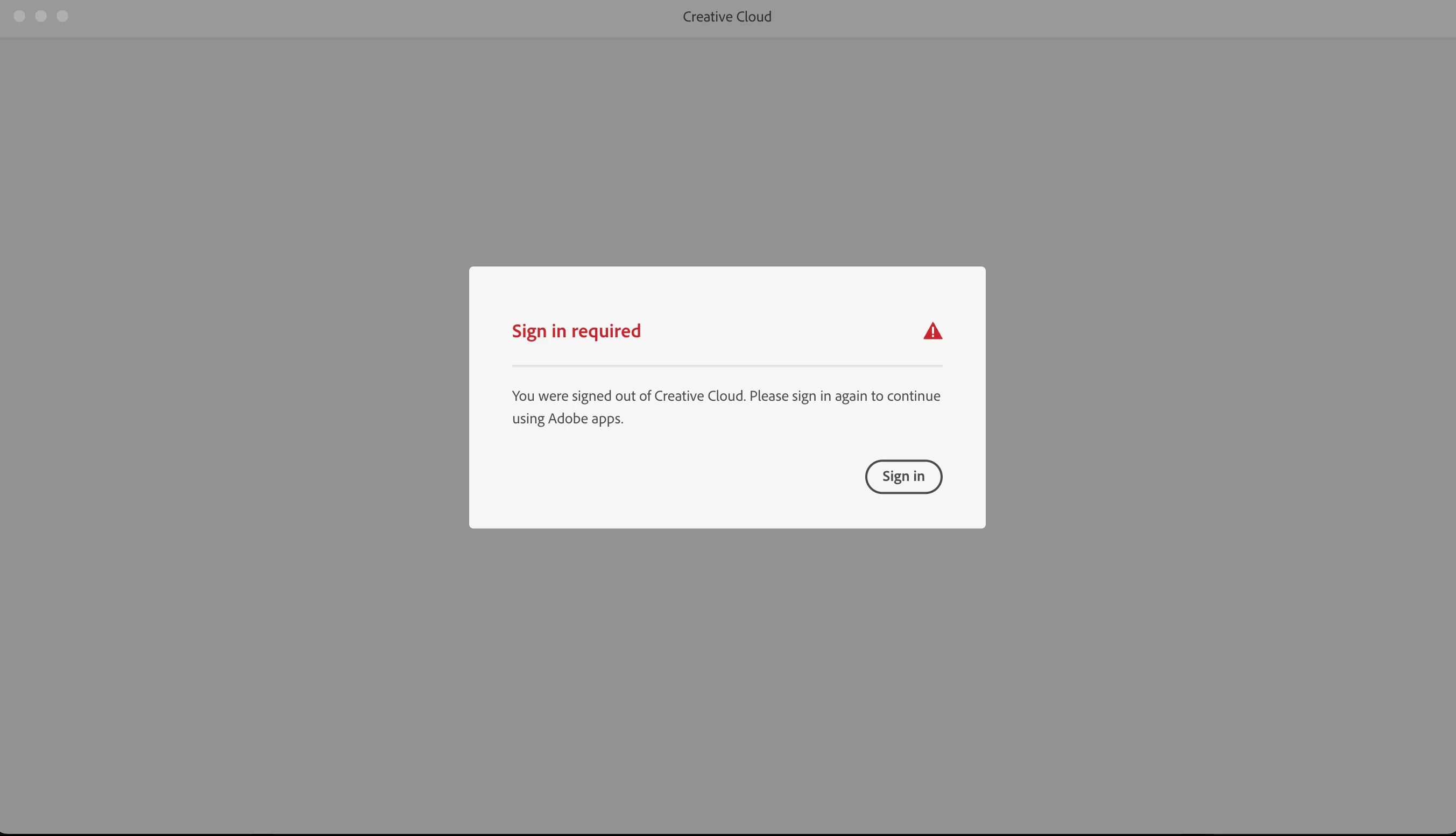
Sign in required Lopp - after migration asistant

  • November 3, 2023
  • 2 replies
  • 207 views

I used migration asistent and after that I cant access adobe creative cloud so that I can instal all the apps that I need.

I unistaled all adobe apps, cleared cache local and browser.


What can I do?!?!
This topic has been closed for replies.

2 replies

Shivangi_Gupta
Community Manager
Community Manager
December 5, 2023

Hi @Nicu Crow,

In addition to @kglad's suggested self help article, you can take a look at this article: https://helpx.adobe.com/in/download-install/kb/cc-sign-in-prompt.html

Let us know if it brings any change.

Thanks,

Shivangi

kglad
Community Expert
Community Expert
December 5, 2023

migration assistant frequently fails.  your best bet is to:


restore your new computer to pre-migration.

properly uninstall adobe from your old computer. (if you need help with this, ask.)

migrate your adobe free old computer to your new computer

properly install the adobe cc desktop app on your new computer and use it to install you adobe apps.  (if you need help with this, ask.)


however, for that sign in/out loop you may be lucky and get by with the following (but expect other problems to occur). 


start here, https://helpx.adobe.com/manage-account/kb/troubleshoot-creative-cloud-sign-out-sign-in.html and if the first four measures fail to solve the problem, undo the migration as suggested.