Thank you for posting, @Abrhamb.
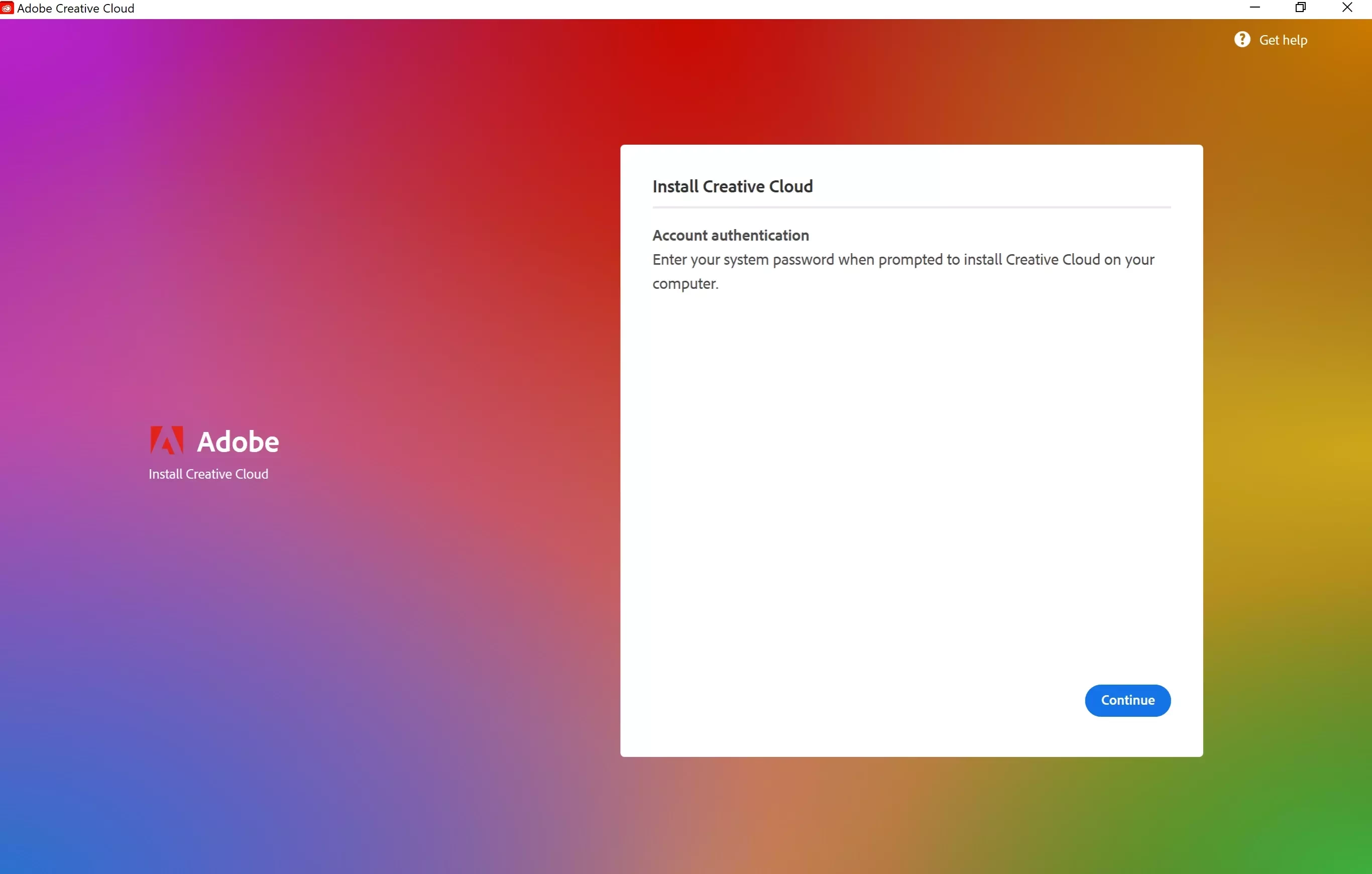
Based on your description, it appears the installer is requesting administrator credentials to complete the installation. Since you are already signed in to the administrator account and are not receiving a prompt to enter credentials, the installation process may be encountering an issue with Windows user account permissions rather than your Adobe account.
Could you confirm which Adobe application you are attempting to install and whether you are installing through the Creative Cloud desktop application or a standalone installer?
In the meantime, please try right-clicking the installer (or the Creative Cloud desktop application installer) and choosing Run as administrator. If the same account authentication screen continues to appear, a screenshot of the entire window may help us identify what is preventing the installation from proceeding.
You may also find the following document helpful if Creative Cloud is unable to complete the authentication process:
https://helpx.adobe.com/download-install/apps/troubleshoot/licensing-activation-issues/user-license-information-creative-cloud-2022.html
Please update this public discussuion thread if you have any addiitonal questions or encounter a new error, @Abrhamb.




 AdChoices