Inspiring
October 26, 2019
Question

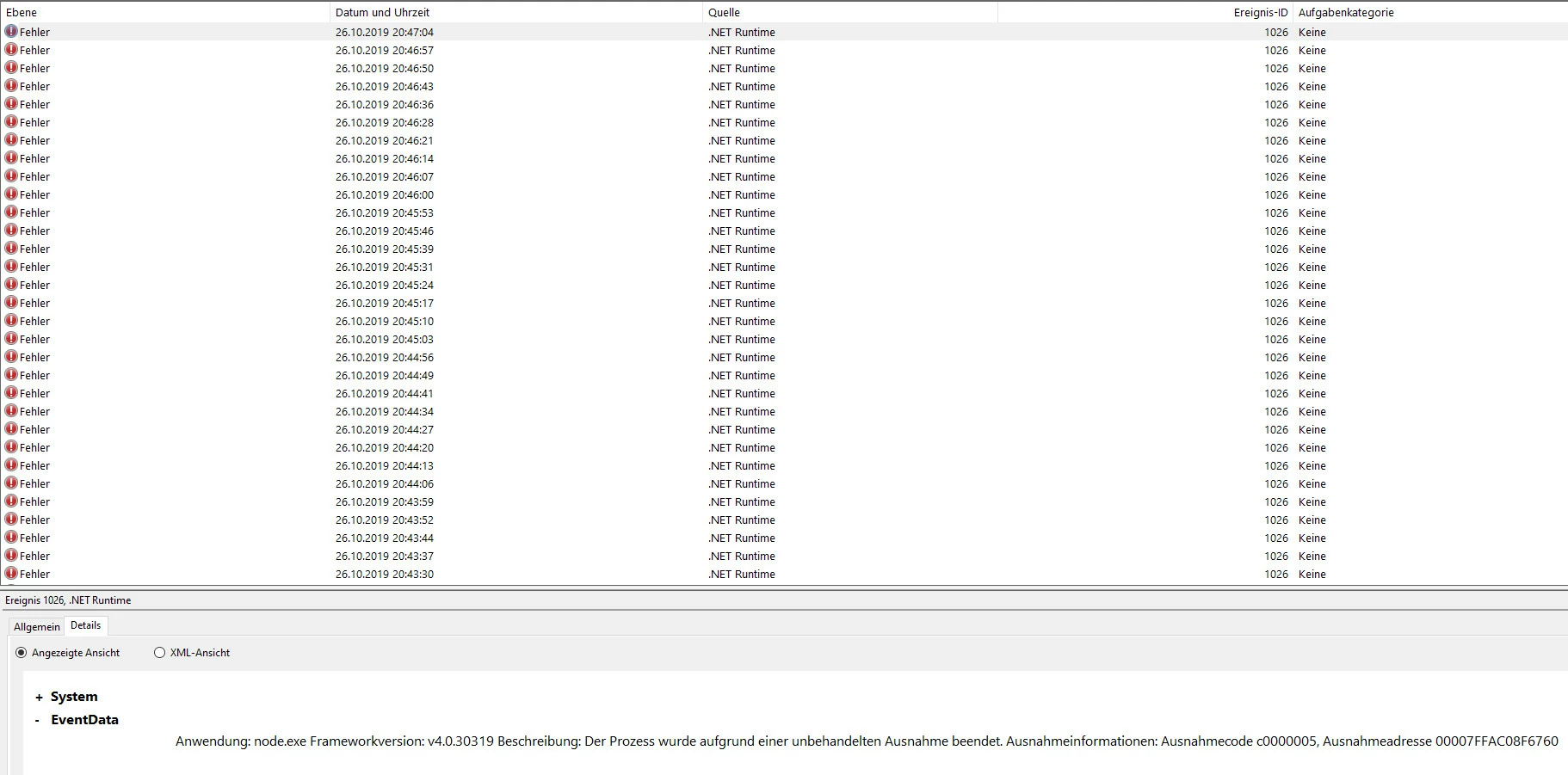
Thousands of NODE.EXE errors in Event Viewer after latest Creative Cloud App update.

  • October 26, 2019
  • 1 reply
  • 4331 views

i have thousands of these errors in the event viewer when i let the creative cloud app running in the background.

as soon as i stop the CC app the errors also stop accumulating in the event viewer.


with the old version of the CC app this did not happen!


i run the latest (up to date) windows 10 version 1903.
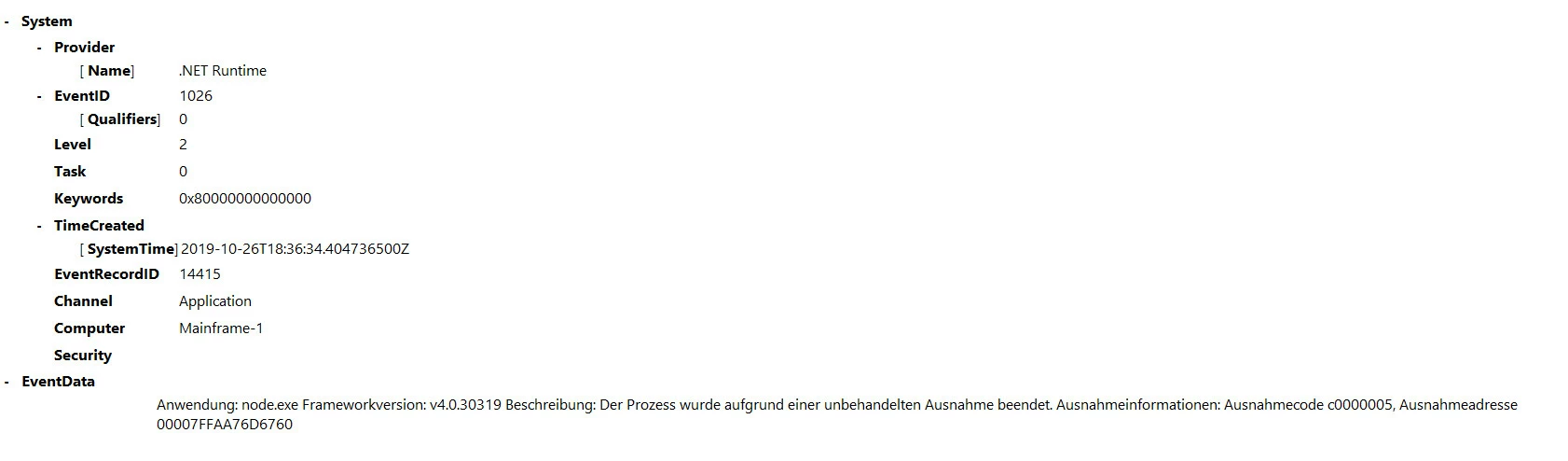


there is no mentioning of and app in the error message but as i said when i stop the CC app i get no more error messages in the event viewer.  with some process lasso work i found out that the node.exe that produces the error sits in this folder:


C:\program files\common files\adobe\creative cloud libraries\libs\node.exe


    This topic has been closed for replies.

    1 reply

    Participant
    October 27, 2019

    I have the exact same issue, and it's the old 8.11.4.0 version of node.exe that CC is using from its libs to run various services. It's throwing .NET 4.0.3 exceptions every 10s or less, when it crashes, continously. Is this hard-coded, or can CC use the system installation of node?  Either way, I need this fixed. anyone know if Adobe has addressed this, yet? 


    Here are the exact processes:

    "C:\Program Files\Common Files\Adobe\Creative Cloud Libraries\libs\node.exe" "C:\Program Files\Common Files\Adobe\Creative Cloud Libraries\js\localThumbnailsProcess.js"
    "C:\Program Files\Common Files\Adobe\Creative Cloud Libraries\libs\node.exe" "C:\Program Files\Common Files\Adobe\Creative Cloud Libraries\js\server.js"


    And the exceptions:

    Participant
    October 27, 2019

    Quick update. I simply renamed the node.exe that was throwing exceptions, to some other name (node-orig.exe), so it wouldn't be found by CC.  Rebooted, and no more exceptions and all functionality I usually have with the CC Apps I use are working fine. I suspect CC is simply not finding that version of node, and finds the version of node installed on my system.


    arewenotmen
    Known Participant
    October 27, 2019

    Thanks sc0ttwad3 - tried that and it's stopped generating the errors 👍

    Only problem now is I still can't get Libraries to work in any app - have had that problem since the new CC app landed too...