





Tip: Control your CC updates
I see a lot of posts concerning problems with the latest batch of Creative Cloud updates--some legitimate bugs, some hardware issues, some OS issues, some user error. A common theme is often "the last version worked perfectly"...
To avoid frustration--control your updates!
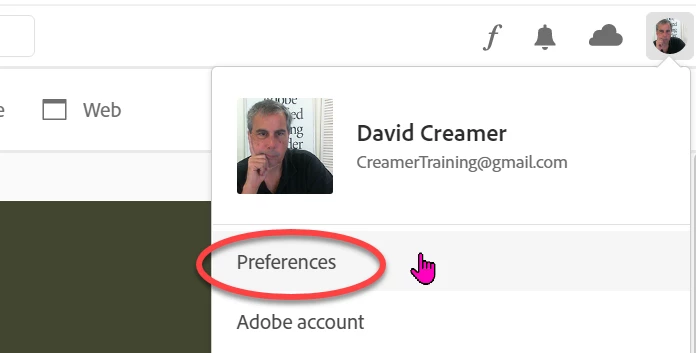
In the Creative Cloud app, go to your preferences:
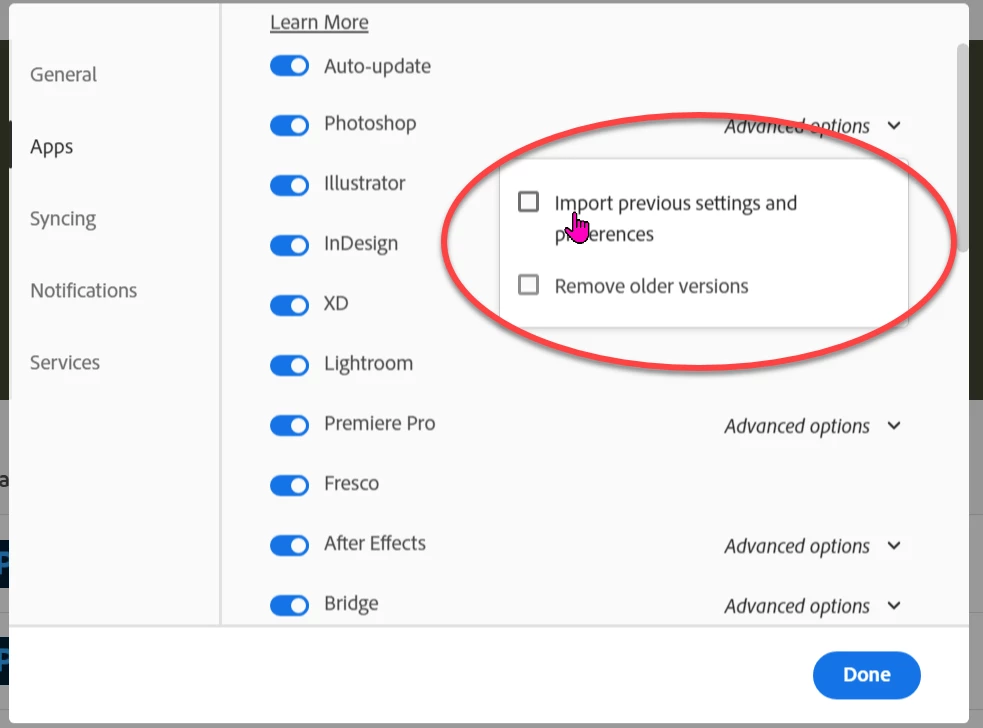
Change your auto-update settings for each program to whatever your want:
Experiment with the new version to see how it works--but do your actual work on what you know works. Don't blindly install new versions without testing. When the new software works perfectly, then switch to it.
Also, be careful updating your OS at the same time unless it can't be helped. Sometimes it's hard to what's causing the problem if both are updated at the same time.
 AdChoices