negusmaster
Participant
January 28, 2016
Answered

Trouble Deactivating CS3

  • January 28, 2016
  • 1 reply
  • 786 views

Hello, I have a copy and a serial number for Adobe CS3 Master Collection Extended.

When I try to run Photoshop on my new computer, it says that I have too many activations.

I go to my old computer, with Photoshop CS3 installed to deactivate it.

However, there is no deactivate button in the Help menu! (I tried ANOTHER computer with CS3 on it as well, just has Download eLicense and Return eLicense)
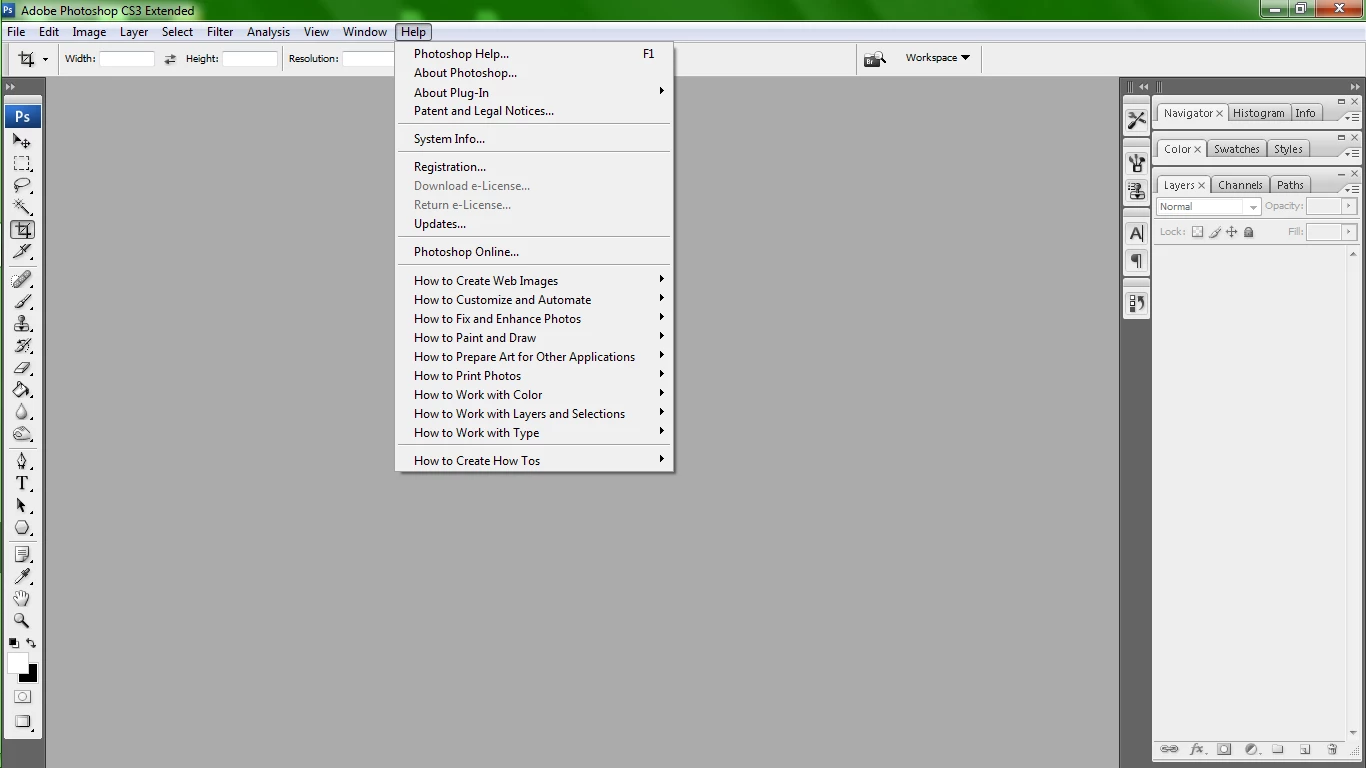
Strangely enough, on my new computer, it has the Deactivate button but is greyed out because I never succesfully activated it.
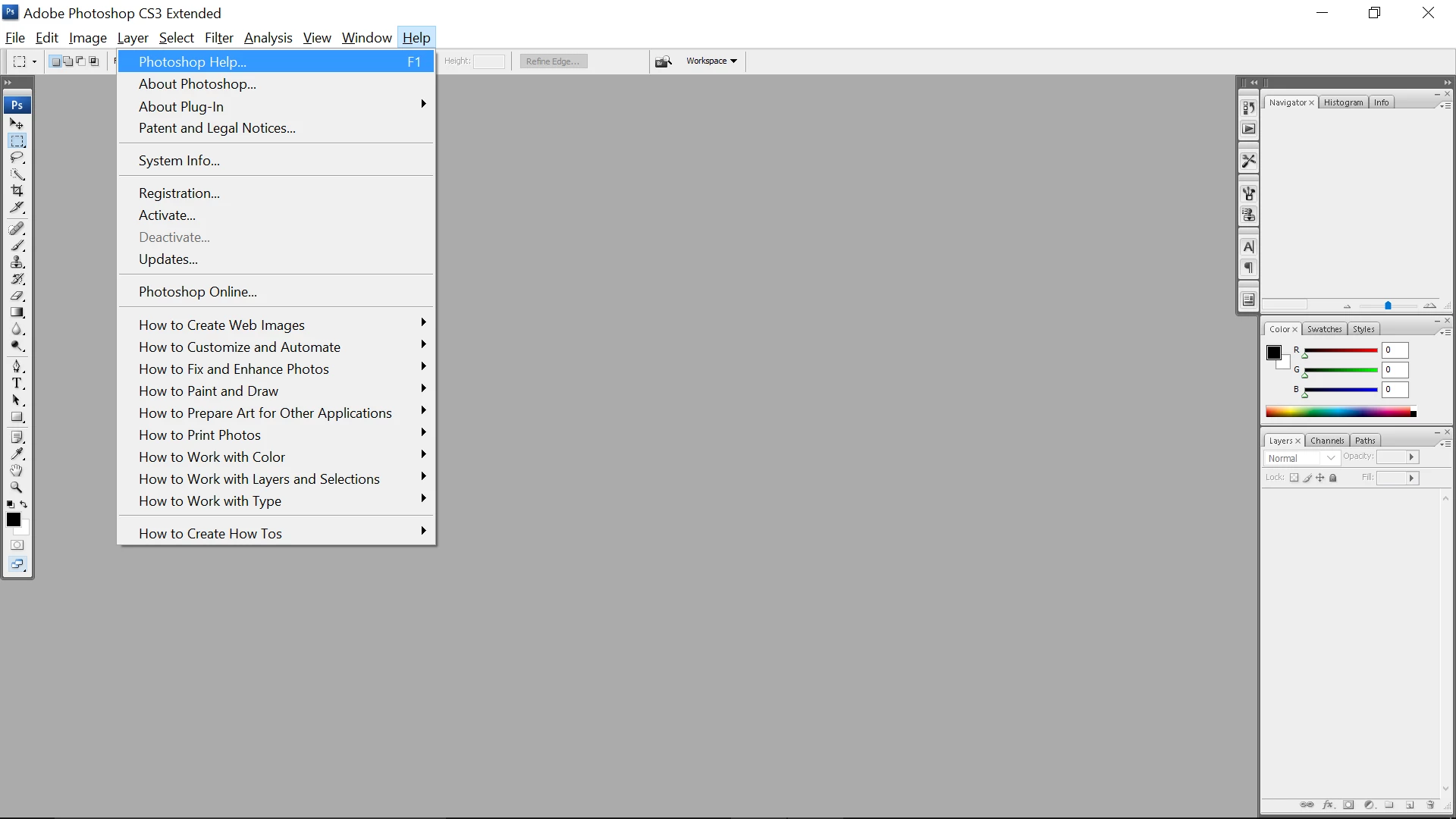
Is there another way that I can deactivate my old version of CS3 and activate it on my new computer?

Any help is appreaciated!

    This topic has been closed for replies.
    Correct answer Ned Murphy

    Contact Adobe Support thru chat and ask them to reset your activations (do not ask for more than that or they might send you back here)

    For the link below click the Still Need Help? option in the blue area at the bottom and choose the chat option...

    Make sure you are logged in to the Adobe site, have cookies enabled, clear your cookie cache.  If it fails to connect try using a different browser.

    Serial number and activation chat support (non-CC)

    https://helpx.adobe.com/contact.html?step=PHSP-PHXS_downloading-installing-setting-up_licensing-activation_stillNeedHelp

    1 reply

    Ned Murphy
    Ned MurphyCorrect answer
    Legend
    January 28, 2016

    Contact Adobe Support thru chat and ask them to reset your activations (do not ask for more than that or they might send you back here)

    For the link below click the Still Need Help? option in the blue area at the bottom and choose the chat option...

    Make sure you are logged in to the Adobe site, have cookies enabled, clear your cookie cache.  If it fails to connect try using a different browser.

    Serial number and activation chat support (non-CC)

    https://helpx.adobe.com/contact.html?step=PHSP-PHXS_downloading-installing-setting-up_licensing-activation_stillNeedHelp

    hogeb
    Participant
    May 4, 2016

    I am stuck in a loop here. I need to install CS3 on a new computer. The software was uninstalled on an older computer without deactivating it first, so I need someone at Adobe to reset my activations. I just contacted support through chat asking to help reset my activations, and they said that this issue is outside of their service boundary and that I need to check the forums. Of course, when I check the forums, it brings me to this answer which tells me to contact chat. What else can I do?

    Ned Murphy
    Legend
    May 5, 2016

    Follow the instructions I provided... do not get off topic explaining other matters... they will send you away when you do.  Just ask for the reset and nothing else.