

Participant
June 9, 2023
Question

Trying Install photoshop trial on my Mac Mini MacOS Ventura 13.3.

  • June 9, 2023
  • 2 replies
  • 405 views

I am trying to install Photoshop on macOS Ventura 13.3

the creative could always give me a white page. tried several times but it never start the installation
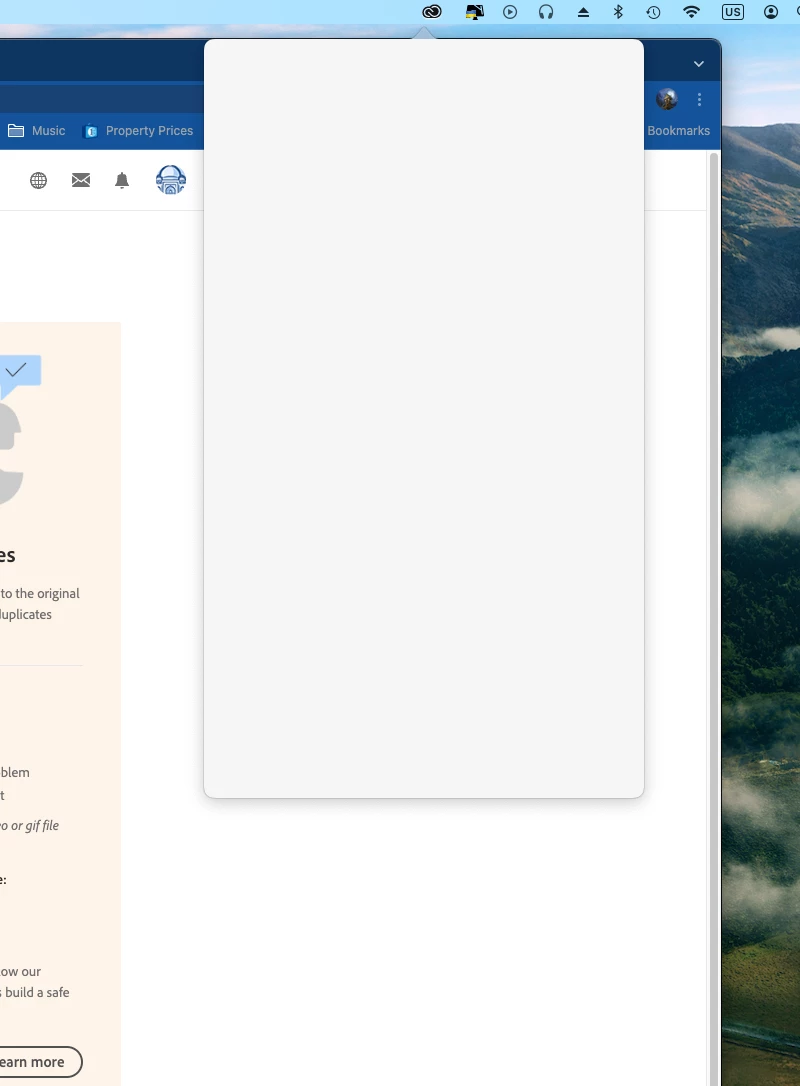
process

    This topic has been closed for replies.

    2 replies

    Kevin Stohlmeyer
    Community Expert
    Community Expert
    June 9, 2023

    Hi @M.Sabek while in the Creative Cloud desktop window hold Opt+Cmd+R to reset the app. If that does not work, go to the application folder, uninstall and then redownload.

    M.SabekAuthor
    Participant
    June 13, 2023
    That did not work, I removed everything and retried and I am still getting
    a white page in the creative cloud!!
    kglad
    Community Expert
    Community Expert
    June 13, 2023

    why are you using a stand-alone ps installer on your computer?


    you should be opening the cc desktop app and then clicking the install (or try) button next to ps.


    kglad
    Community Expert
    Community Expert
    June 9, 2023

    in the future, to find the best place to post your message, use the list here, https://community.adobe.com/


    p.s. i don't think the adobe website, and forums in particular, are easy to navigate, so don't spend a lot of time searching that forum list. do your best and we'll move the post if it helps you get responses.


    <moved from using the community>