Please refer below link :
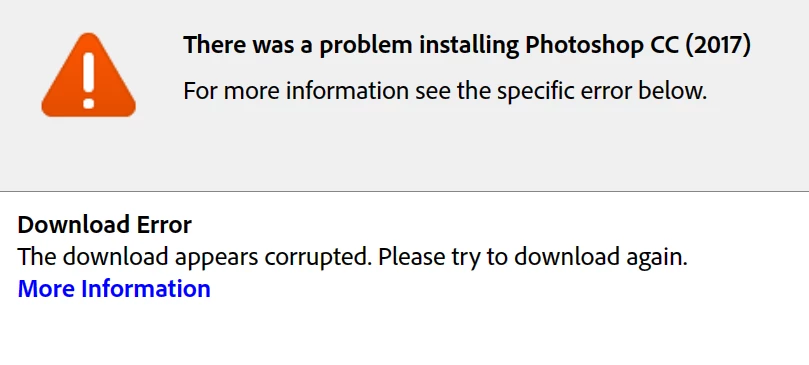
Error downloading or updating Adobe Creative Cloud apps
Hint :
- If you are using Wireless Broadband or Wifi Internet, try Ethernet Wired connection.
Important : If you are using Byte-Fence Anti-Virus , Uninstall it and then try to download.
- Check Hosts file and see if there are any Adobe entries with Loopback address like 127.0.0.1 activate.adobe.com . if yes delete it and try
Still same ??
You may Replace current DNS with Google DNS and then try to download . [ @ Your own risk ]
Important : Make sure to note current DNS IPs before replacing it google IP 8 8 8 8 .
Get Started | Public DNS | Google Developers
( Later you need to revert back the DNS settings as configured by ISP )
 AdChoices