Community Expert
August 14, 2026
Question

Unable to accept cookies after updating to Creative Cloud Desktop 6.10

  • August 14, 2026
  • 1 reply
  • 5 views

@Jeff_A_Wright After updating the Creative Cloud Desktop app the settings of the cookie doesn’t accepted. I can accept or reject the cookie settings, but the prompt appears again every time I restart.

I see this on several machines. I’m only on Windows and can’t check if it’s the same on MacOS 

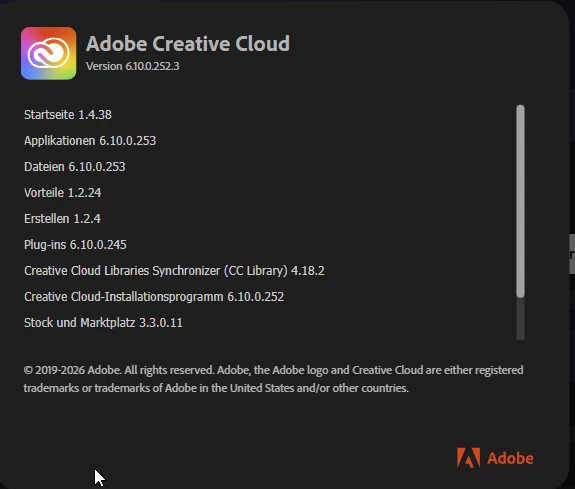
Screenshot from a German client


    1 reply

    Jeff_A_Wright
    Community Manager
    Community Manager
    August 14, 2026

    Thank you for reporting this, ​@AxelMatt.


    Since you're seeing this behavior on multiple Windows machines after updating to Creative Cloud Desktop 6.10, then the cookie preference may not be saved correctly when the application closes.


    As a first step, could you try resetting the Creative Cloud Desktop application and then test again?

    Windows: Ctrl + Alt + R while the Creative Cloud Desktop app is active.


    If the issue continues, please try the troubleshooting steps outlined in the following document:

    Creative Cloud files may be missing or damaged

    It would also be helpful to know:

    • Are the affected machines using local Windows accounts or managed enterprise accounts?
    • Are any browser, privacy, or cookie management policies being applied to these systems?
    • Does the problem occur for all users on the same machine, or only specific user profiles?

    The additional details should help determine whether this is an environmental issue or a potential regression introduced with version 6.10.


    I look forward to your update, ​@AxelMatt.