Participant
January 3, 2020
Answered

Unable to cancel lightroom plan associated invalid email

  • January 3, 2020
  • 1 reply
  • 263 views

Hi all,


I purchased the adobe lightroom student package and filled out my email and credit card details, however the first time I did so I accidently entered and submitted an invalid email address. I thought that, since the email was invalid, I wouldn't be charged and I proceeded to re-enter all my correct information and submit it once again. However, later on I found out that I had been charged twice: once for the invalid email and once for my correct email. I have cancelled the plan I had with my correct email, but I am unable to cancel the plan associated with the invalid email. Every time I attempt to log onto adobe with this invalid email, a message pops up and I am unable to progress further to cancel the plan. (I have attatched the message to this post). This concerns me as, until I am able to cancel it, I will continue to be charged every month.
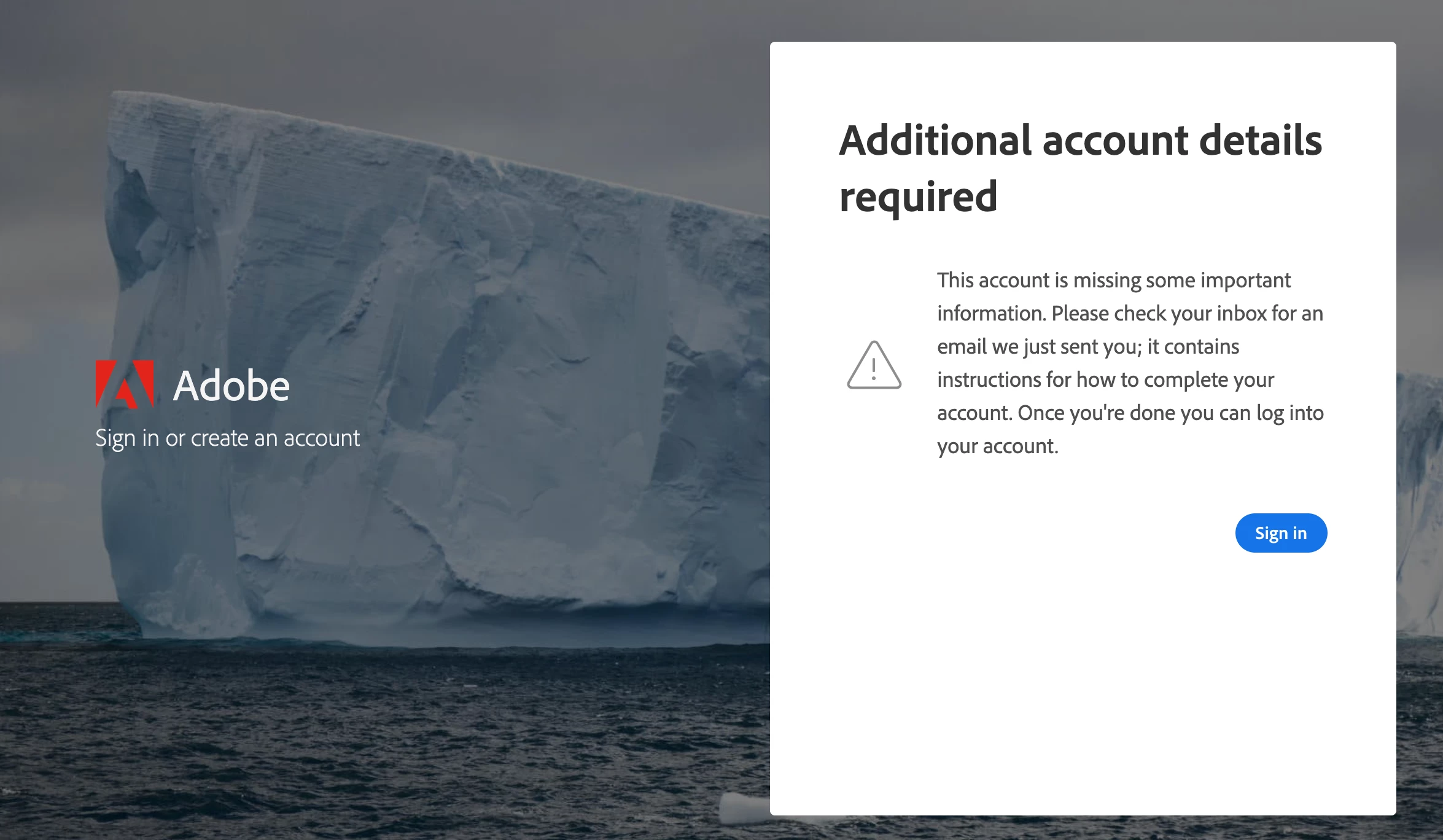
 

Any help would be appreciated!

This topic has been closed for replies.
Correct answer LinSims

This is a public forum, not Adobe support. Users, including the ACPs and MVPs, can't provide support for account, subscription, billing, download, or product activation issues. Support for those issues requires an Adobe employee.

Click the following to contact Adobe customer support staff for help: 

https://helpx.adobe.com/contact/support.html

You must be signed in with your Adobe ID and allow cookies in your web browser for this to work.

Click the chat icon at the bottom right of the page to open a chat session. Typing AGENT into the chat window should connect you directly to a CSR rather than the AI.

If the CSR refers you to the forums, insist on speaking with a supervisor and keep moving up the chain until you get someone who knows what they are talking about.

1 reply

LinSims
Community Expert
LinSimsCommunity ExpertCorrect answer
Community Expert
January 3, 2020

This is a public forum, not Adobe support. Users, including the ACPs and MVPs, can't provide support for account, subscription, billing, download, or product activation issues. Support for those issues requires an Adobe employee.

Click the following to contact Adobe customer support staff for help: 

https://helpx.adobe.com/contact/support.html

You must be signed in with your Adobe ID and allow cookies in your web browser for this to work.

Click the chat icon at the bottom right of the page to open a chat session. Typing AGENT into the chat window should connect you directly to a CSR rather than the AI.

If the CSR refers you to the forums, insist on speaking with a supervisor and keep moving up the chain until you get someone who knows what they are talking about.