


Participant
January 9, 2023
Question

unable to downlaod older versions of Creative Cloud apps on mac os 10.14.6 Mojave

  • January 9, 2023
  • 4 replies
  • 1166 views

I'm currently trying to install the latest versions of the CC Suite on an older Mac Mini with Mac OS 10.14.6. While Photoshop and Bridge can be updated to thier latest compatible versions. With all the other CC Apps im encountering the following issue:
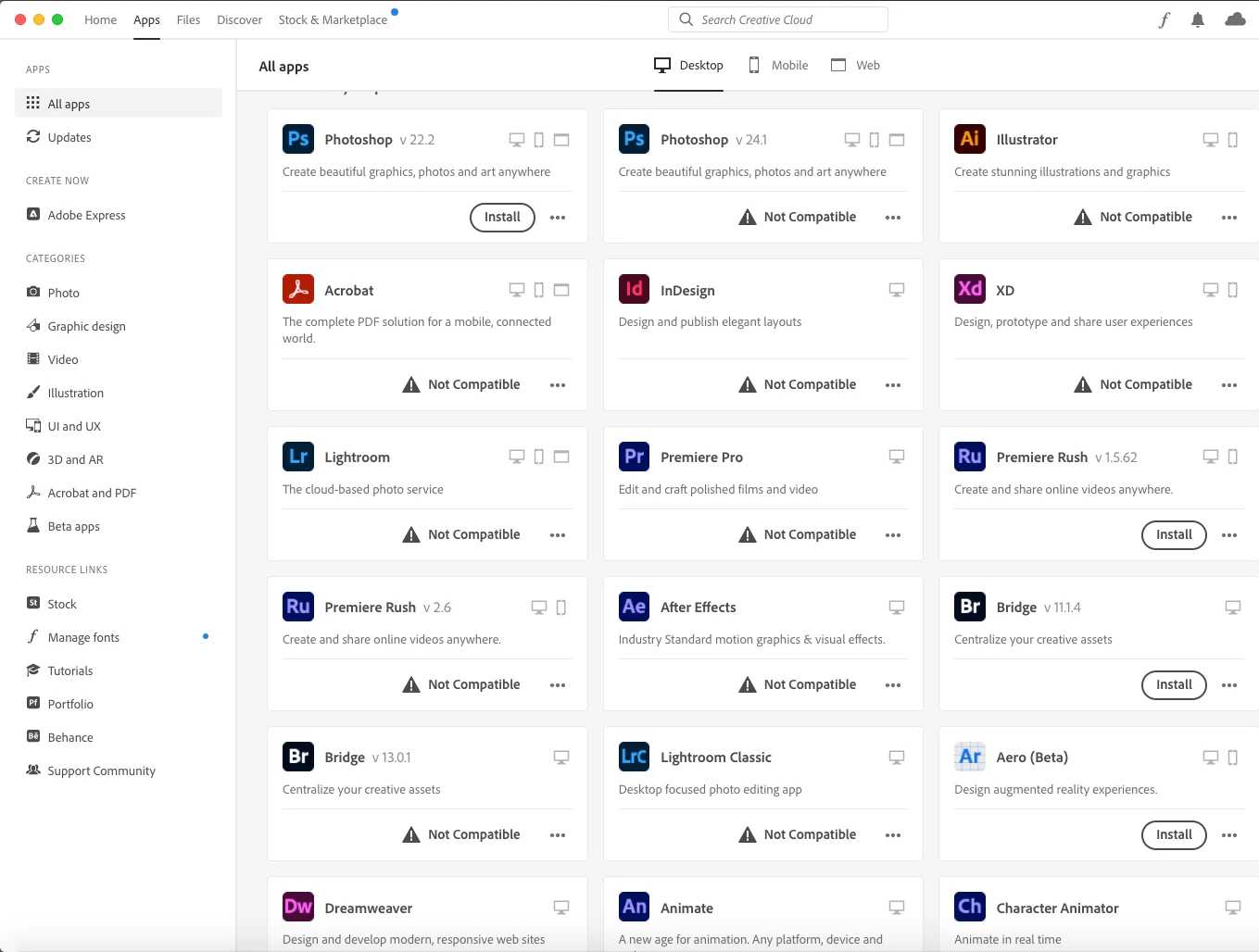
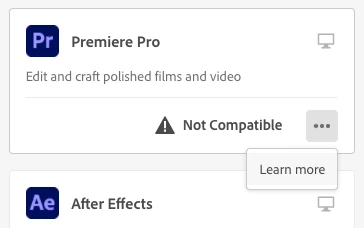
The menu Point to access older versions is not showing.


Has anyone encountered similar issues or knows how I could access the older compatible versions.

The 2022 Versions should still be working on this mac.


Specs of the mac mini:

Mac OS Mojave 10.14.6

2,6 GHz Intel Core i7

16 GB 1600 MHz DDR3

Intel HD Graphics 4000 1536 MB

This topic has been closed for replies.

4 replies

Nancy OShea
Community Expert
Community Expert
January 9, 2023

You can't.  Adobe expects customers to have current equipment & software no more than 2 versions back.   It's been that way for a while. Mojave is not compatible with current software.


At a minimum, you need Catalina, Big Sur, Monterey or Ventura.  And some apps won't work on Catalina.  So there's that to consider when upgrading.


If you still have previous versions installed on your system, keep using them until you can upgrade the CPU, GPU and OS to current requirements.

- https://helpx.adobe.com/creative-cloud/system-requirements.html

Hope that helps.


Nancy O'Shea— Product User & Community Expert
kglad
Community Expert
Community Expert
January 9, 2023
Legend
January 9, 2023

"I'm currently trying to install the latest versions of the CC Suite on an older Mac Mini with Mac OS 10.14.6." You won't be able to. Check the system requirements.

kglad
Community Expert
Community Expert
January 9, 2023


for the current and one previous versions use the cc app:


https://helpx.adobe.com/download-install/using/install-previous-version.html#:~:text=Install%20Previous%20Versions%20of%20your%20Creative%20Cloud%20Apps,drop-down%20list%2C%20click%20Other%20Versions.%20Does...%20See%20More.


for cc 2019 and earlier use prodesigntools.com*


for everything else, you must use adobe support** (and it may take a few tries to find an agent to provide links).


*

adobe download links prior to cc 2020 are available from prodesigntools.com. https://prodesigntools.com/adobe-direct-download-links.html


follow the directions (esp, step 1)

save the install file.  it may not remain online.

thank jim @ prodesigntools.com


**