Question
Unable to install new version of Creative Cloud via Adobe Updater
Running the updater generates: (Error code: A12E1). See attached.
MacOS 10.7.5
Processor: 2.4 GHz Intel Core 2 Duo
Memory: 4GB
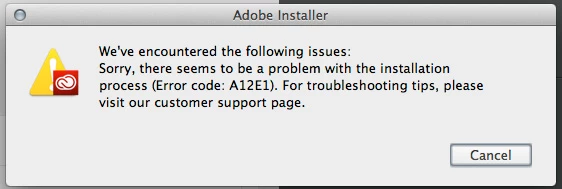
Running the updater generates: (Error code: A12E1). See attached.
MacOS 10.7.5
Processor: 2.4 GHz Intel Core 2 Duo
Memory: 4GB
Already have an account? Login
Enter your E-mail address. We'll send you an e-mail with instructions to reset your password.
 AdChoices