



Question
Unable to uninstall Creative Cloud
Hi
I've had the Creative Cloud Membership Plan for a few years but when I opened a piece of work on it this morning an error message said that Adobe Creative Cloud is missing or damaged.
It advised me to download and install a new copy of Creative Cloud.
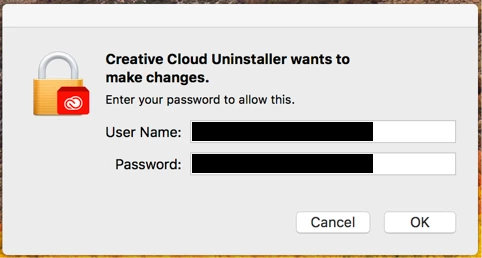
I downloaded the uninstaller package and also found the uninstaller file already included in my Creative Cloud apps. Whenever I launch ether of them I'm asked to fill in my password as shown on the screen below but when I hit OK nothing happens.
Any advice is much appreciated.
Thanks
 AdChoices