


Answered
Unable to uninstall program
Hi, I’m having two issues, which might be affecting each other, but idk
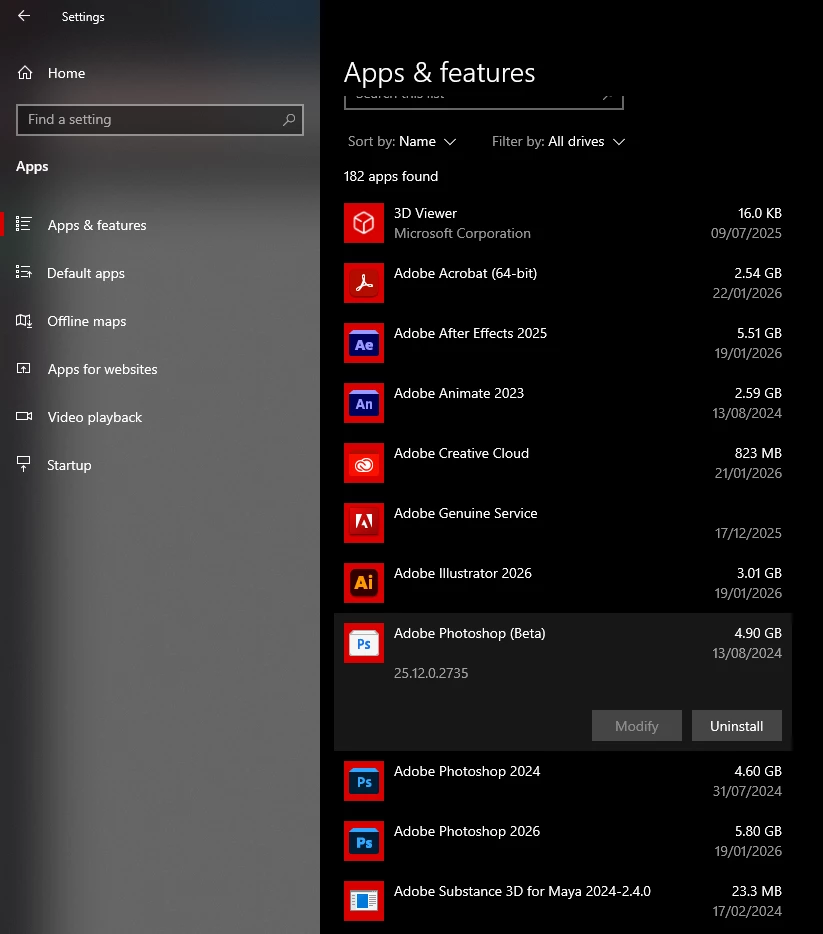
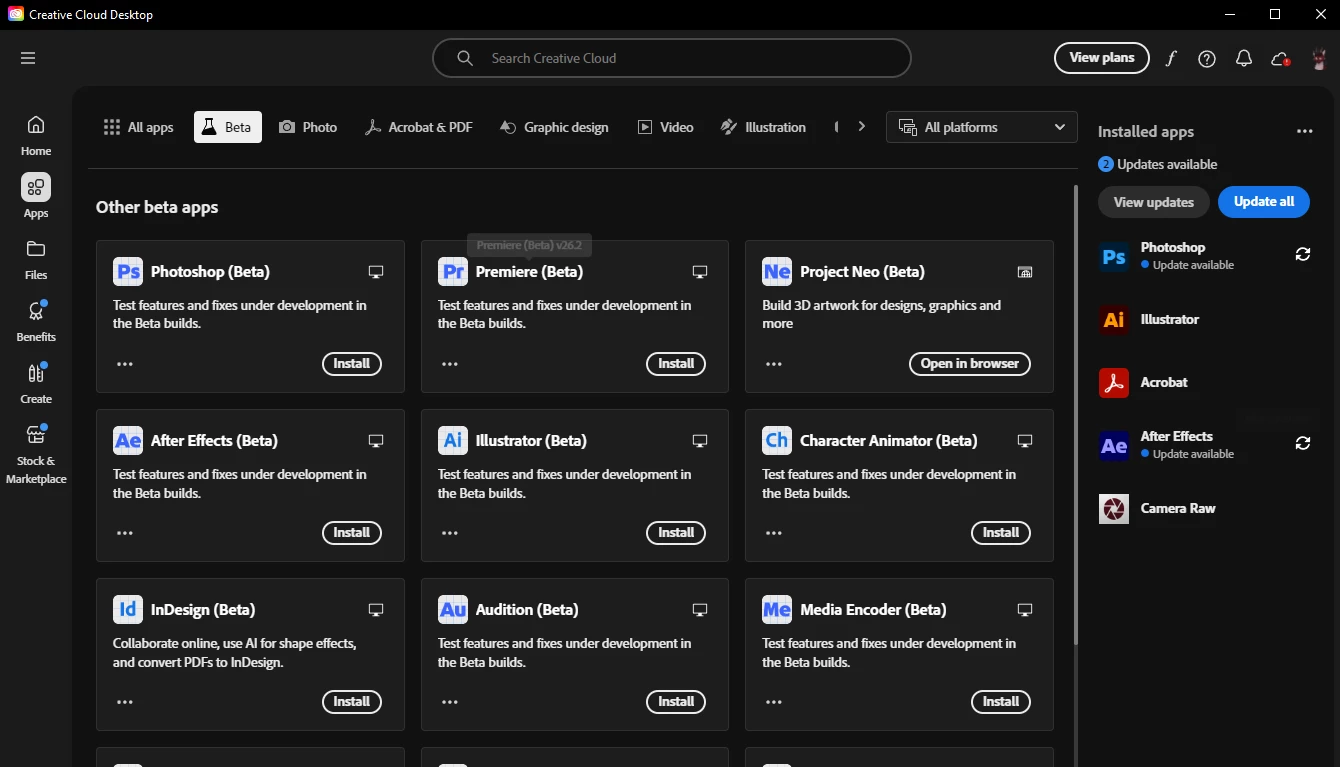
- I’m unable to uninstall certain Adobe apps. Other apps uninstallation worked normally, but for a few, they just can’t be uninstalled and they are still working. It is Adobe Photoshop 2024, Photoshop Beta a Animate 2023. I’v tried it uninstalling them through settings and control panel, always redirected into Creative Cloud Desktop, where I confirned it (tried it with keep and remove option), it shows as unintalling 1% and finishing in matter of like 2 seconds. What really intirates me is the Photoshop Beta. When I want to open for example png through Open WIth, there is only the Photoshop Beta option (from Photoshops) and if I even open it through different app and find the new Photoshop in my PC, it still opens it self through Photoshop Beta. Also the Photoshop Beta already set itself for the second time to be the primarely app for opening psd. I really want to delete it from my computer as soon as possible. But for example in teh Creative Cloud the Photoshop Beta and Animate is showing for me as “Install”.
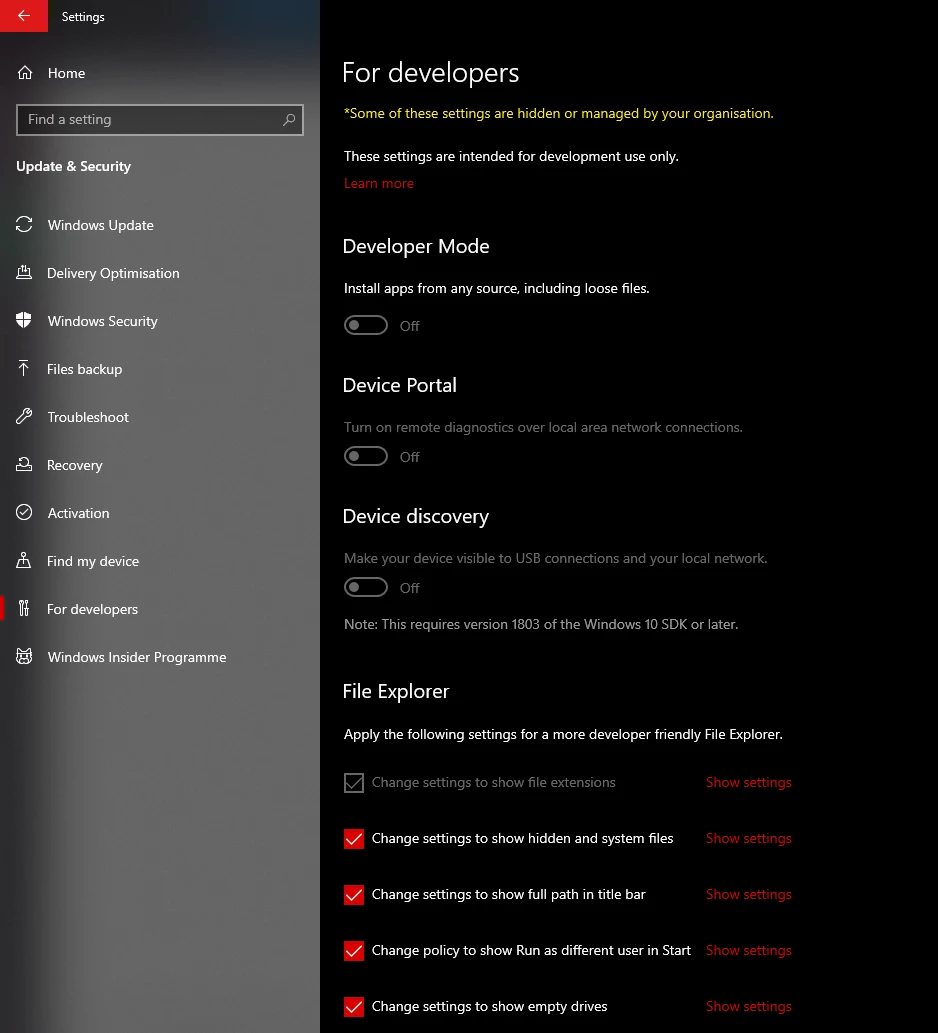
- I’m having an error 506 with creative cloud desktop. What I found out, that it should be solved by turning on Developer Mode on my pc. However it is for some reason disabled for me, even though I’m the only and main user on this pc with all access, I can’t turn it on. I’v tried change something in regedit and thorugh gpedit.msc, but no luck. I want this only because of the Adobe Creative Cloud error
Thank you

 AdChoices