
Question
Unable to Update Error code 507
My Creative Cloud Desktop keeps getting unable to update error code 507.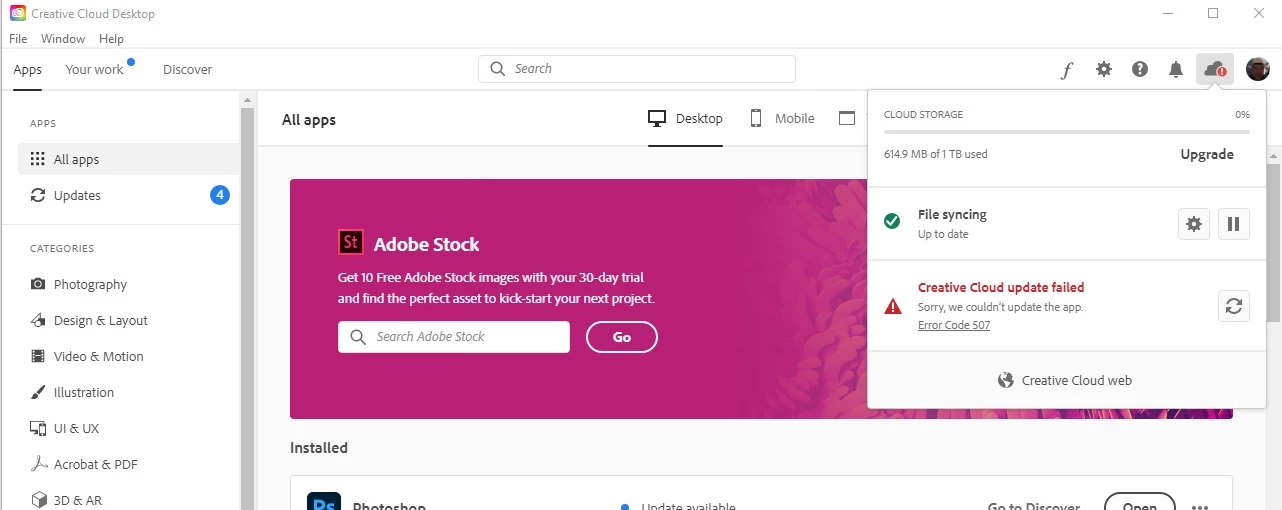
I went to the help page, and tried to repair creative cloud desktop app. And I still got the error 507.
I then used the creative cloud desktop uninstaller, then reinstall creative cloud desktop. I still received an error 507. The drive that it is installed is online as it my system drive. My drive is a m.2 500GB drive. Is there a way to have creative cloud desktop not install on my system drive. The apps install on a separate drive but creative cloud installs on my system drive.
I would like to sort this issue out.
 AdChoices