
Inspiring
June 11, 2019
Question

Uninstall Creative Cloud

  • June 11, 2019
  • 2 replies
  • 597 views

I want to remove Create Cloud.

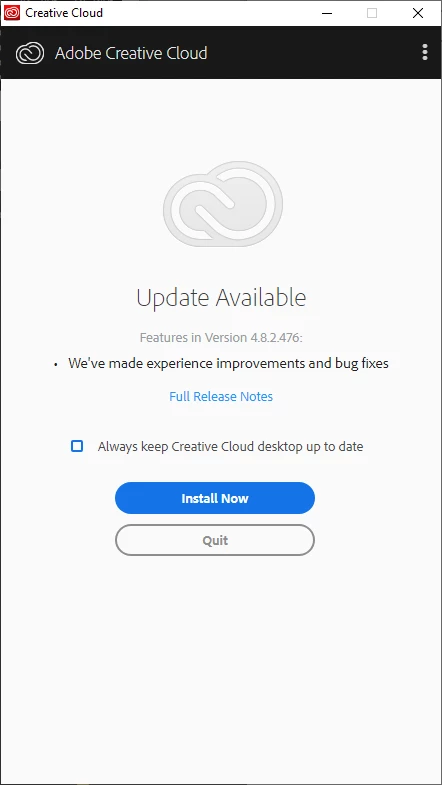
When I start Adobe Creative Cloud however it insists that I update it. I don't want to update it I want it gone.

How do I prevent Creative Cloud from installing updates and go directly to uninstall?
This topic has been closed for replies.

2 replies

jdbest_playzg60695037
Participant
July 5, 2019

Yes this is ridiculous, even as an administrator you still need to login to adobe to uninstall this program. I didn't even install this program on my computer and now I have to jump through all these hoops just to get it off.

I should just be able to remove the program if I want to, locally without even getting on the internet. What makes it even worse that we have to update before we have an option to remove.

What kind of information are you collecting on our PCs that you try so hard to stay on our computers?

theking2Author
Inspiring
June 11, 2019

I tried and executed this:Uninstall the Adobe Creative Cloud desktop application

But that left all Create Cloud applications on my PC. :-(

And now I can no longer uninstall them . Was this programmed by dropouts?

Abambo
Community Expert
Community Expert
June 14, 2019

theking2  wrote


And now I can no longer uninstall them .

What is the error message?

ABAMBO | Hard- and Software Engineer | Photographer