
anam19811226
Participant
June 27, 2020
Question

Uninstall premiere pro cc

  • June 27, 2020
  • 1 reply
  • 407 views

Recently i've tried to uninstall premiere by mistake and cancelled it, but now every 5 minutes creative cloud opens with this sign: 
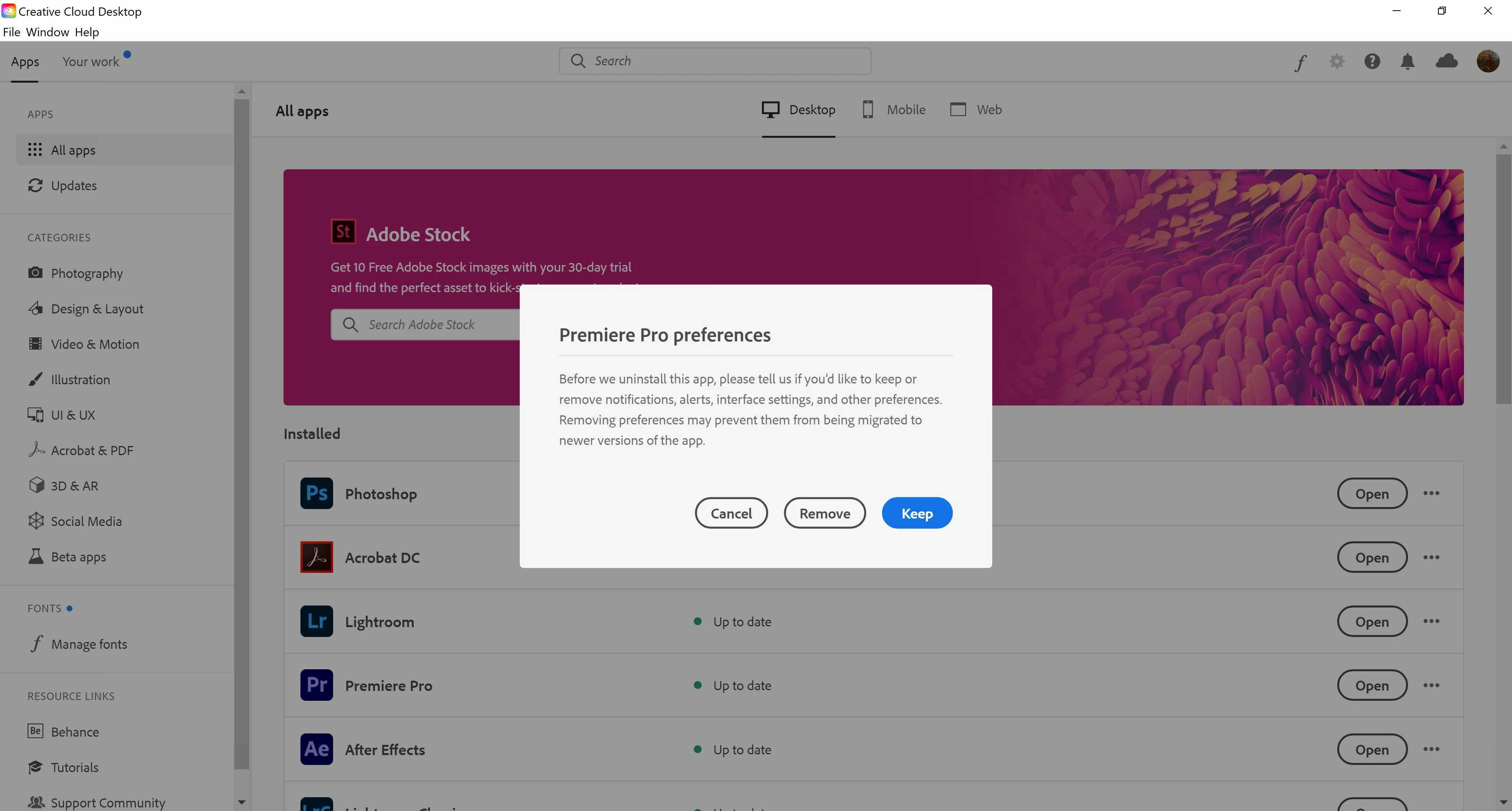
 

It doesn't matter which button I choose, it still happens every like 5 or 10 minutes. And if I close the program it opens automatically again. Premiere is working, but it's really annoying

This topic has been closed for replies.

1 reply

Just Shoot Me
Legend
June 28, 2020

Complete the uninstall, Keep your preferences, then Reinstall.


Also what program opens automatically? The CC DTA? The CC DTA is not like other program for Windows. All you are doing by clicking the X in the upper right hand corner of the CC DTA window is Closing that Window and not shutting the program down. To shut the CC DTA down either do File Menu item then Exit Creative Cloud or keyboard shortcut Ctrl + w then hit the Quit button.


anam19811226
Participant
June 29, 2020

Thanks! But the problem persists. The program that opens is creative cloud. I've already tried unintalling premiere, and I've even unintalled all of creative cloud and its apps, and reinstalled them but this keeps happening. 

I've realised it opens with that sign when I leave a fullscreen mode (for example when watching netflix, I close the fullscreen mode and Creative Cloud opens with the sign of Premiere Pro preferences)

Thank you for your help