Participant
August 9, 2018
Question

Urgent help with subscription issue!

  • August 9, 2018
  • 4 replies
  • 960 views

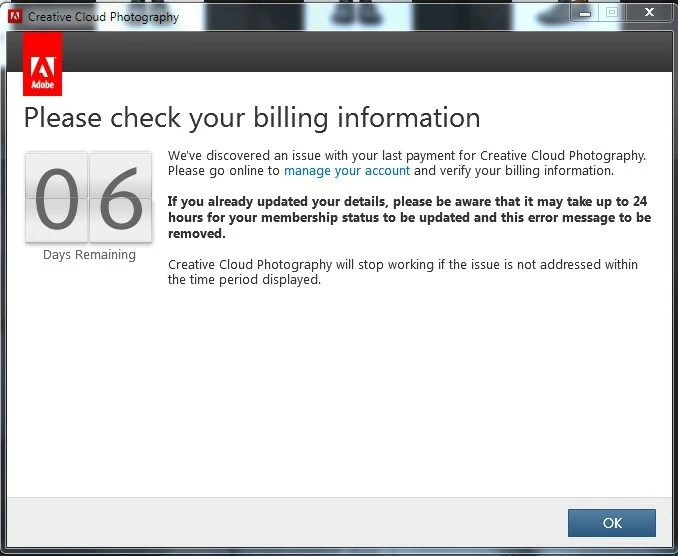
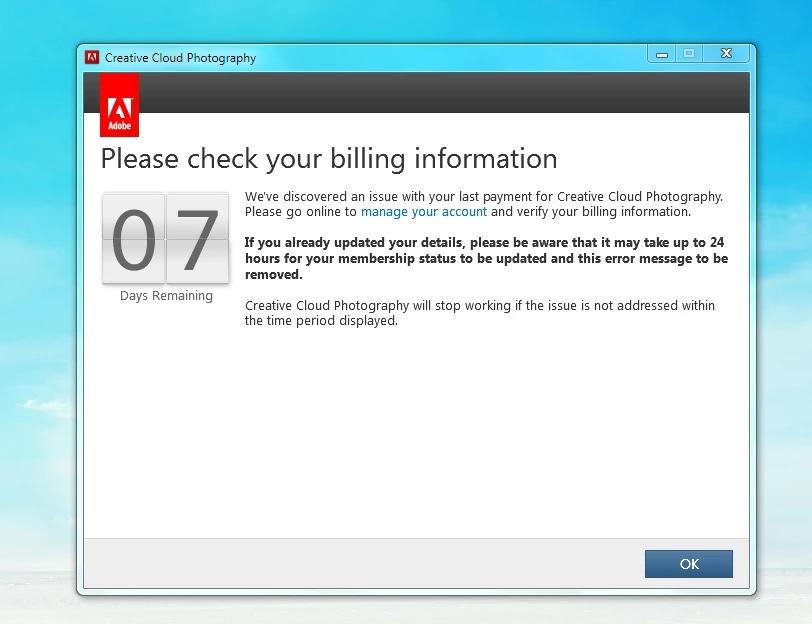
I have been subscribed to "Creative Cloud Photography plan" and "Creative Cloud single-app membership for Illustrator" since Nov 2017. The subscriptions are for maximum of 2 logins at the same time and the software are used on 4 different computers. Two days ago (7/08/18), 3 of the computers received a notification when logging in to creative cloud to check billing information, saying there is an issue with my payment. I have never change or update my card detail since the beginning of the service and that the last payment was successfully charged on my card last month.

After contacting at least 6 different Adobe support team yesterday and today, they all said that there is no issue with my payment but could not provide me with any solution that really work to stop the pop up. The count down shows that I will need to fix this within 6 days if I do not want my service to end. I am using these software for professional work and cannot afford to have the program stop working!

Really appreciate if anyone who have experienced the same issue before or anyone who can give me insights to how I can solve this.

Many Thanks.
This topic has been closed for replies.

4 replies

AsukaTAuthor
Participant
August 20, 2018

Hi All,

After the Adobe team has cancelled my subscription and reapply the subscription again, it magically work! Thank you very much everyone for all the support.

Hopefully this issue wont reappear again next time.

Rajashree Bhattacharya
Legend
August 10, 2018

Hi,

Have you tried the steps in Stop Adobe Creative Cloud from opening in trial mode after purchase ? Please let us know how it goes. There are no billing or payment issues.

Thanks

Rajashree

AsukaTAuthor
Participant
August 13, 2018

Hi Rajashree,

I have tried your methods, still the issue is not fixed. Do you have any other suggestions?

arij2010
Inspiring
August 13, 2018

I think you need to check your subscription validity with Adobe . Maybe you have a validity issue even if the payment is done.

arij2010
Inspiring
August 9, 2018

Hi,

Try this :

1 -

Windows 8 and 10 : "Windows+X" to Access the Power User Menu

Run the Task Manager to quit these processes .

Adobe CEF Helper

Adobe Creative Cloud

Adobe IPC Broker

Adobe Genuine Software Integrity Service

CCLibraries

CCXProcess

Creative Cloud

CoreSync

2 - Rename The folders "SlStore" , "SlCache" and "OOBE" to "SlStore.old" , "SlCache.old" and "OOBE.old" in this location :

C:\Users\<user folder>\AppData\Local\Adobe\OOBE

C:\ProgramData\Adobe\SLStore.

C:\Program Files (x86)\Common Files\Adobe\ SlCache

3-

For Windows :

-> Run any application as admin and sign in .

AsukaTAuthor
Participant
August 13, 2018

Hi arij2010,

Thank very much for your suggestion. I have tried your methods, but it's still isn't working. I'm on 2 days remaining now, do you have any other suggestions?

Abambo
Community Expert
Community Expert
August 9, 2018

Unfortunatly all billing issues need to be cle ared with Adobe. This cannot be discussed in public here as this is a user to user forum with some Adobe participation. I can however ask Adobe staff to look into your case again. If contacted pay attention that the contacter bears the STAFF badge in addition to the Adobe logo at the right of the name.

One thing that I would recommend doing beforehand is to log out on the machines with the warning and log in again. May be that solves the problem.

You could also look into this thread to see if this is corresponding to your situation: "Please check your billing information"

ABAMBO | Hard- and Software Engineer | Photographer