Participant
February 18, 2020
Question

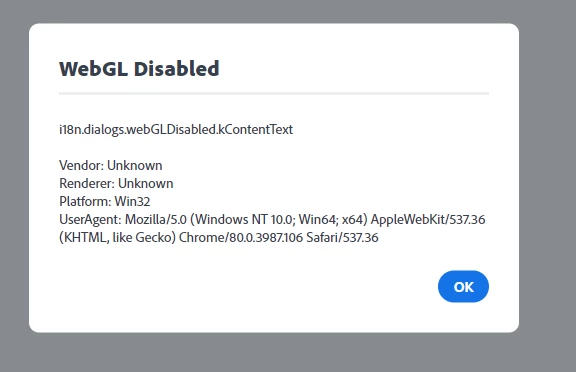
What does this mean

  • February 18, 2020
  • 4 replies
  • 1706 views

This topic has been closed for replies.

4 replies

Nancy OShea
Community Expert
Community Expert
February 18, 2020

Which browser are you using?


Nancy O'Shea— Product User & Community Expert
Participating Frequently
February 18, 2020

If you are getting the error message “WebGL Disabled” when using Adobe Spark, it is possible that:

  • You may need to close your browser and restart your computer
  • Your browser needs to be updated
  • WebGL and hardware acceleration were disabled in your browser.  If you've followed the below steps and found hardware acceleration is enabled, sometimes turning it off may also fix the issue.
  • A browser plug-in disabled WebGL
  • An IT organization has disabled WebGL on your machine
  • Your machine’s hardware does not support WebGL
John T Smith
Community Expert
Community Expert
February 18, 2020

I have never seen that error mentioned in assocation with an Adobe program

Please post the name of the Adobe program you use so a Moderator may move this message to that forum
