
Participating Frequently
April 14, 2016
Answered

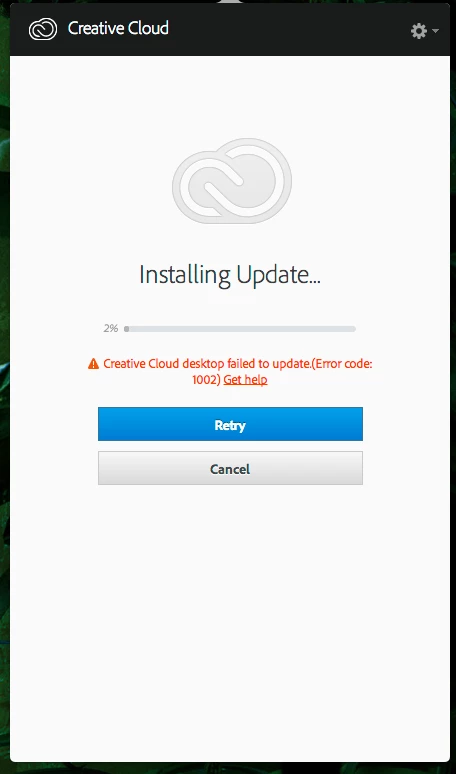
What the?!?! Creative Cloud desktop failed to update. (Error code: 1002)

  • April 14, 2016
  • 2 replies
  • 2048 views

Second time this happened. First time i tried some of the tips from searching forums and CC tanked and then i had to get help from Adobe Support to get back up and running. Now again. Why does this continue to be an issue even after Support fixed it with me. I feel like i get frozen in time when updates aren't responsive.

Any help before i contact support again would be great from the forums.
This topic has been closed for replies.
Correct answer Kanikas

Hi,

Please refer the links below for help ::

Error 1002

i have error code 1002 how do i fix this

Hope this helps !!!

2 replies

daveyjAuthor
Participating Frequently
April 21, 2016

so i'm guessing either i try to fix this and screw something up or contact adobe support. there's no other way to update cc apps other than through the CC UI which is not able to update.

super not fun

Kanikas
KanikasCorrect answer
Legend
April 14, 2016

Hi,

Please refer the links below for help ::

Error 1002

i have error code 1002 how do i fix this

Hope this helps !!!

daveyjAuthor
Participating Frequently
April 14, 2016

Last time this happened (On Mac by the way) and i tried the uninstall/reinstall. the whole world fell apart and got errors within the apps, etc. Not doing that again. I'll try to get on with support to troubleshoot with someone.