
Participant
December 29, 2015
Answered

Why is my Creative Cloud desktop app menu blank?

  • December 29, 2015
  • 1 reply
  • 2070 views

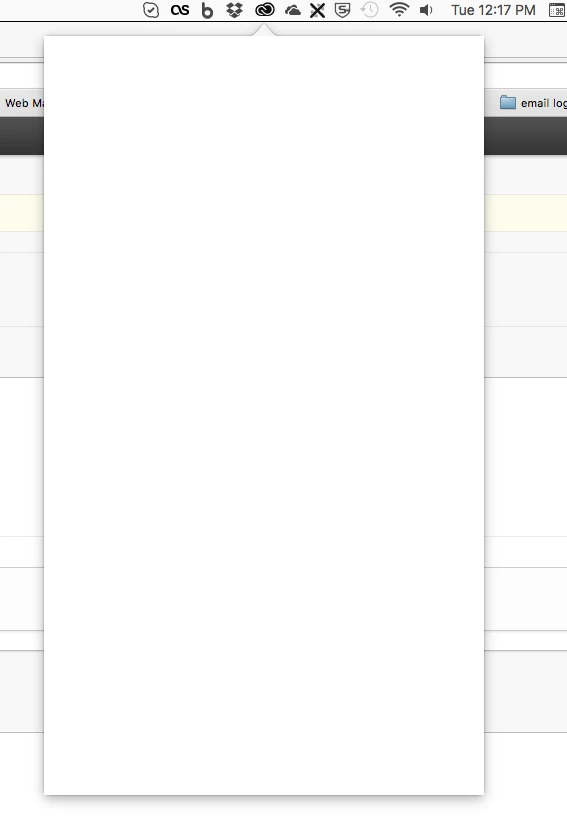
I can't update any of my CC apps, because the desktop app is messed up. The menu from the task bar is just blank. Any ideas on how to fix, so I can access the latest app updates?

See attached screenshot.
This topic has been closed for replies.
Correct answer Govardhan.V

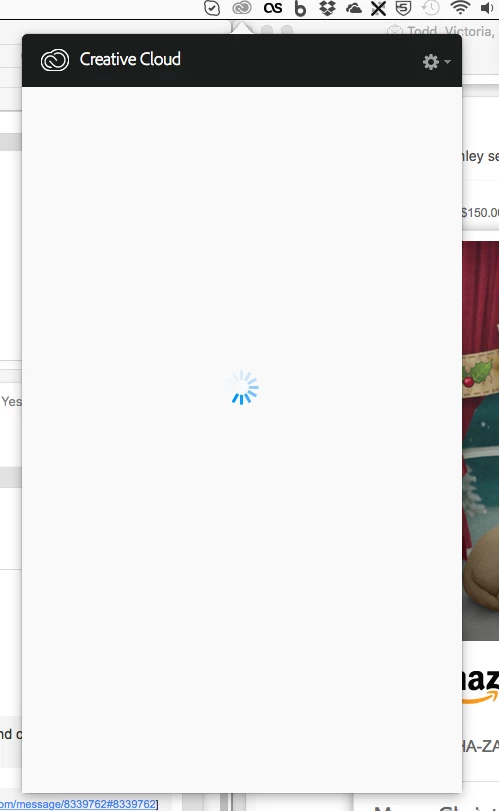
This got me a step closer, but the app just hangs now. I can access the gearbox menu (see attached screenshot), and the black header is visible, but as you can see, the wheel is just spinning, and if I try to quit from that menu, there is no response.


Hmm , you had performed basic troubleshooting steps and still having issues with Creative Cloud app, we will need to start advanced steps.

It is better to perform clean reinstallation :

Follow steps mentioned in below link

I cannot run Creative Cloud (Spinning circle)

1 reply

Kanikas
Legend
December 29, 2015
Participant
December 29, 2015

Sorry, no these did not help. As you can see in my screenshot, my menu is completely blank. There is nothing to click on, no way to quit the desktop app, etc. FYI, I am on an iMac, if that helps. Not even right-clicking on the app icon does anything.

Kanikas
Legend
December 29, 2015

Bryan,

Kindly use the Activity monitor to close all the adobe processes . This will help you to exit out of adobe app .

Kindly Find the Detailed instructions in the documents mentioned above .