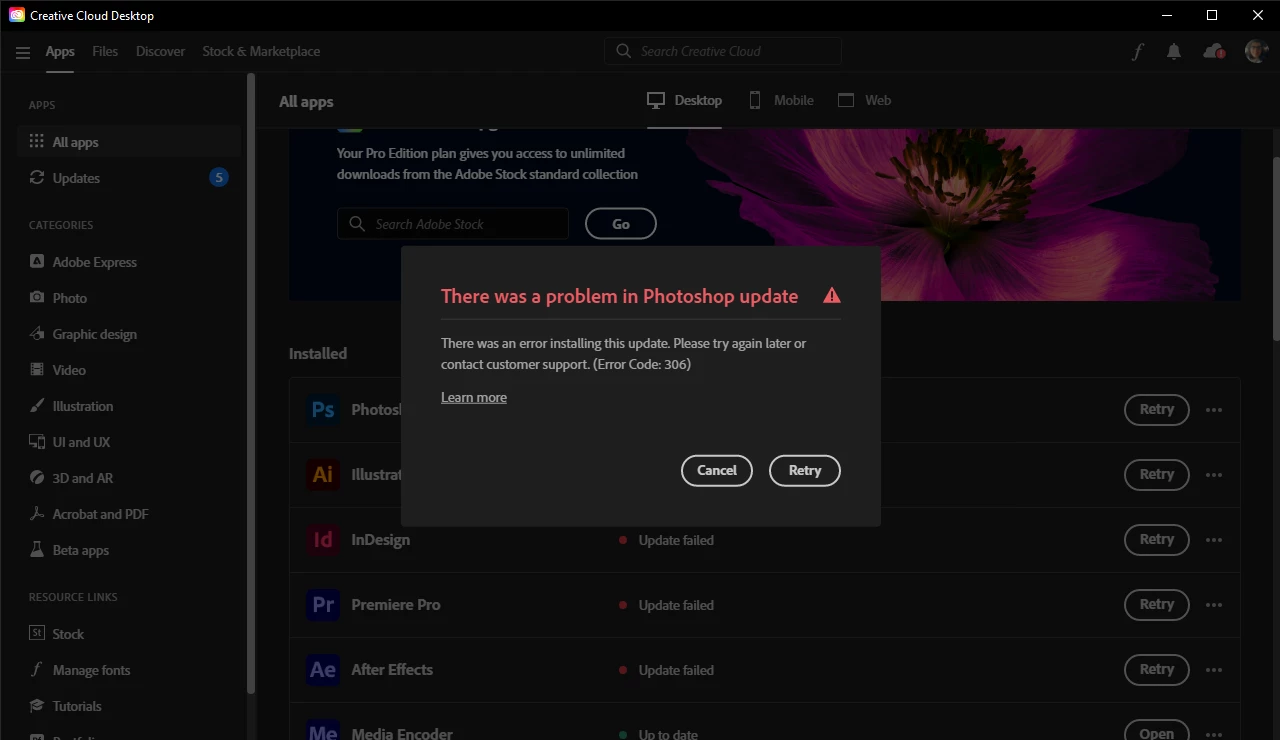
why is this happening?


Error 306 indicates that you don't have the recent version of your Creative Cloud Desktop Client installed.
Please update the client first and then try again.
How to download the Creative Cloud desktop app (adobe.com)
If this doesn't help try to resetting the CC App.
To reset the Creative Cloud desktop app, make sure it's in the foreground, then press:
Win: Ctrl + Alt + R
Mac: Cmd + Opt + R
If that doesn't work, try uninstalling and reinstalling the CC App:
https://helpx.adobe.com/creative-cloud/help/uninstall-creative-cloud-desktop-app.html
https://helpx.adobe.com/download-install/kb/creative-cloud-desktop-app-download.html
Already have an account? Login
Enter your E-mail address. We'll send you an e-mail with instructions to reset your password.