


Inspiring
February 10, 2022
Answered

Win10, Adobe CC start menu: fix missing and old program shortcuts

  • February 10, 2022
  • 1 reply
  • 926 views

Hi,

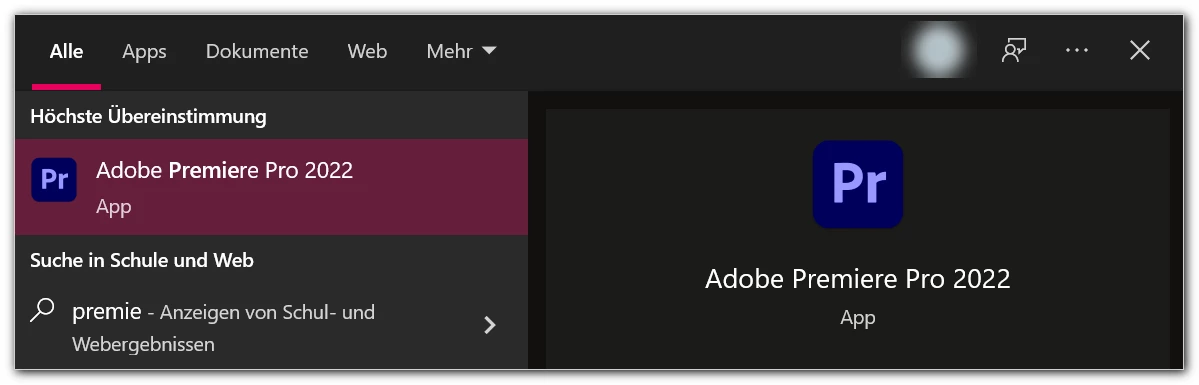
maybe someone can help me with Windows 10 and the missing program shortcuts in the start menu by typing the initial letters (my preferred way to start programs).

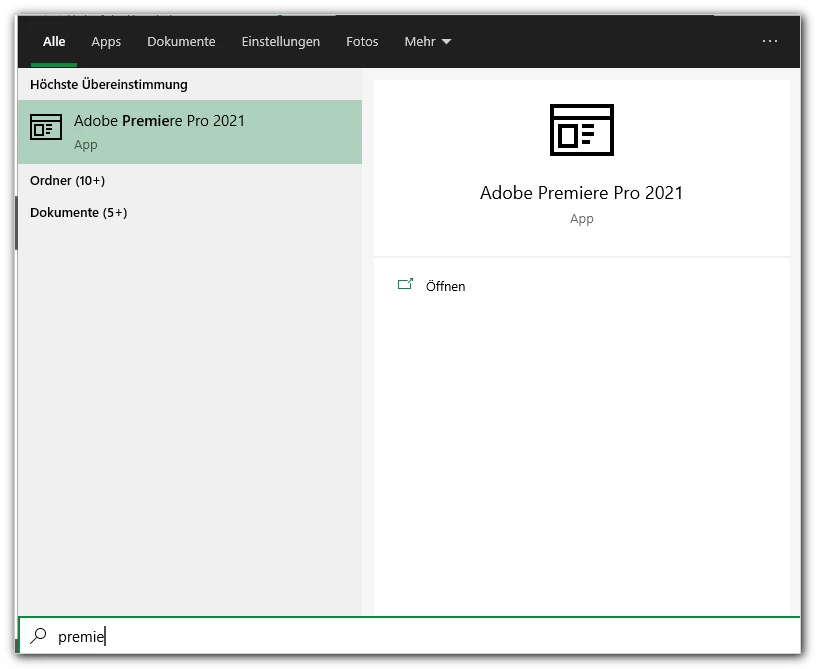
I have the latest versions of Adobe CC programs installed (v2022). But e.g. the "old" entry of/to Premiere 2021 is displayed:


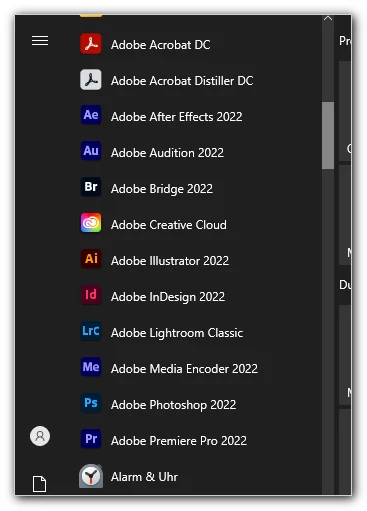
However all the programs are listed in the start menu:


Does have anybody the same problem und esp. a fix for it? The "tutorials in the web" were not successful ...


Thanks,

mycc


This topic has been closed for replies.
Correct answer mycc

No, I can't open it.


But it seems to be a known 😞 "bug" of win 10. In previous versions all entries in the two program directories were accessible via the start menu.


  • %programdata%\Microsoft\Windows\Start Menu\Programs
  • %appdata%\Microsoft\Windows\Start Menu\Programs\


On my working station no problems – yet ...


Thanks!

1 reply

kglad
Community Expert
Community Expert
February 15, 2022

if you double click premiere pro 2021, does 2022 open?

myccAuthorCorrect answer
Inspiring
February 18, 2022

No, I can't open it.


But it seems to be a known 😞 "bug" of win 10. In previous versions all entries in the two program directories were accessible via the start menu.


  • %programdata%\Microsoft\Windows\Start Menu\Programs
  • %appdata%\Microsoft\Windows\Start Menu\Programs\


On my working station no problems – yet ...


Thanks!