


Inspiring
February 6, 2021
Answered

Win10 > This application cannot be installed on your current operating system

  • February 6, 2021
  • 1 reply
  • 482 views

Installing Creative Cloud into a fresh Win install and I get the error


This application cannot be installed on your current operating system.
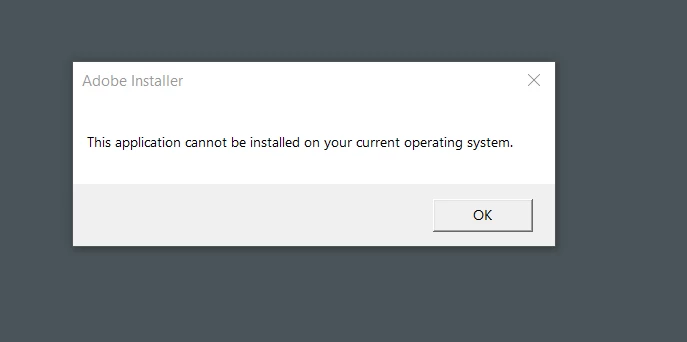


I meet or exceed all system requirements. 


This topic has been closed for replies.
Correct answer adrianl91021716

Update: Support had to remote in and download an offline installer in order to get it in. Any offline installer will install CC as well as the chosen application ie, Photoshop. From there all the other apps installed just fine from within CC.


Solved

1 reply

John T Smith
Community Expert
Community Expert
February 6, 2021

Exactly which version of Windows 10?


I have Win10 64bit Pro version 20H2

Inspiring
February 6, 2021

Same here, brand new fresh install of Win10 64bit Pro version 20H2


I did make a custom install ISO and removed a bunch of MS bloatware. But nothing that I can see would cause any issues.


This is my first ever platform move. I've always been on Intel hardware and this is my first AMD rig.


So far everything else has installed just fine. Blender, DaVinci Resolve, VLC, Chrome etc.


This is the last bit and I can't get anywhere.


I read about creating a new user profile and that working for someone. Didn't work for me.


I also found an alternate installer specifically for x64 systems, still wouldn't work.


I dread it but I'm going to have to call into support to get this figured out.