
Participating Frequently
July 6, 2019
Question

XD installation not working

  • July 6, 2019
  • 2 replies
  • 1517 views

Hi, I'm trying to install the latest free version of XD.  It doesn't seem to be installing at all.

The page is stuck on 'XD is now installing'.  With no wheel at all.
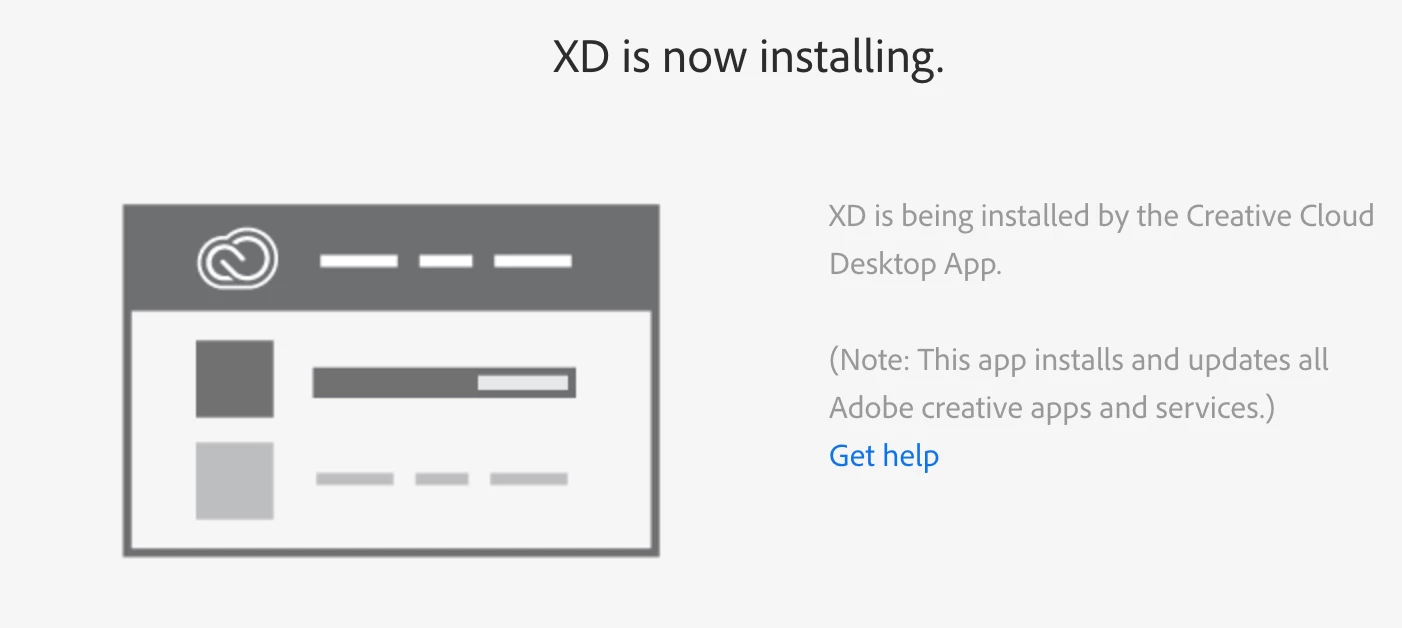
Please help!  I need to view my Designers files, and I can't do that with the old version of XD.

This topic has been closed for replies.

2 replies

Participating Frequently
July 10, 2019

Sjaani
Community Expert
Community Expert
July 8, 2019

Do you have a pop-up blocker which may have prevented you from seeing this:

Participating Frequently
July 8, 2019

No.  I see the above popup.  It starts downloading, and then the download gets stuck.  It's currently stuck on 25%.  Yesterday (after several hours) it got to 39% download.

I have been using Adobe XD flawlessly.  When I tried to open the last update by my designer I can't open the file as I get a message that says "This file was updated using a later version....Update now".  I click on Update now, and the download gets stuck.

Jeffrey_A_Wright
Community Manager
Community Manager
July 8, 2019

Somnak46072977, do you receive any error messages when you attempt to install the updated version of Adobe XD?  You can find the errors recorded within the install log.  For information on how to locate the errors see Creative Cloud download and install errors .