


Customizable menu with images in a fluid grid layout
Apologies, but I'm fairly new to web design. Although I have a specific question, if what I am doing isn't possible (or if nobody has an answer), in the end I'd like to know the best way to create a customizable menu (with the ability to insert images into the menu) in a fluid grid layout. So that is the ultimate goal here.
I am using CS6 and my website is in a fluid grid layout. I am building menus with the Ajatix Advanced CSS 5 Dreamweaver Extension add-on because it allows one to insert images into the menu. With the Ajatix menu builder I am able to build the menu exactly how I want it. However, when I insert it into the website, it does not conform to the fluid grid layout CSS. So the menu does not resize and it does not appear that CSS stylesheet created for the Ajatix menu and the CSS stylesheet of the fluid grid layout are communicating with each other, or one is overriding the other.
If anyone knows that this Ajatix menu builder is completely and forever incompatible with the fluid grid layout then I guess you can provide a quick answer. But if you could then please advise on other solutions I'd greatly appreciate it. I haven't included any code in this question because I thought I would start general and get more specific upon request.
The end-goal is to have the user click on the image box (see below) in my website and have the menu pop-out. Each menu item within is also an image file designed in photoshop, not the standard text provided in the spry menus. Is what I am doing possible? Or am I simply going about this the wrong way? Or am I missing something very simple here? I attempted to use the spry menu but it did not appear to allow for images and it simply did not have the functionality that I needed. I also read that spry menus do not work with fluid grid layouts, but it appears that the Ajatix menu builder also doesn't work with fluid grid layouts either. Am I wrong about the spry menu though? Should I revisit that option? Or what should I be using instead?
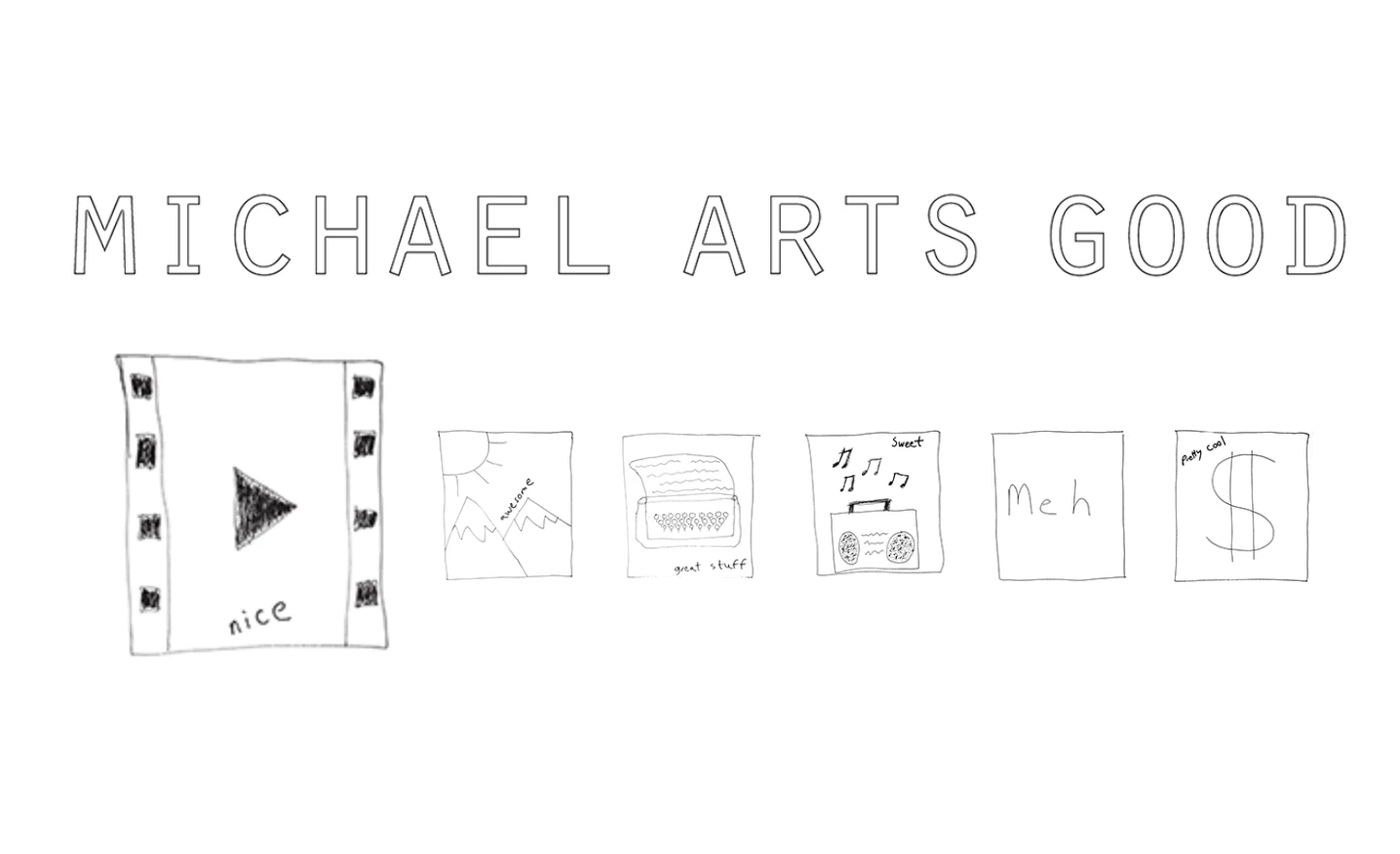
This is what the website looks like and each image box will potentially be a menu “button,” although right now, only the first one to the left is and all the rest are simply image placeholders to demonstrate how the first one to the left (as a menu) does not resize.
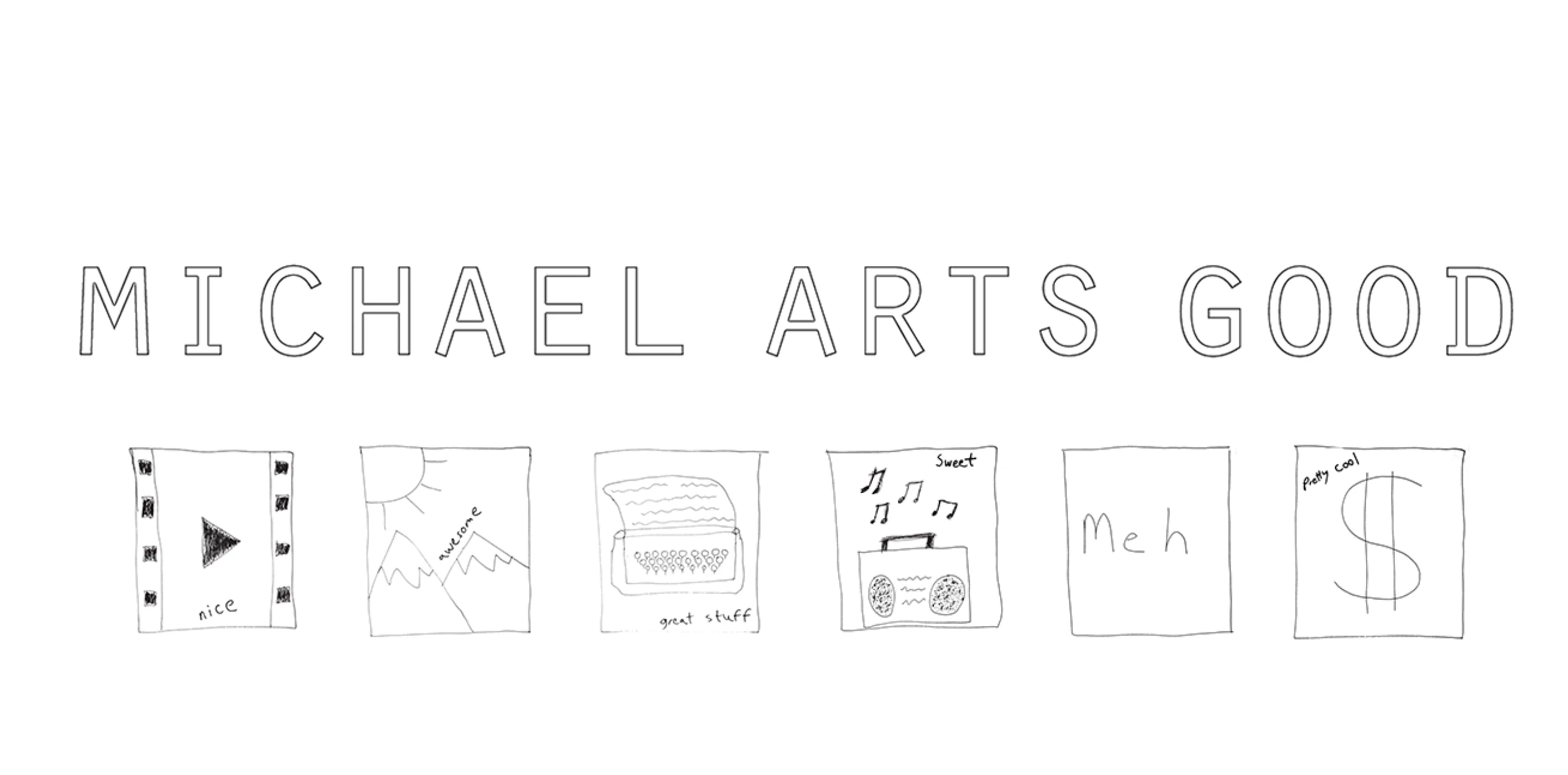
This is what the menu button looks like when it is clicked:

But this is what happens when the website is resized smaller, as everything shrinks except for the menu (the other image buttons have not been turned into menus yet):
Thanks and best.
 AdChoices