



Michael Bishop
Participant
August 2, 2023
Question

Hostinger's servers won't accept my files

  • August 2, 2023
  • 2 replies
  • 691 views

Hello.

I want to use Dreamweaver to build a website on Hostinger.

I have made a very simple website with one html page in it.


I have been working with this problem for some time. At first I thought that the firewall in my router was to blame. After it turned out that it wasn't the case I downloaded FileZilla and tried that. Doing that pointed to the fact that I was putting the index file in a subfile rather than public_html file. When I corrected this problem my website was up for the world to see.


So I tried to upload from Dreamweaver and I am still having the same problem.


I will list the steps I took with pictures.

I goto Mange sites:
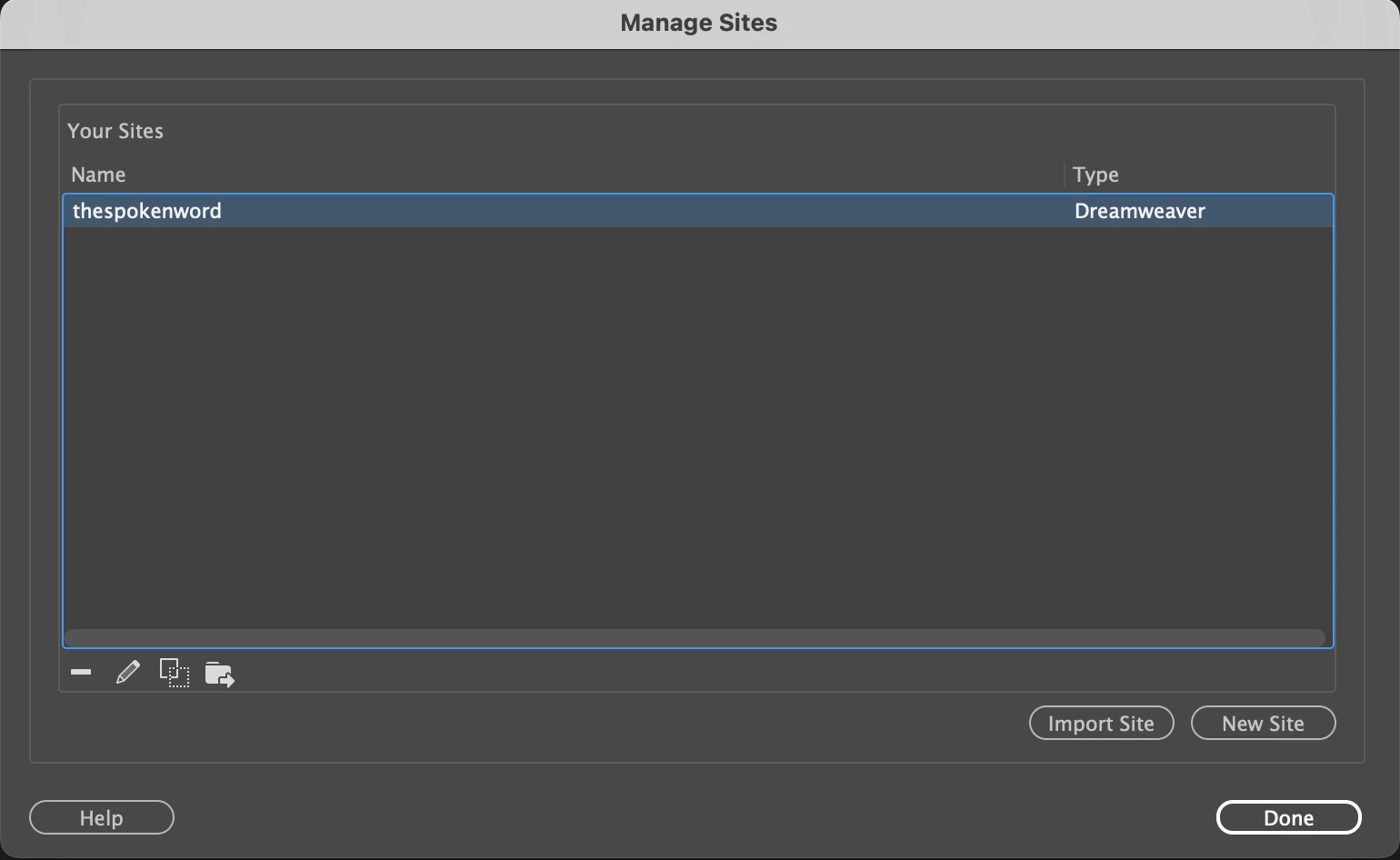
 

I then go to Site Setup:
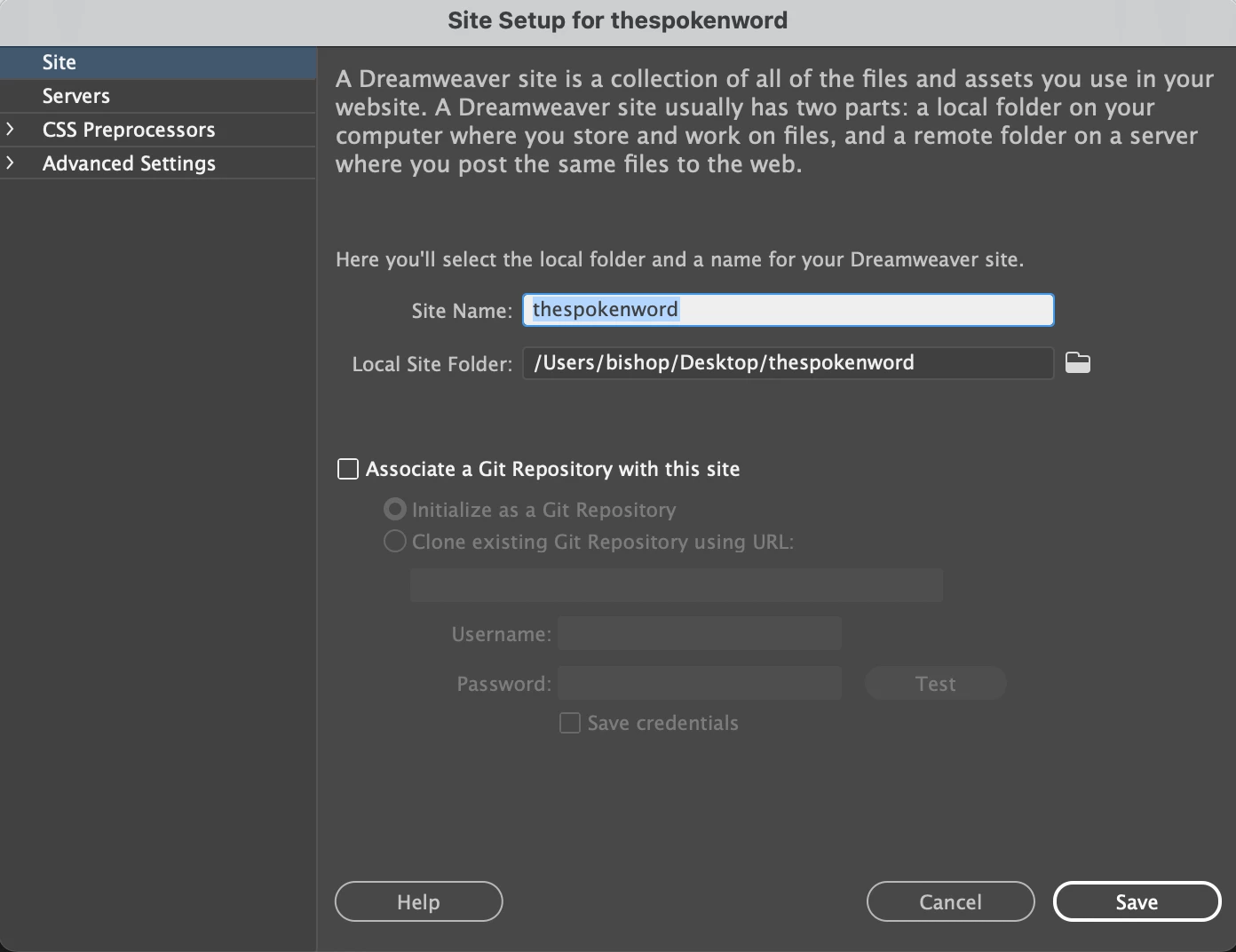
 

Then I go to the next diologue box.
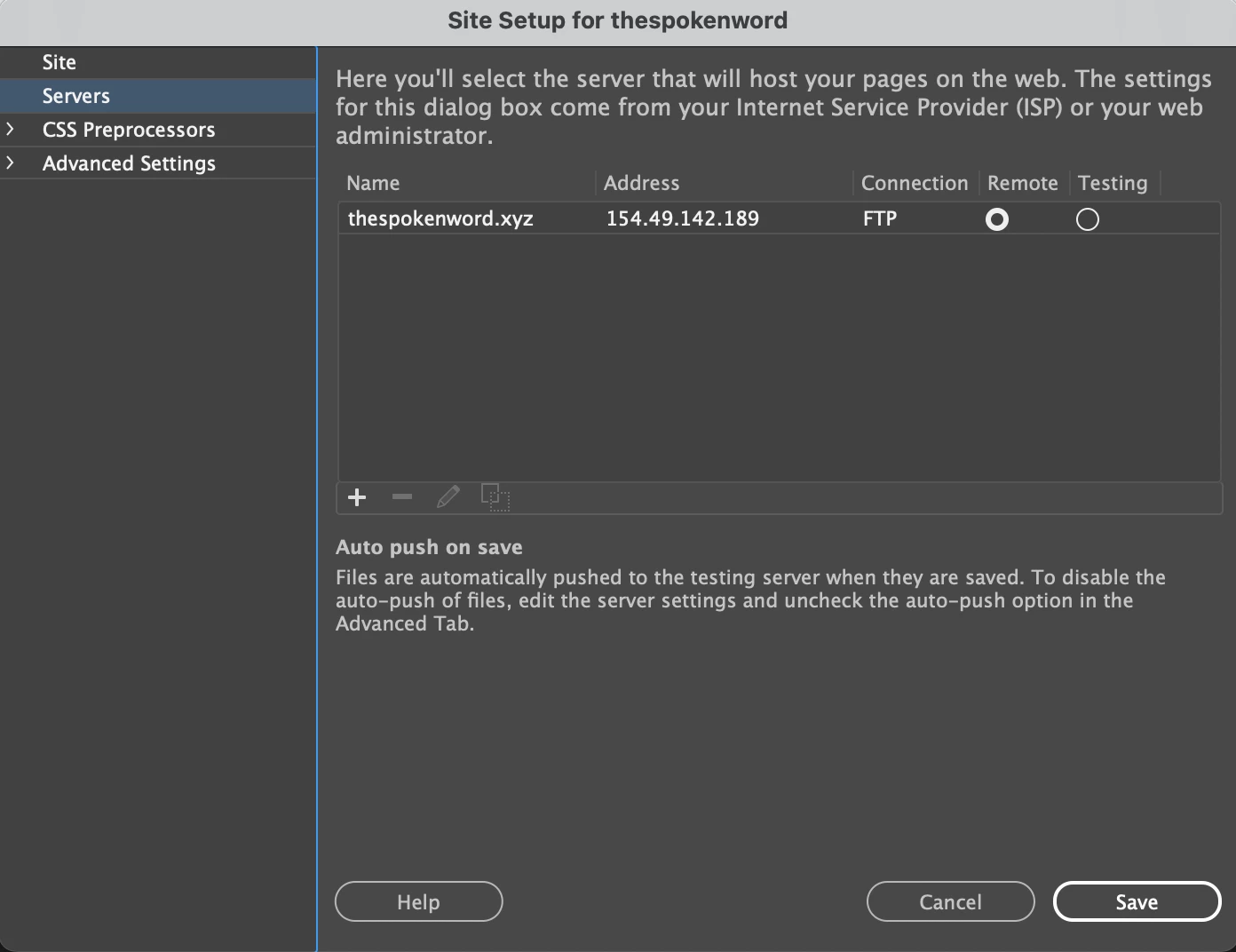
  

And finally I go to the Servers diologue box and put the necessary information like so:
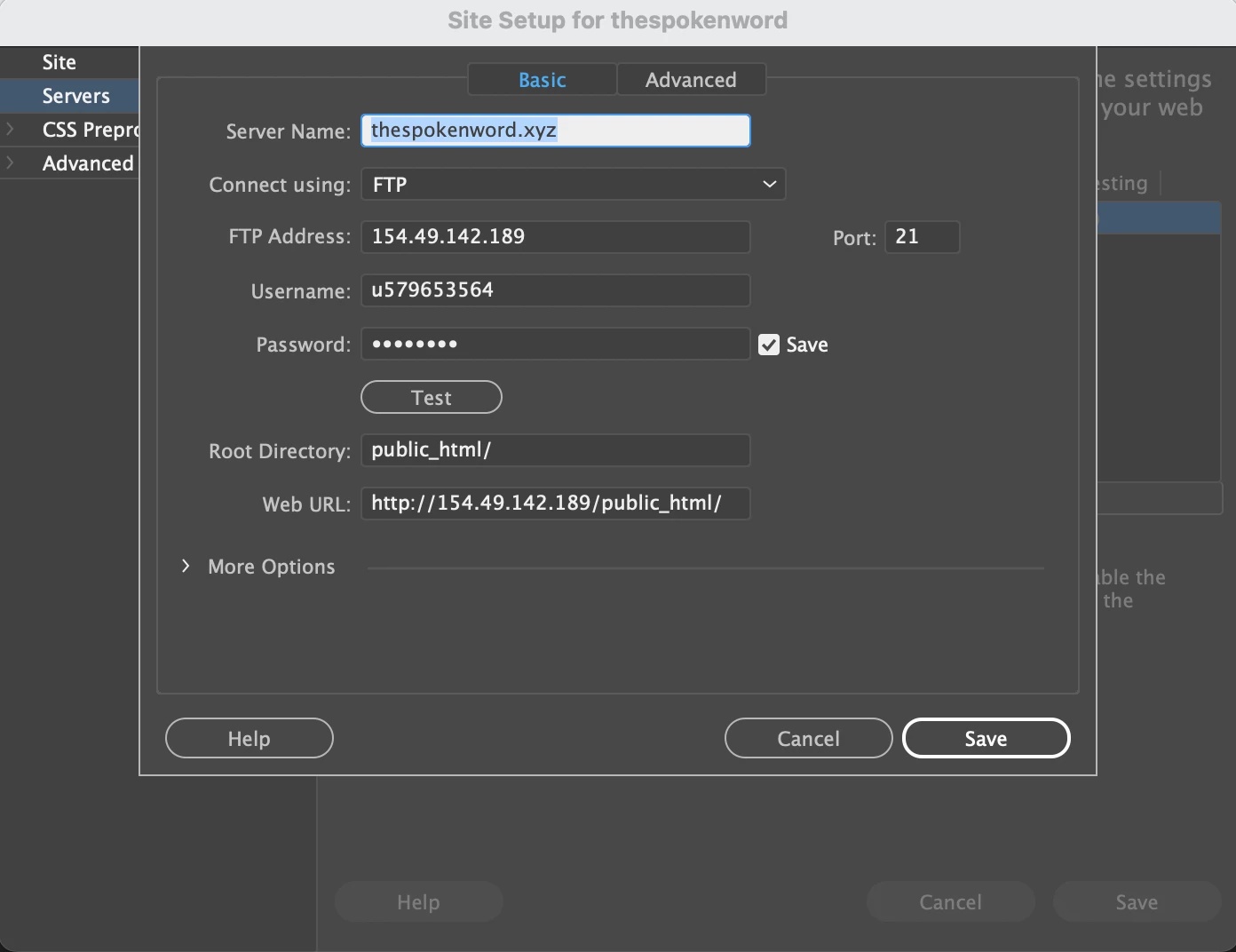
 

And this is the result:
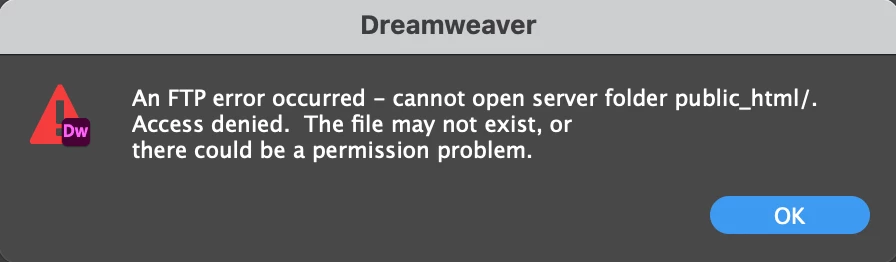
 

Now I notice that my site name is thespokenword and yet the Server Name is thespokenword.xyz. Is that the problem?


Any ideas.

This topic has been closed for replies.

2 replies

Community Expert
August 3, 2023

To complete what @Nancy OShea said, through cpanel, Hostinger offers you a quick and easy installation of Let's Encrypt... a great way to get started https://support.hostinger.com/en/articles/4466647-how-to-install-let-s-encrypt-ssl-in-cpanel

Nancy OShea
Community Expert
Community Expert
August 2, 2023

Your mistake is a simple one to fix. Change what you have now to this.

Web URL:  https://your_domain.com/

DO NOT ADD public_html to your URL.


If you don't have a secure server yet, GET ONE.  Everyone needs SSL/TLS certs for better web security.  Free certs are available from Let's Encrypt and other CAs however they don't offer as much protection as certs you pay for.


Which reminds me, I need to renew my server certificates shortly.  I get mine from Namecheap.com. 

https://www.namecheap.com/security/ssl-certificates/


Your web host probably sells them, too, but you'll likely pay more for the extra service.


Nancy O'Shea— Product User & Community Expert