



Acobat Single App Install and Conflicting Processes
Hi Adobe,
I am trying to configure a 3 CCP deployment via SCCM for various apps:
Design Package - Photoshop etc
Media Package - Premiere etc
Acrobat - Single Acrobat DC Application
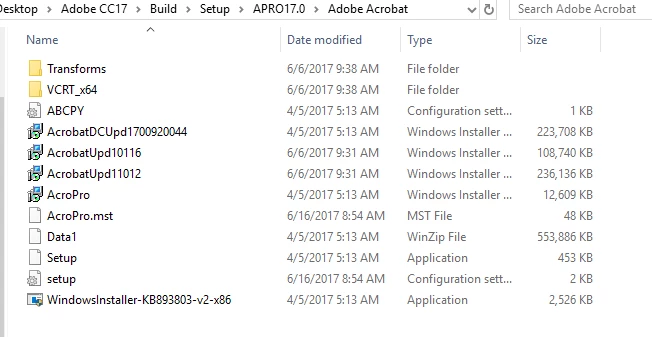
I have created all 3 packages with the CCP and testing the deployments locally first before hitting SCCM will allow me to install the design and media packages fine with no issue. When I try to deploy Acrobat via the msi I get an installation success message and can see in the MSI log I told it to create that it says package reconfiguration successful however no Acrobat DC is installed. I then try to run the setup.exe --silent to see what that gives and the following is displayed:
UI mode: Silent
2.00%
Error : Conflicting Processes running.
Exit Code: 19
Setup exiting with return code (5)
When I look at the ConflictingProcessList.xml I can see a number of processes which must not be running however how can I ensure they are killed prior to the installation other than writing a long script to run before my deployment? Im super surprised that the installer doesn't close these and restart after install. I also read there was a possible force switch to force the install however when I run setup.exe --help no such switch is listed. Now im not one to moan as Adobe Products once installed are amazing however I have been tackling Adobe Deployments since CS4 and although they are better now they still seem plagued with issues. Any tips on getting Acrobat to install as a single app?

 AdChoices