


Acrobat DC Message: We can't verifiy your subscription status (Windows)
Out of the blue, one of our customers got the message:
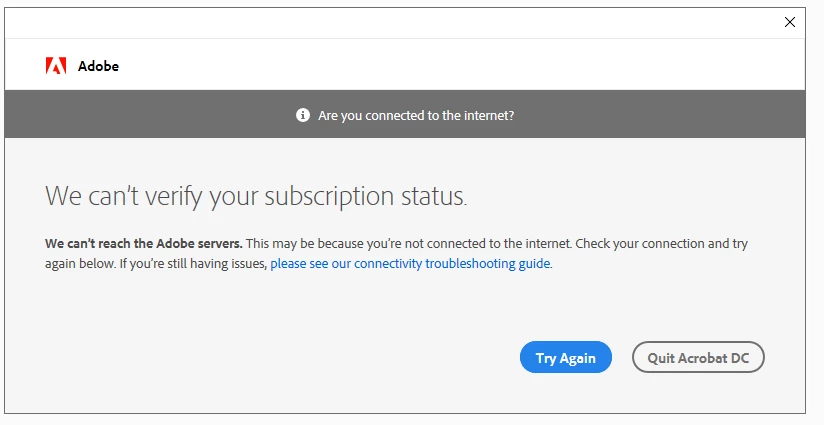
while opening a pdf-document. For over a year, she was able to use Acrobat DC on that machine (WSRV2019 terminal server) without any issues. She is logged in into Creative Cloud with her Enterprise account, opening Acrobat from there (where it is visible as a product belonging to her) gives the same result.
Following the directions from this community, we did all the things concerning the Credential Manager to no avail.
Also, we totally uninstalled all Adobe products from the machine, deleted all folders related to Adobe (yes, also the ones in %appdata%), rebooted, reinstalled Creative Cloud successfully, reinstalled Acrobat DC successfully, rebooted end.... the same result.
When another user logs in to the same machine and uses his Adobe-account, all goes well. Even when I log in on that machine, and uses the concerning users' credentials for Creative Cloud, Acrobat starts without a flaw. I'd rather not clear her profile as you can understand...
Anyone who has the solution?
Cheers,
Bert

 AdChoices