



Activation stopped working on account on multiple machines (PC/Mac)
Adobe Support and community members,
Getting caught in a loop with opening our Adobe software today, on launching any application we see the following screen.
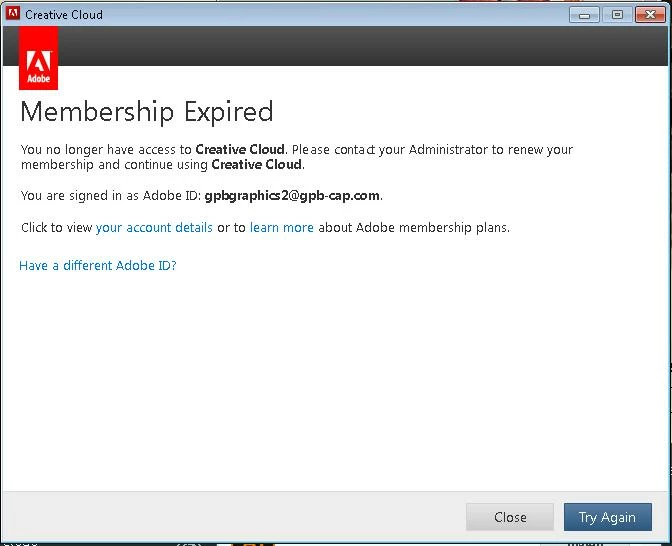
On clicking Try Again we see this:
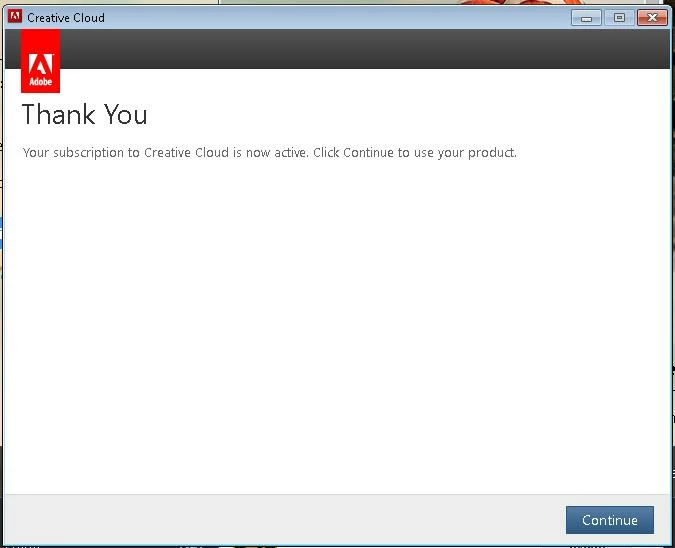
On clicking Continue, it launches back to the first screen when it next tries to start the app, or the next time we try to start the app manually.
I spent hours cleaning out Adobe files and reinstalling thinking this issue specific to the Mac we installed on, but after installing Creative Cloud on a Windows PC, the same issue was encountered. I can confirm that the team leader has given the license to my account and that the license shows up properly in my Adobe account in the portal. We tried removing and re-assigning the license and this had no effect. Strangely we received the email indicating we had been removed but not the following email which should have reinvited us to have access, regardless Creative Cloud still shows as entitled under the account details:

Please advise...

 AdChoices