Participant
November 14, 2012
Question

Adobe Application Manager Enterprise Edition...

  • November 14, 2012
  • 7 replies
  • 6927 views

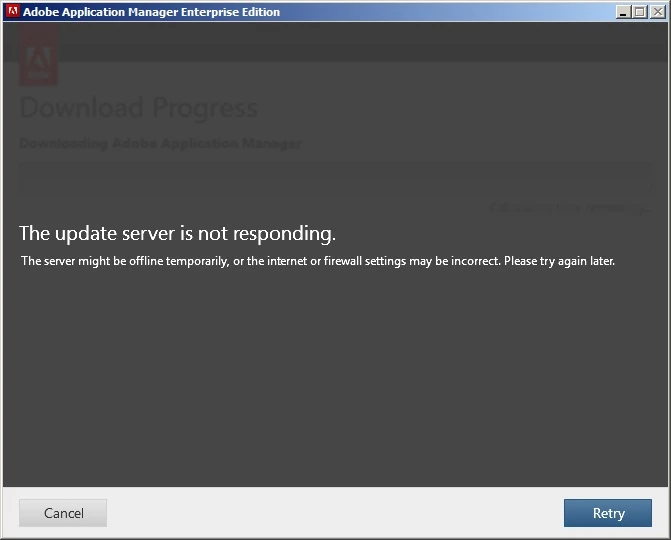
The update server is not responding. I'm attempting to build a deployment package for Captivate. I get this error after the Updates screen.
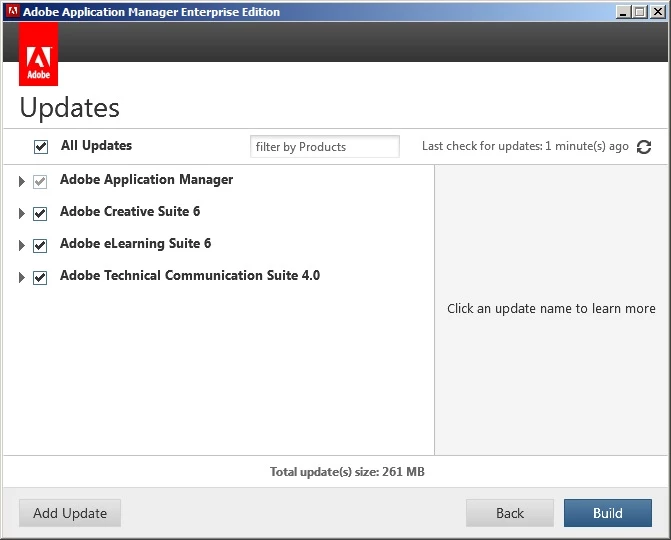
We are behind a proxy. I suspect that is the issue. Is there a way to manually enter the proxy information via some config file so that AAMEE knows how to connect?

This topic has been closed for replies.

7 replies

June 3, 2014

June 3rd 2014, I am seeing this. I am unable to reach Adobe server while packaging up Design and Web CS6. I have confirmed with Networking its not a firewall issue. Even stranger, our PC's are able to connect to the servers and update and download CC trials.

We are using Casper and an internal software update server for Adobe. Does anyone have any advice?

10.9.2 running Adobe Application Manager Enterprise Edition- Version 6.2.112.0 (6.2.112.0)

What is the solution?!

Participant
December 28, 2012

Hey,

I contacted Adobe via Chat.

It was suggested I download Adobe Application Manager 6.2

I installed that over the top of my AAMEE. Ran up AAMEE 3.1 and it now works, created a fully patched build of CS6

Maybe AAM 6.2 is overwriting a bug in the download section of AAMEE 3.1.....

Greg K

SeanAlexander
Known Participant
December 28, 2012

No luck here. I even moved over to a clean partition on my test machine (fresh OS) and attempted to create a CS6 package with AAMME 3.1

Not sure how AAM 6.2 will help as it is the same version as AAMEE 3.1.


Still hanging up at 27% complete ("Downloading Adobe Bridge CS6 5.0.1 Update").

Adobe Employee
January 2, 2013

Can you please send across PDApp logs from test machine (Fresh OS). I assume CS6/CS5 products are installed on this machine.

thanks,

Rahul | rbaiswar@adobe.com

Participant
December 27, 2012

Hey,

Trying to package CS6

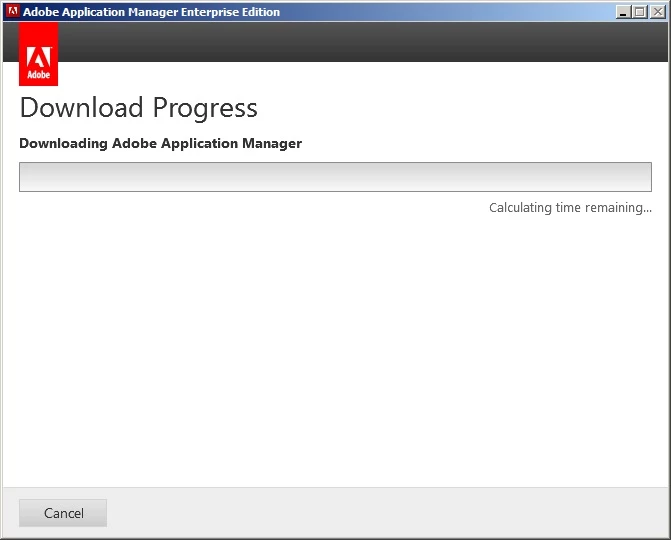
We are having the same problem as the screen shots at the top of this forum, with the exception that its does not

get past 'calculating time remaining', so we don't ever get the server is not responding screen.

I don't think its proxy as its already contacted adobe to see a list of updates that are available.

It hangs on the update for Adobe Application Manager every time.

Its only 51mb, so not a file size issue.

I left it over Christmas (48+ hours) and it still said 'calculating time remaining' today.

Any ideas...I was hoping to package and test the 32 and 64 bit version in our environment  before

staff return in early Jan.

Greg K

Participant
November 20, 2012

I am having a similar problem. When trying to create the package AAMEE is telling me I am not connected to the internet (which I am). So my problem is the initial connection.

Participant
November 20, 2012

Well this appears to be something with the proxy server we have. I was able to create the package after connecting to a different network with no proxy. So the question is, does AAMEE support being behind a proxy? There does not appear to be any configurable preferences to tell it to use a proxy server...

November 20, 2012

No it doesn't work with proxies. If it went through proper UAT it should have a preference settings and understand "use system proxy settings"

Unfortunately you will only get this working on a network non proxied!

Thanks Adobe but not really good when I'm vpn'd in to my dev box from home but still can't use AAMEE to pull down the updates!!!

For me AAMEE is good, but its not a properly finished product and still looks like a beta app.

GMFinDEAuthor
Participant
November 15, 2012

Someone must have read the post and reached over to press the button. Er, thanks guys. Working now.

November 15, 2012

Yes and NO....i poked support and told them to look at this page

saranshkatariya
Adobe Employee
Adobe Employee
November 19, 2012

Hi,

Can you please check with the IT team of your organization if they have put a limit to the maximum download size of a single file. Some Adobe updates are as big as ~750 MB and if your IT dept has put some limitations on download size, you may get this error. I was resolving a problem of some other organization and they use to get this error. And later they identified that it was happening because of some limitations put by the IT team in their organization.

Thnaks,

Saransh katariya | Adobe Systems | skatariy@adobe.com

November 15, 2012

Me too even when im on a network not going through a proxy. Looks like Adobes update servers are screwed!!!

November 15, 2012

working now. Thanks guys for fixing it

GMFinDEAuthor
Participant
November 15, 2012

I tried again this morning and still getting the same issue. Glad it's working for you though.

Still hoping to get a reply to my original question if one is available. Thanks all.

Jeffrey_A_Wright
Community Manager
Community Manager
November 15, 2012

Moving this discussion to the Creative Suite Enterprise Deployment forum.

Participant
November 20, 2012

Hi Jeff. I'm starting to spend time on Adobe forums and trying to get a better understanding where all the various forums are. Is this not CS Enterprise Forum? Can you provide the link to the forum you have moved this discussion to?

Regards,

-Cyrus

Jeffrey_A_Wright
Community Manager
Community Manager
November 20, 2012

Yes it currently is in the Creative Suite Enterprise Deployment forum.  I believe the discussion may have started in the Download, Installation and Setting up forum.  The Creative Suite Enterprise Deployment forum though is a better location for this type of topic as it is discussing AAMEE.