


Adobe CC app installer does nothing
I'm trying to install Adobe apps on my Macbook Pro running Mojave. I have access to CC through my university, and have logged in with the enterprise ID assigned through the school.
I initially had issues, and had a number of older versions of Adobe products installed. I uninstalled all of those and ran the Adobe cleanup tool. From this I was able to install Creative Cloud.
When I went to the apps page, all the the apps had a button that said "Download". I clicked on "Download" for Photoshop. It gave me a warning that I may need Administrator help to install the app. I clicked OK and the download continued. Photoshop is installed and works fine.
Note: I am the administrator on my laptop. This is a personal laptop, and not managed by any IT department.
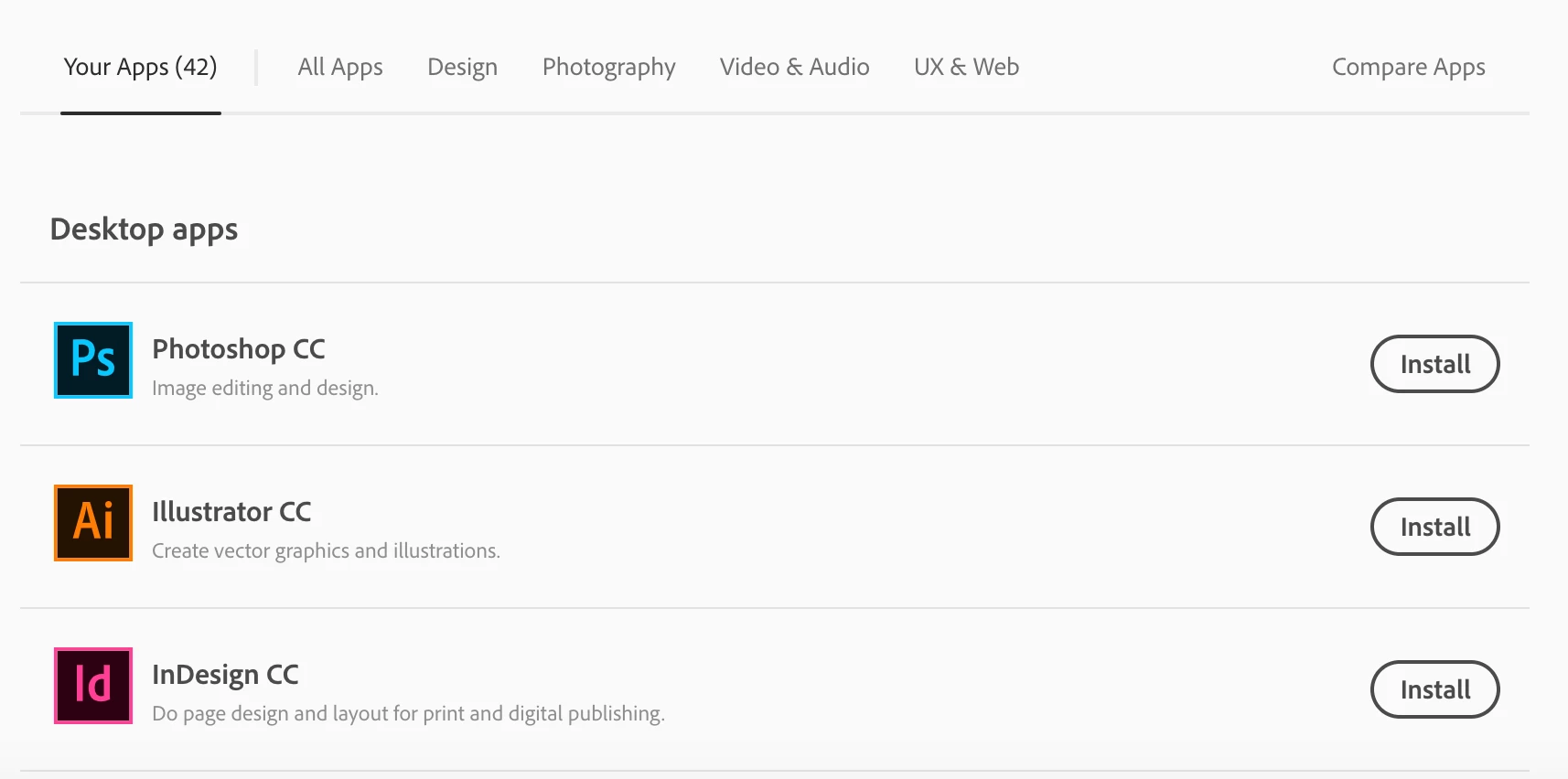
Now I need to install illustrator. When I went back to the apps page, all the buttons now say "Install" instead of "Download":
When i click Install on Illustrator, it again pops up a warning that I may need Administrator help:
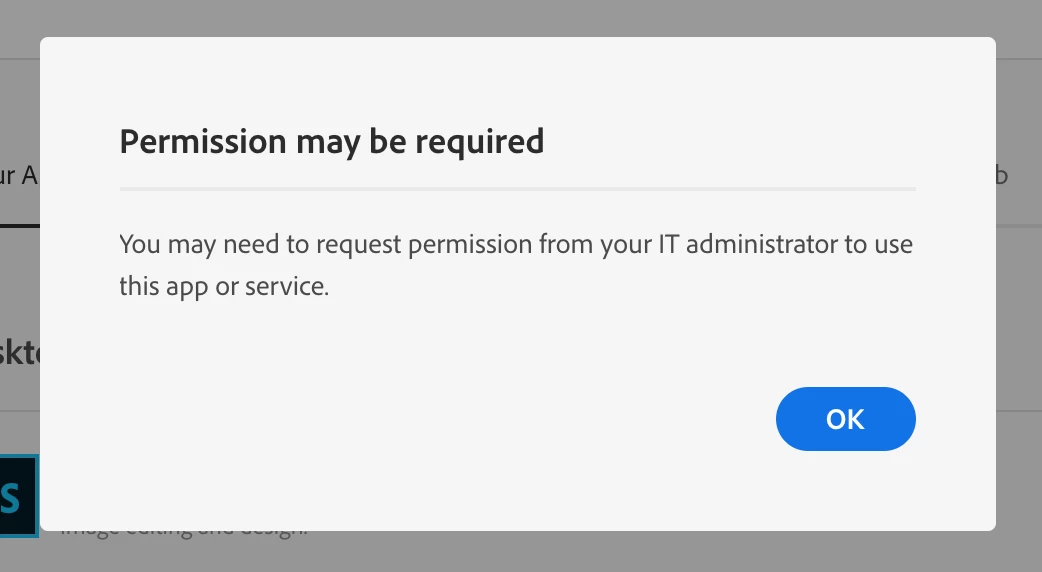
However, now when I click OK, nothing happens- no download, no install, nothing.
I've validated that I have connectivity to Adobe servers, and searched everywhere. I made sure my hosts file is correct. I'm completely stuck and unable to continue. As noted, Photoshop installed and works. The Creative Cloud toolbar app runs and doesn't indicate any problems. But the Illustrator install button does nothing. I've tried in both Firefox and Chrome.
Any suggestions?

 AdChoices