Participating Frequently
Mar 5, 2021 9:27 PM UTC
Answered

Adobe CC Package Failing to Install on M1 Mac

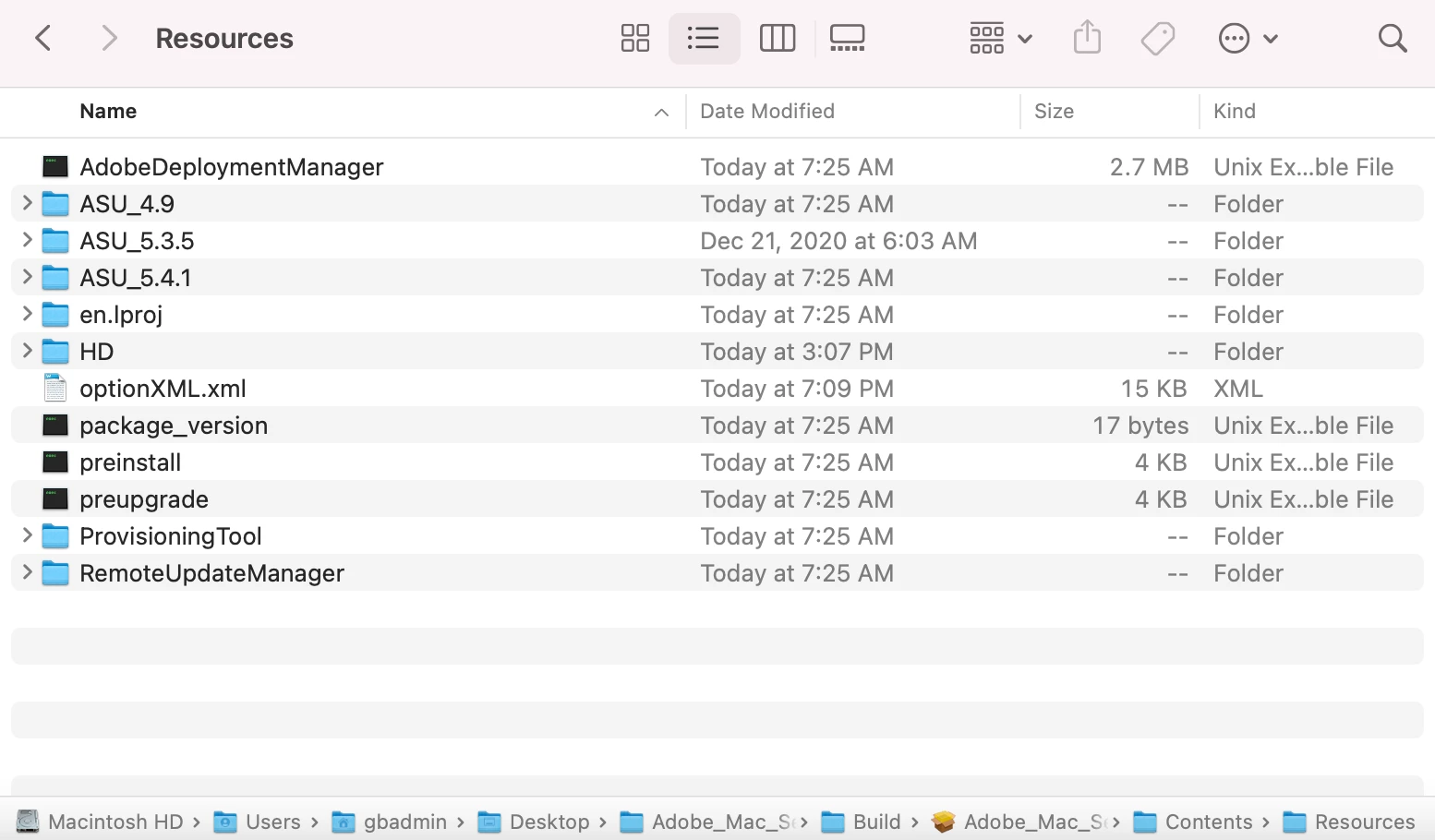
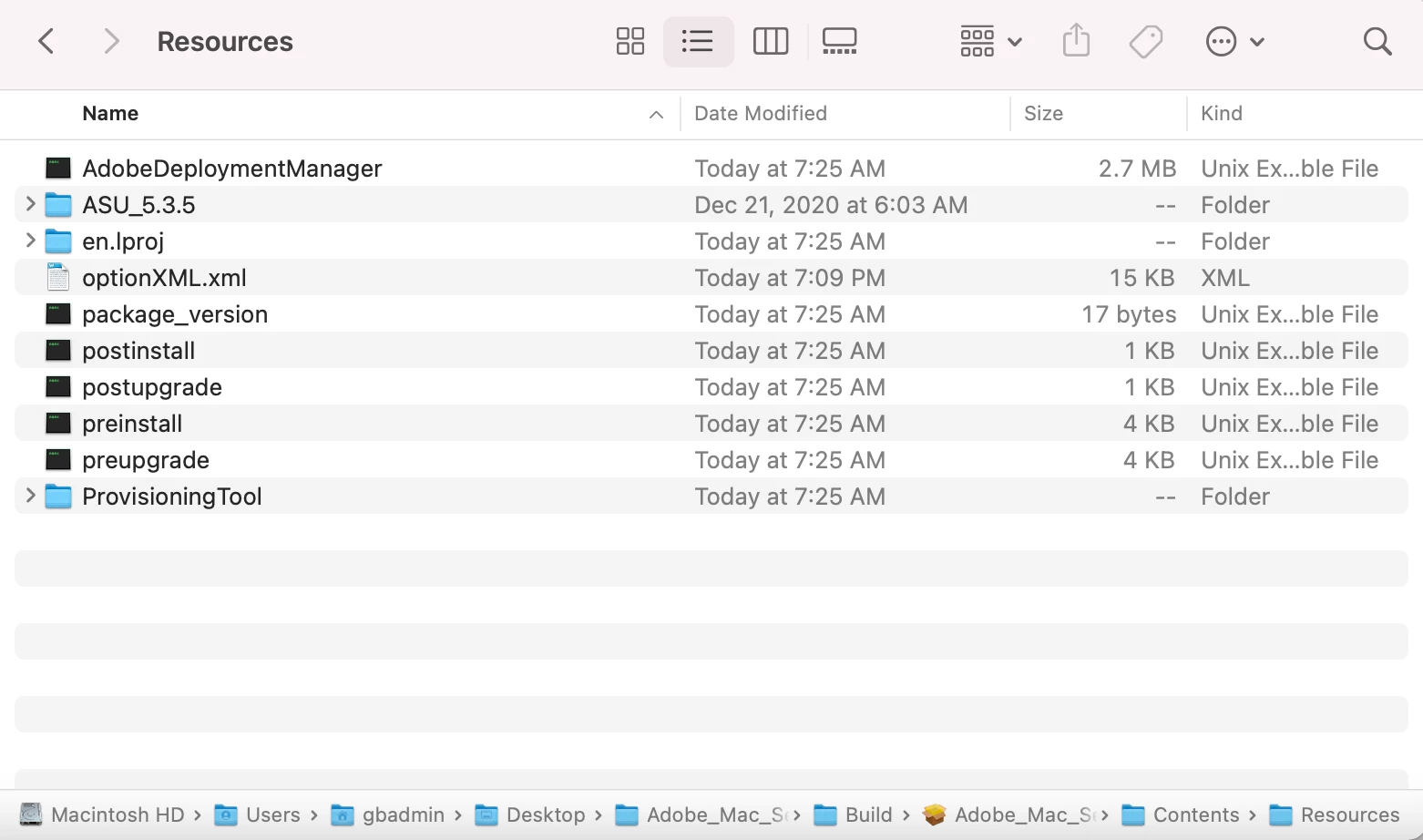
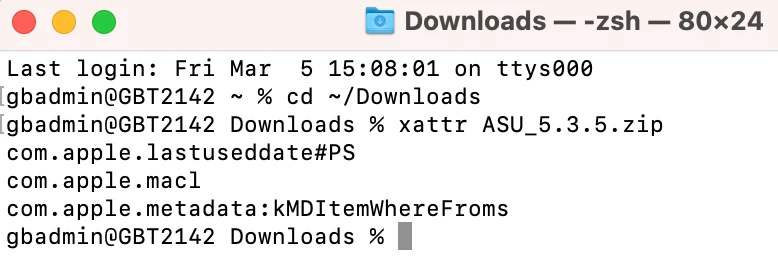
I cannot get a package from the Adobe Admin Console to install on an M1 Mac.  I built the package for named user license and picked self service.  I downloaded the package downloader, then downloaded the installer package.  Then I followed the steps located here: https://helpx.adobe.com/enterprise/kb/deploy-packages-to-arm-devices.html.  I get an installation failed when installing.  Here are some screenshots and install.log excerpt. 


SuJoshiCorrect answer
Community Manager
Mar 9, 2021 4:12 PM UTC

Installation failed when running the pkg locally on the M1 MacBook using Terminal and root.  When I just double-clicked the pkg to install, it failed at the verifying package part.  


Hello ryanl22862139,

Kindly try to create a new package from the admin console as it seems an additional option is now available for M1-chip devices and check if you are still facing issues in installing it. 

6 replies

Community Manager
Mar 8, 2021 12:45 PM UTC

Kindly confirm if you are deploying the package using any deployment tool. Try using the Root account and check if you are getting the same behavior. If yes, I would recommend collect the logs using the log collector tool and share them with us so that we can investigate the issue.

Translate
Participating Frequently
Mar 8, 2021 9:44 PM UTC

I deployed the packaged with Jamf Pro and it failed.  It said installation failed; the package could not be verified.  I used the Adobe Log Collector, but when I try to share the file through this post, it says .zxp files are not supported.  Is there another place to submit the log?  

Translate
Community Manager
Mar 8, 2021 10:20 PM UTC

Please try to install it without any deployment tool on the Mac device by copying the package locally on the machine and check the status.

Translate