


Adobe login pop-up blank; Can't login to use Adobe apps
I currently have Adobe Creative Cloud installed on 3 computers: a school computer, personal desktop, and personal laptop. When I used my desktop, I had to deactivate (log out of) CC on my laptop because of the 2 device limit. Now I am on vacation, without access to my desktop or school computer, and I want to use CC apps on my laptop. If I can only use 2 computers with CC at once, I want to deactivate my desktop. When I open a CC app:
Expected behavior: A pop-up appears telling me that I can only be signed into 2 devices at once, and asks me which devices I want to sign out of. This expected behavior happened when I first installed CC on my desktop and already had it on the school computer and my laptop.
Actual behavior: A blank pop-up appears (see screenshot below)
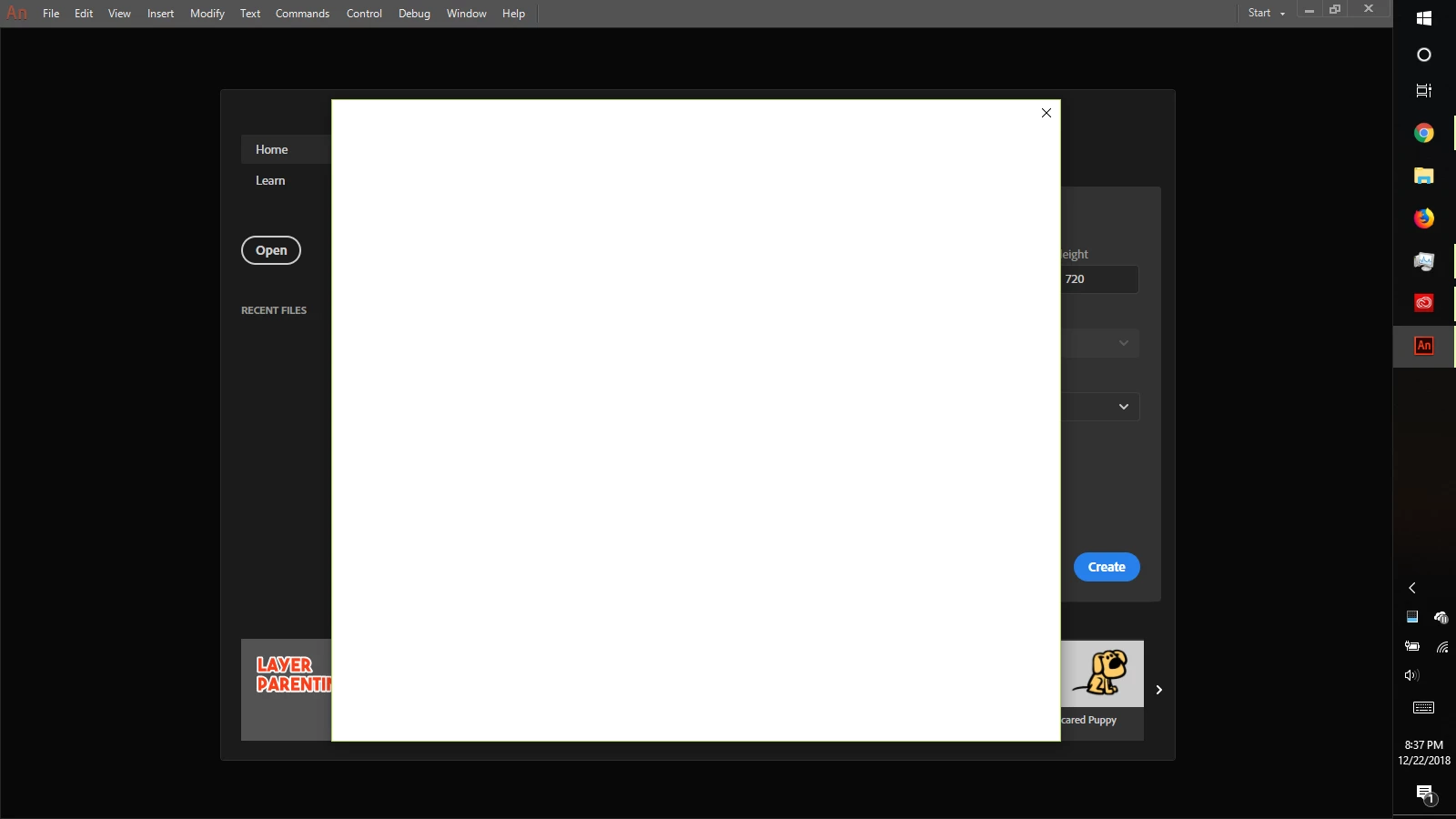
I waited some time in case the pop-up just needed time to load, but it didn't help. I uninstalled CC and CC apps and reinstalled, twice (second time used Adobe cleaner tool afterward and removed preferences during uninstallation), but it didn't help. I looked for a "opm.db" file, but the containing folder "C:/Users/ME/AppData/Local/Adobe/OOBE" didn't exist ("C:/Users/ME/AppData/Local/Adobe" did exist though). I tried signing out and back in, but this also didn't help.
I went to the adobe account website to try to remotely deactivate CC on my other computer, but I have an enterprise license (given by school), so I can't "Manage Subscription".
My goal is to get CC to work on my laptop. I temporarily don't have access to either my desktop or the school computer. I am fine with deactivating CC on my desktop if needed. If I simply close the pop-up, then the app closes as well (expected behavior, they can't let me use the app on 3 devices without deactivating 1).
 AdChoices