
Adobe MAX 2023: What's New in the Digital Imaging space

Hi Everyone, hope MAX treated you well! Dive back into the creative goodness with our on-demand MAX Sessions. Whether you missed out or want a replay, we got you covered, and don't sleep on the MAX 2023 sneaks—they're mind-blowing glimpses into the future!
At MAX 2023, we announced some exciting updates for Digital Imaging creatives in your organization or team.
To get your organization or team members access to these new features, do the following:
- For self-service packages, update to the latest versions of Digital Creative apps using the Creative Cloud Desktop app.
- For managed deployments, update your packages or create a new package and deploy them inside your organization.
What's New in Photoshop
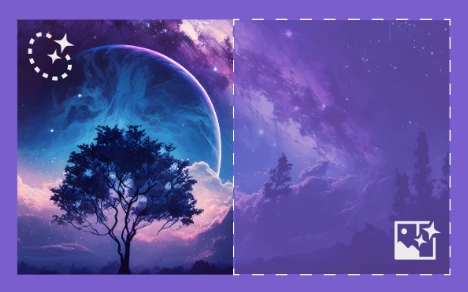
Generative Fill and Generative Expand

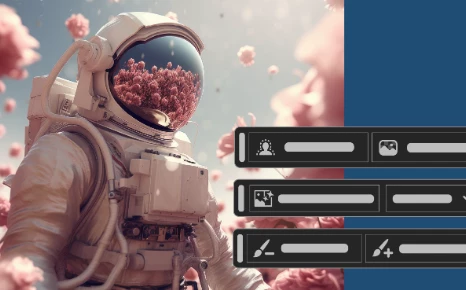
Contextual Task Bar Masking updates

Other enhancements and Fixed Issues
To update Photoshop, click "Update" in the Creative Cloud desktop app next to Photoshop. More detailed instructions for updating
Photoshop on the iPad
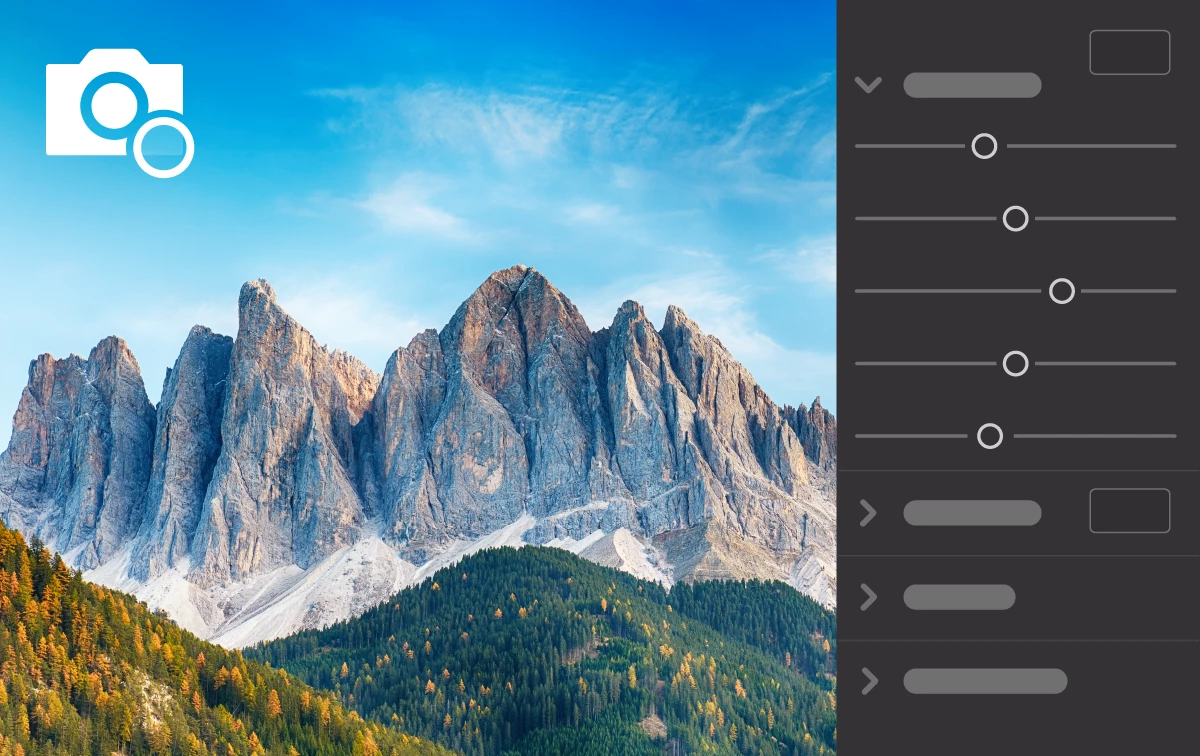
Adobe Camera Raw filter on pixel layers

Color picker and swatches on iPad
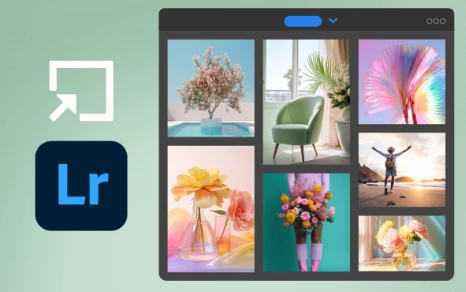
Open Lr photos in Ps on the iPad
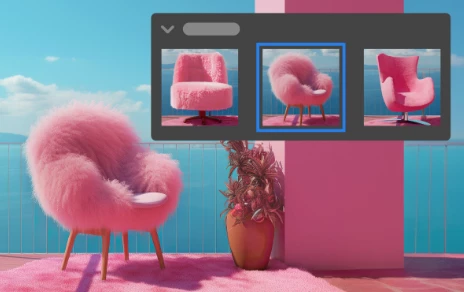
View generative layer variations in the Properties panel
To update Photoshop on the iPad, check out how to update the apps manually
Photoshop on the web

Take your creativity to the next level


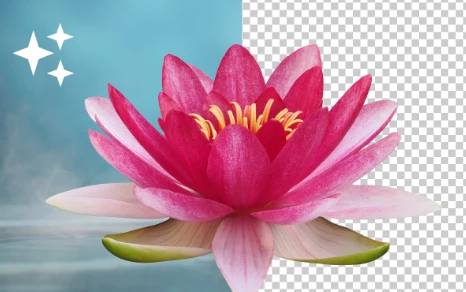

What's new in Lightroom?
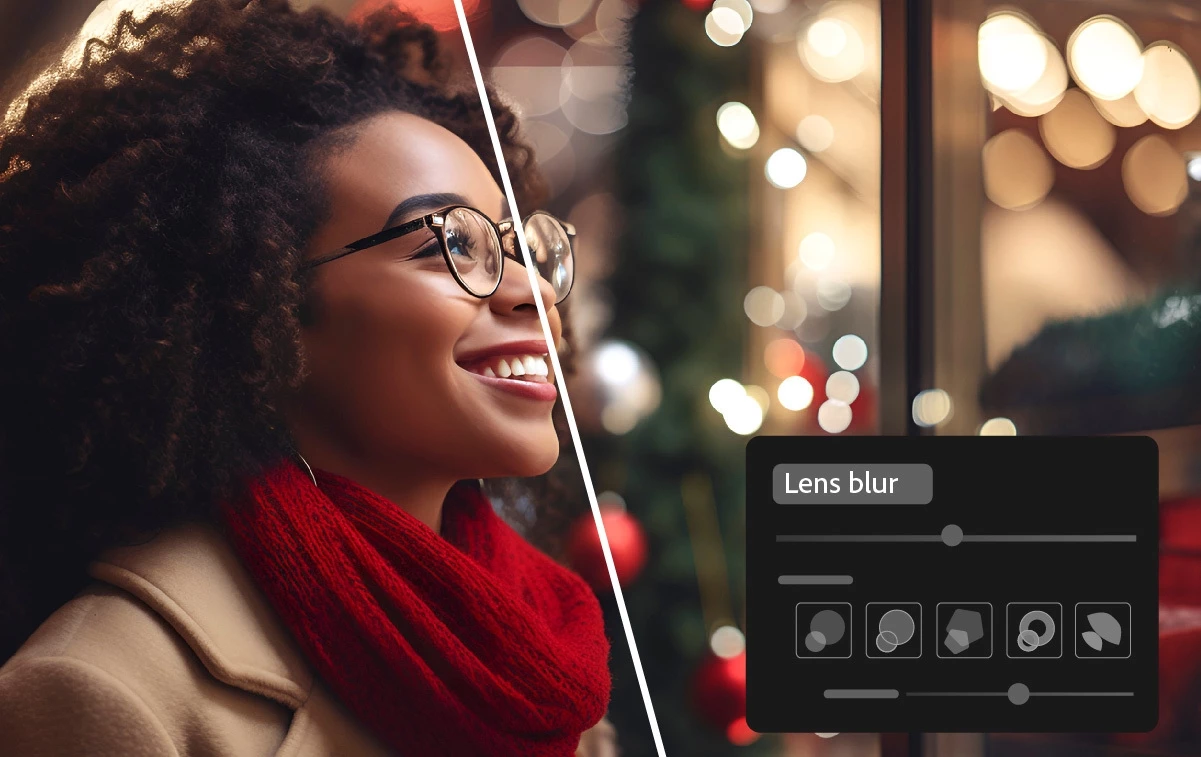 Add blur using the Lens Blur tool
Add an aesthetic blur effect to any part of a photo through AI-powered Lens Blur. Easily achieve the popular Bokeh effect without using an expensive camera lens.
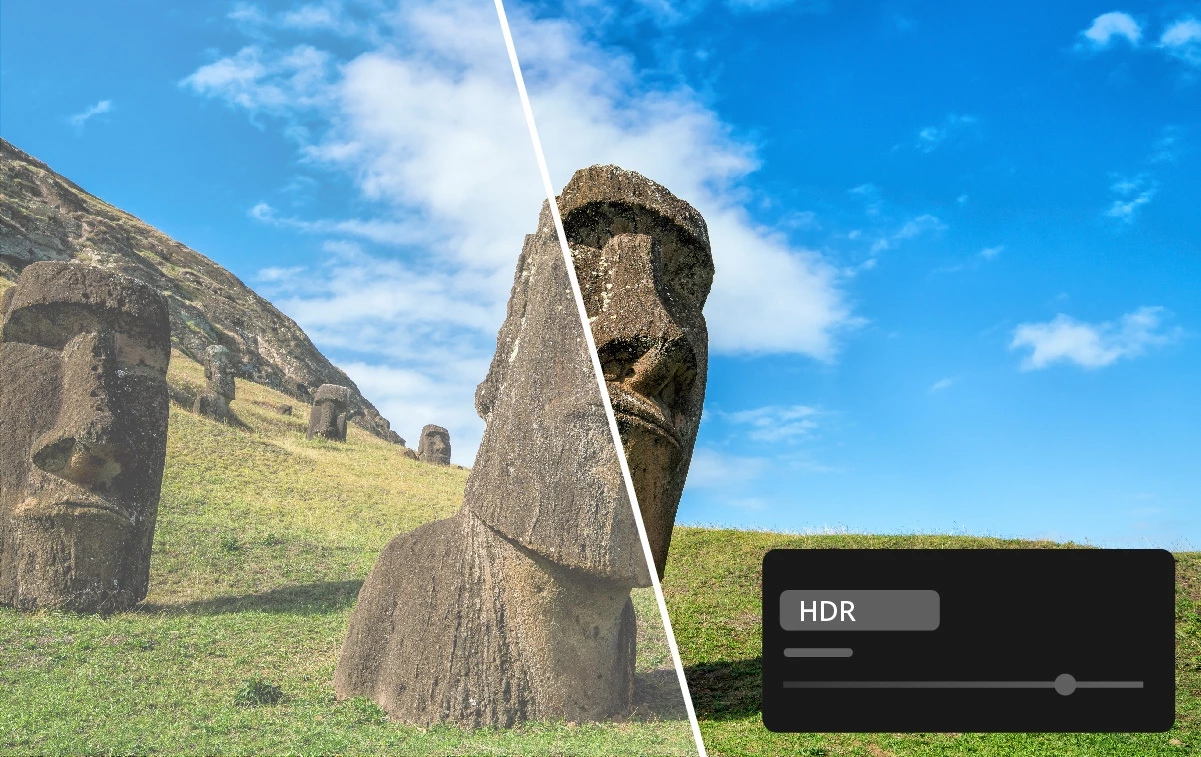 Edit and export HDR photos in Lightroom
Edit and save HDR photos in new industry-standard formats like AVIF and JPEG XL, which offer higher quality at smaller file sizes. You can also capture and edit HDR photos directly on Lightroom for mobile.
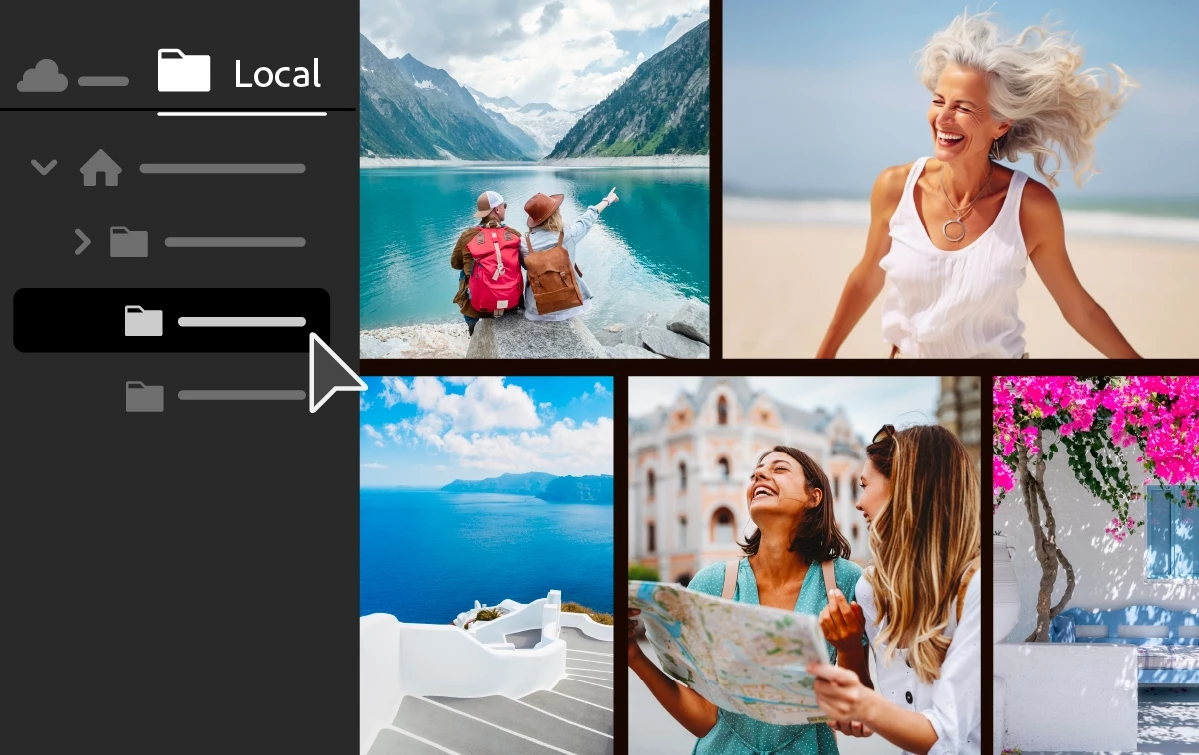
Edit locally stored photos in Lightroom (desktop only)
Access, edit, and organize locally stored photos in Lightroom without importing them. Bookmark your favorite folders and selectively copy images to the Lightroom cloud.
 New editing experience in Lightroom mobile
Easily edit your photos in Lightroom for mobile with a streamlined and more intuitive editing experience.
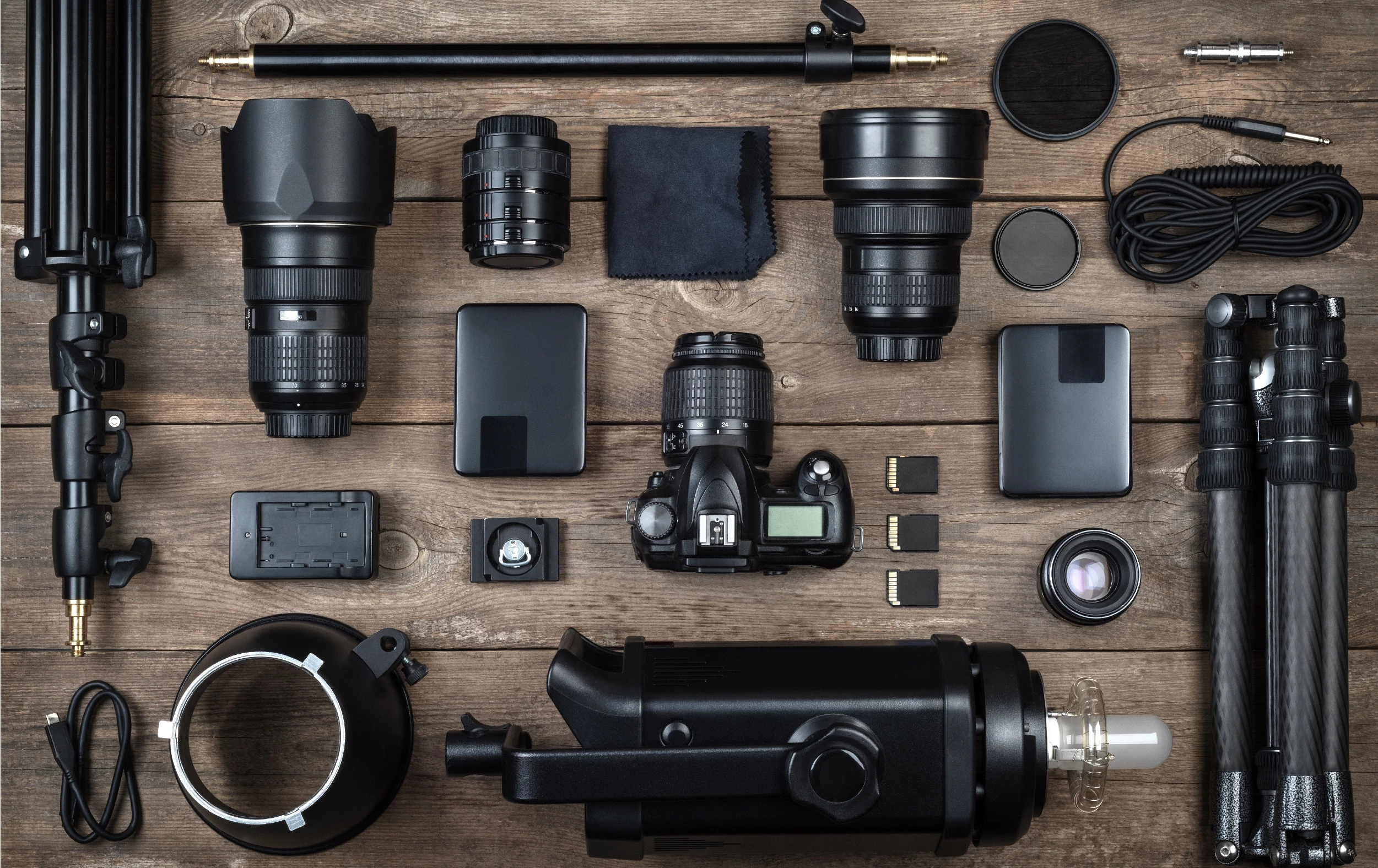 Support for new cameras and lenses
Find newly added cameras and lenses in the full list of supported profiles.
 Other enhancements and Fixed issues
Find out about other enhancements in the detailed new features summary.
What's new in Lightroom Classic?
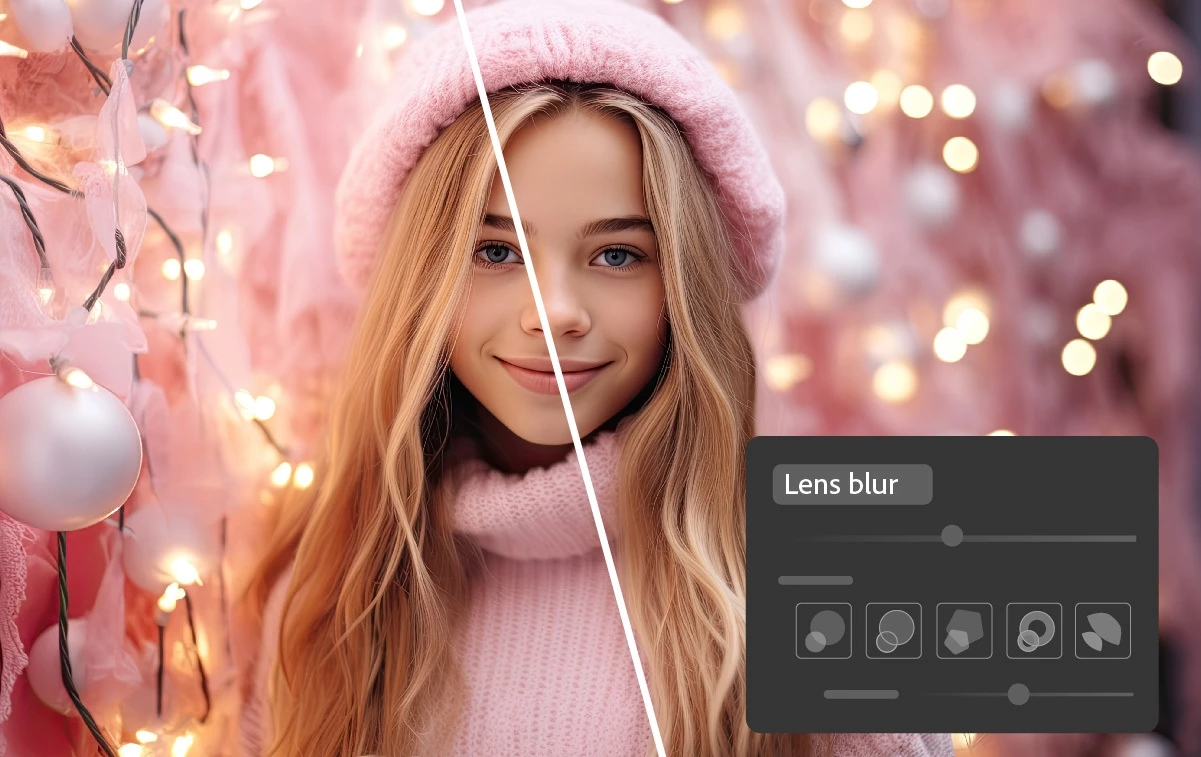
Add blur and bokeh using lens blur
Easily add depth to an image by blurring out the background or foreground with AI-powered Lens Blur. Achieve the Bokeh effect without investing in an expensive lens.
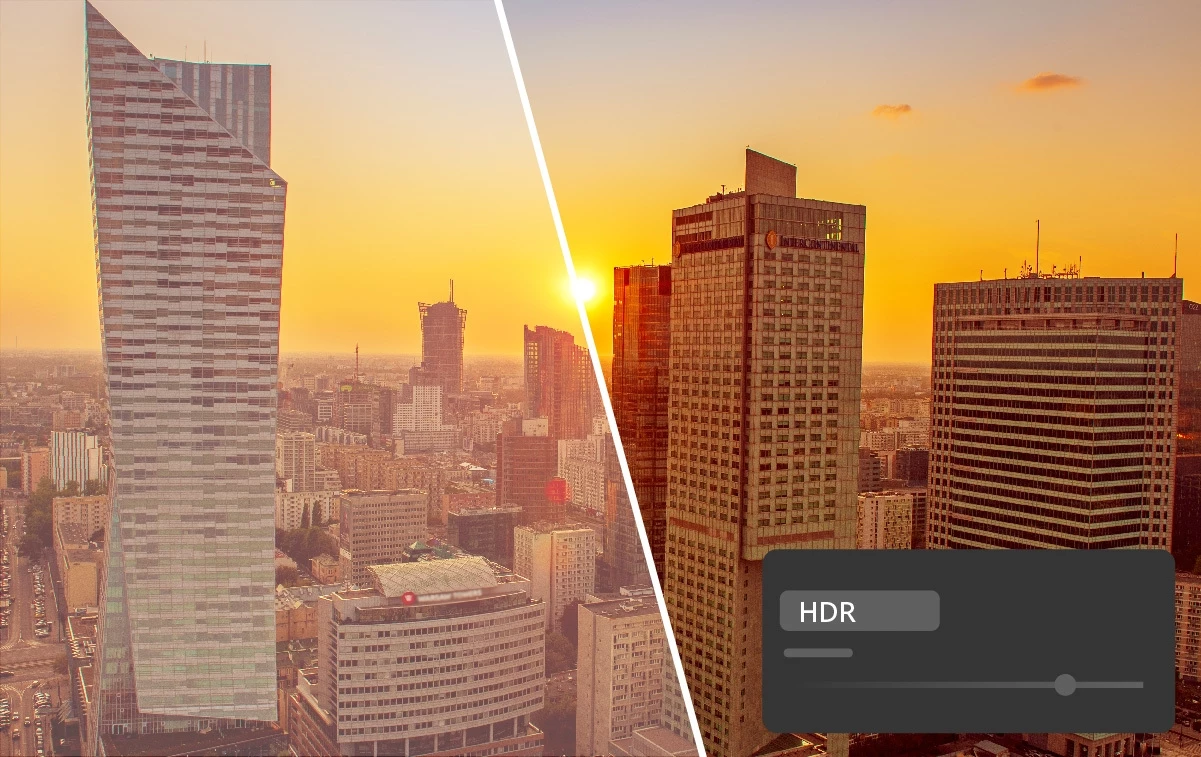
Enable HDR and make your images more vibrant. The new HDR feature lets you edit every aspect of an image in HDR and then export it in multiple file formats.

Edit colors more precisely with point color
Take control of precise color corrections with Point color without compromising other areas of an image. Adjust the Hue, Saturation, and Luminance of a narrow spectrum of colors with precision.
Support for new cameras and lenses
Find newly added cameras and lenses in the full list of supported profiles.
 Other enhancements and Fixed Issues


 AdChoices