
Participant
January 24, 2023
Answered

Adobe not giving me a prompt to download adobe cloud

  • January 24, 2023
  • 4 replies
  • 860 views

I am trying to download adobe cloud, but when I press continue nothing happens. I'm stuck on this screen. I've pressed continue many times but nothing happens at all. I've tried re-downloading the installer tons of times, checking permisions, etc; but nothing is working. Help!
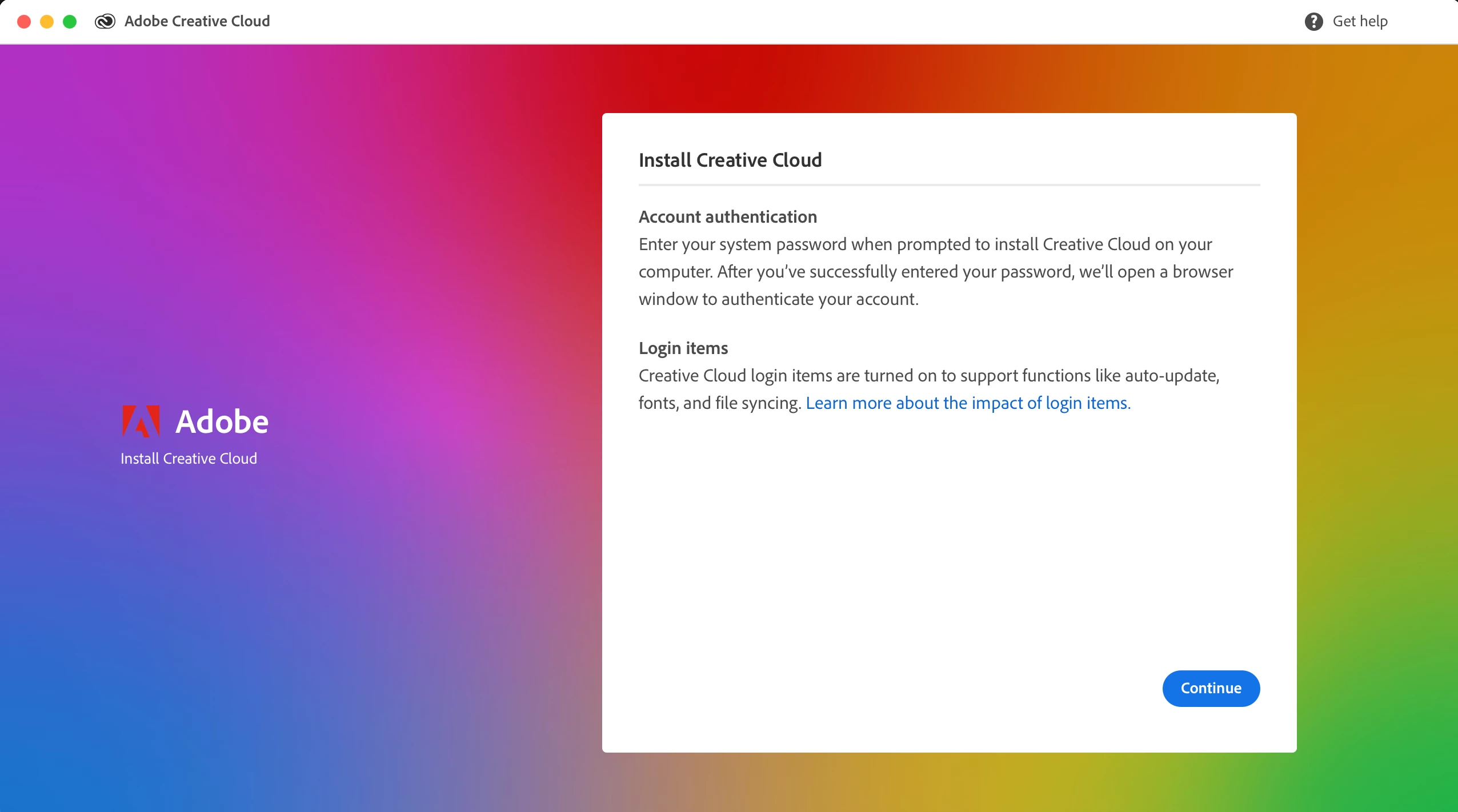
This topic has been closed for replies.
Correct answer Manan Joshi

See the following help article, it might help you

https://helpx.adobe.com/in/download-install/kb/creative-cloud-desktop-app-download.html

-Manan

4 replies

kglad
Community Expert
Community Expert
January 24, 2023

your post was moved indicating you have a teams or enterprise subscription, so if you have a problem after downloading the cc instller from the link i suggested, contact your admin.

AxelMatt
Community Expert
Community Expert
January 24, 2023

As far as I see you been asking for a password for your system. It's not the password for your subscription.

It seems that you're not logged in as an Adminitrator or an user with Admin rights, but as a normal user.

Please check.

My System: Intel i7-8700K - 64GB RAM - NVidia Geforce RTX 3060 - Windows 11 Pro 25H2 -- LR-Classic 15 - Photoshop 27 - Nik Collection 8 - PureRAW 6 - Topaz Photo AI
kglad
Community Expert
Community Expert
January 24, 2023

@Taylor28076018ga5n 


install the cc desktop app using the "alternative download links" at the bottom of the page at https://helpx.adobe.com/download-install/kb/creative-cloud-desktop-app-download.html

use the desktop app to install your cc programs/trials

NOTE: win 11 users that have trouble with the latest win 10 installer often have success with the older win 10 installer.

Manan JoshiCommunity ExpertCorrect answer
Community Expert
January 24, 2023
-Manan