Inspiring
December 4, 2019
Answered

Adobe products cannot be installed on Mac OS Catalina under a domain/mobile account

  • December 4, 2019
  • 9 replies
  • 3870 views
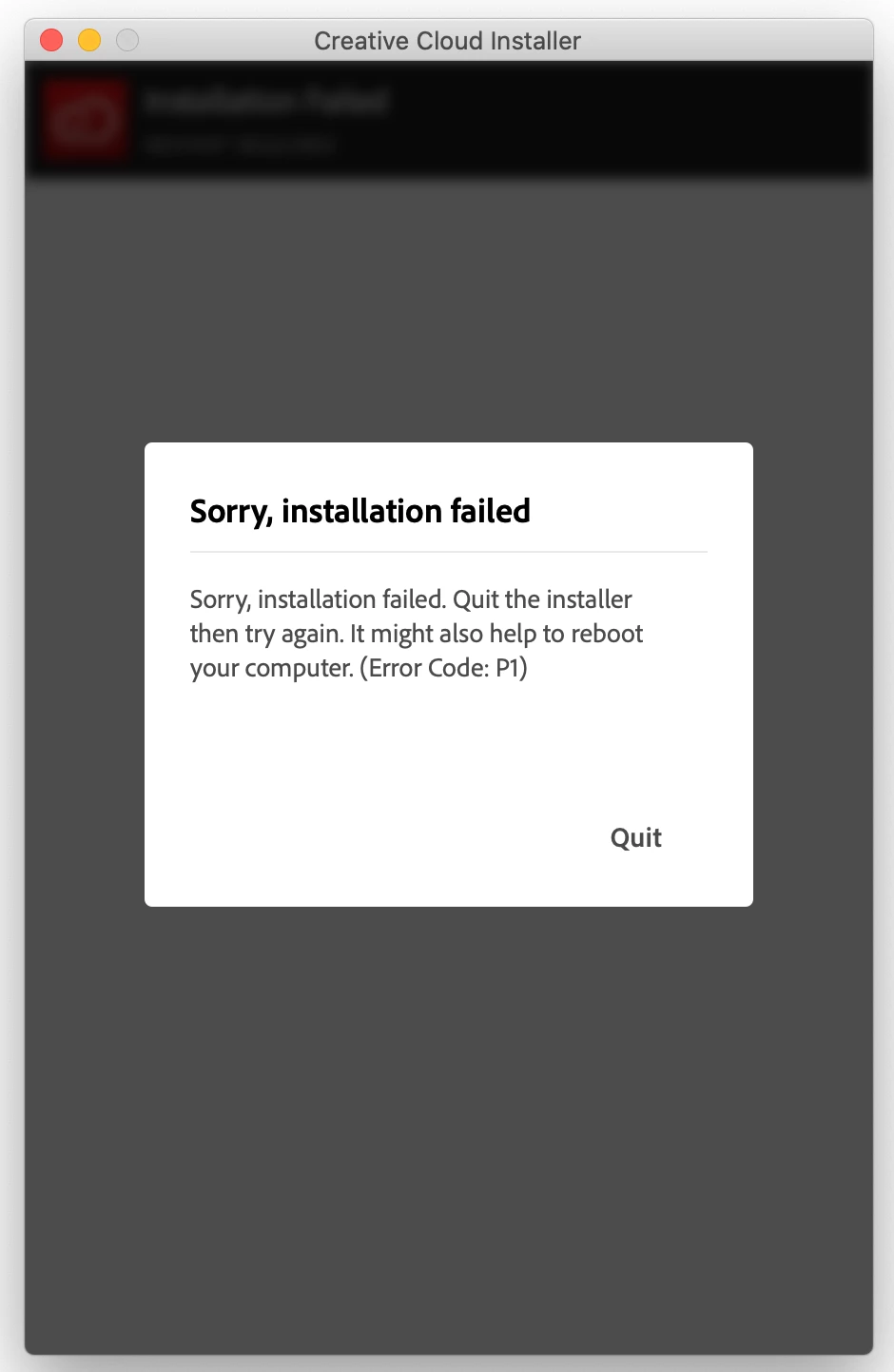
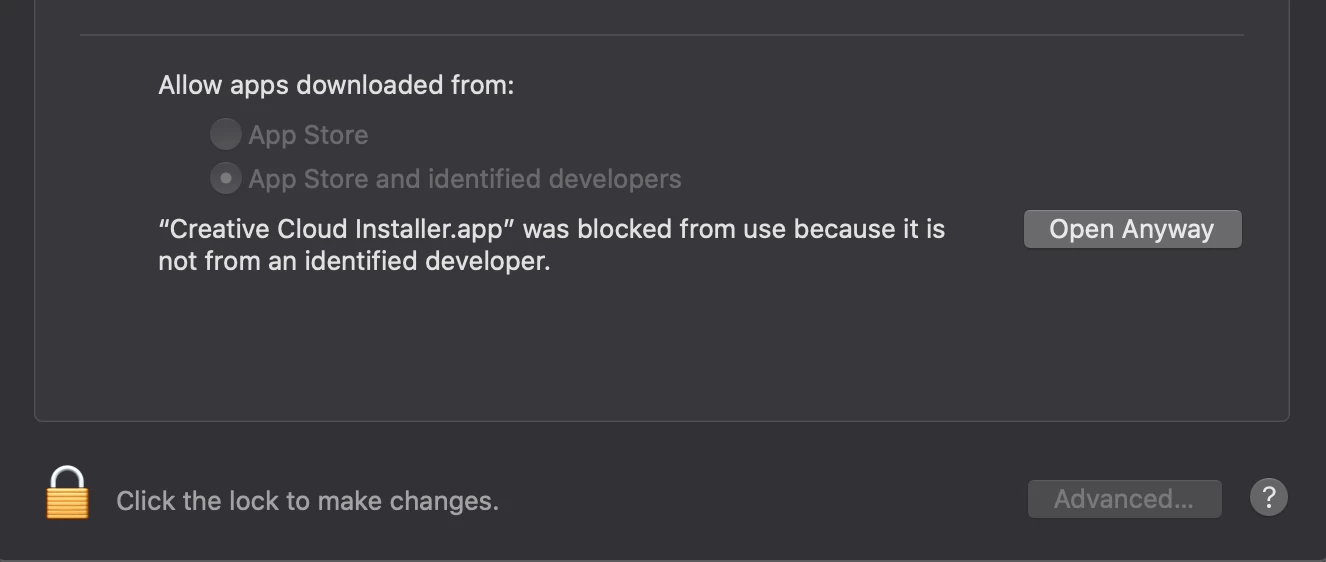
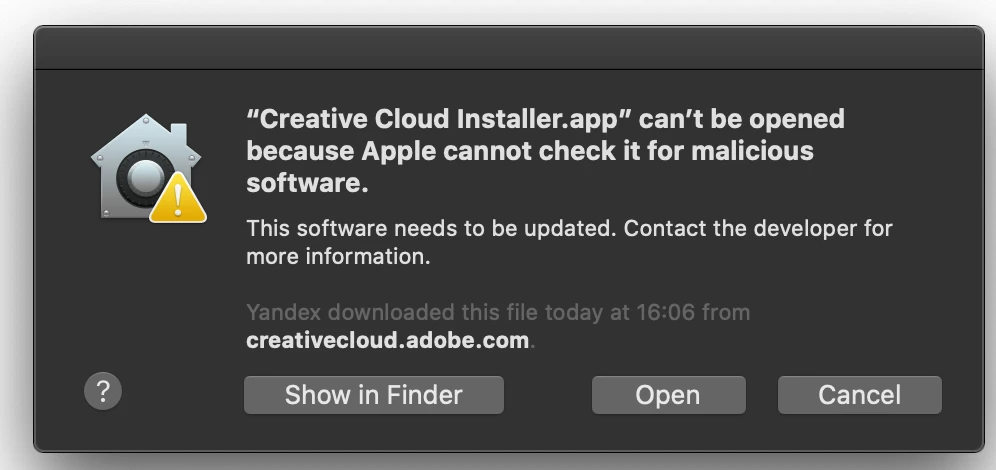
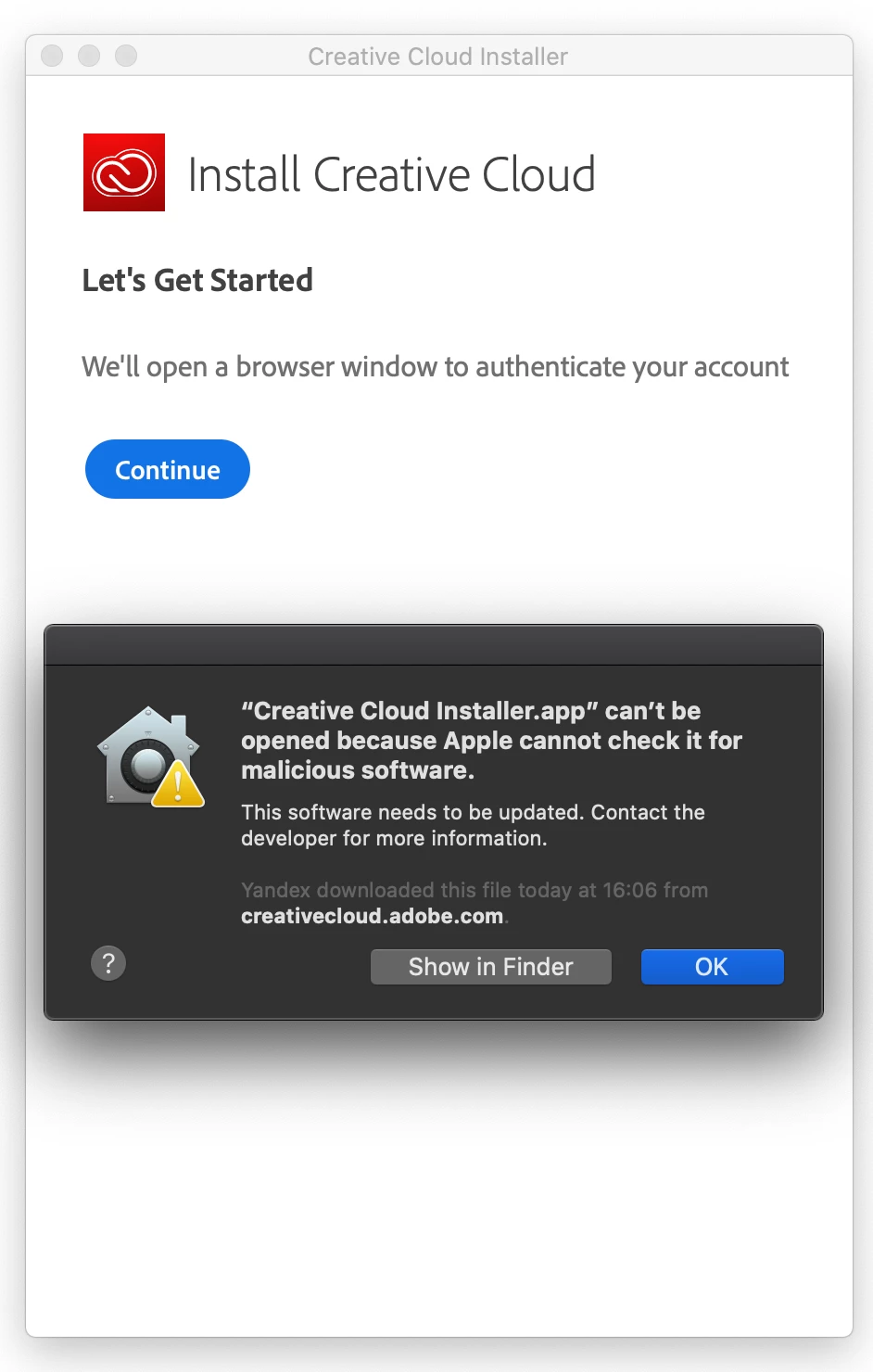
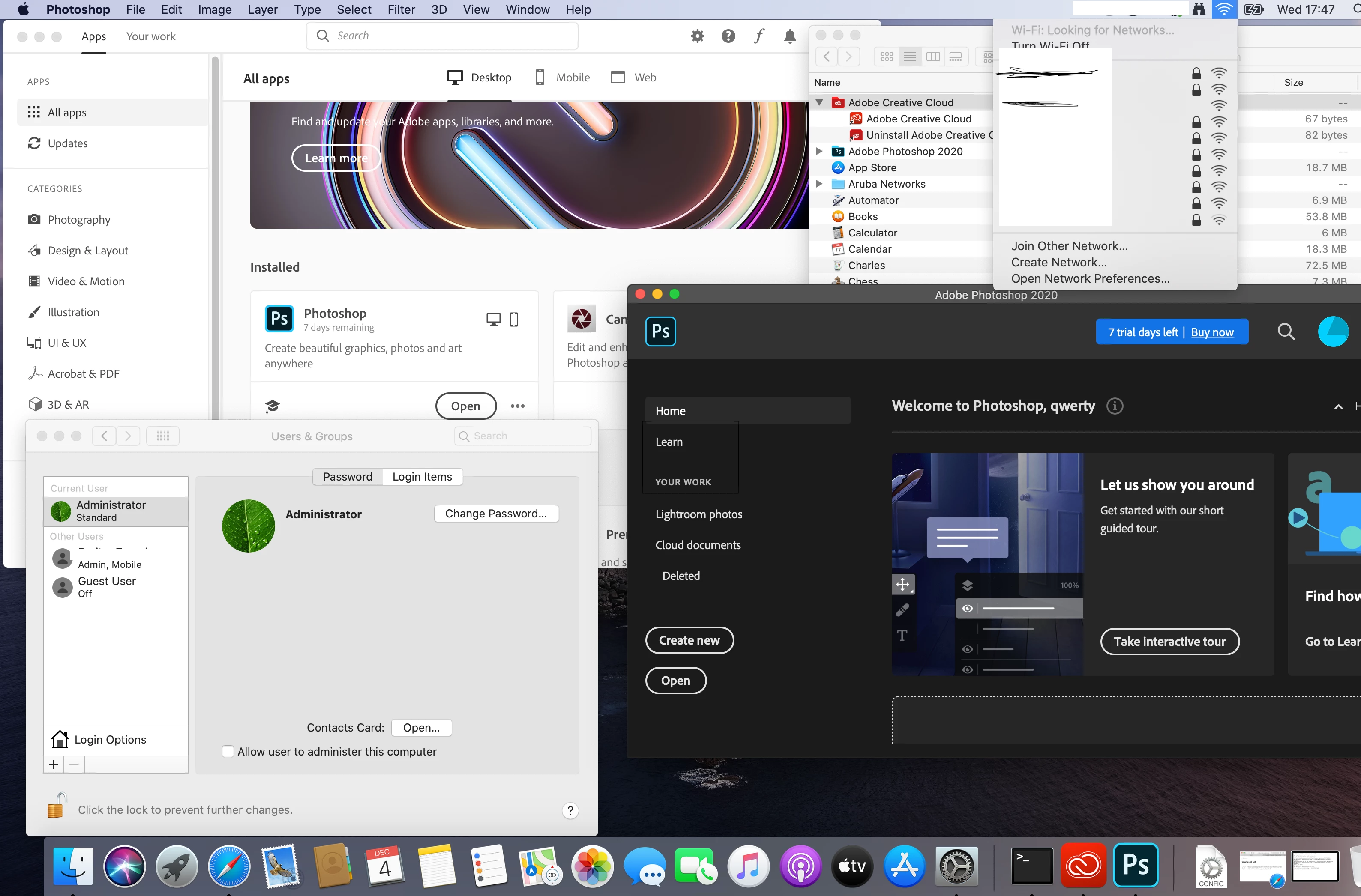
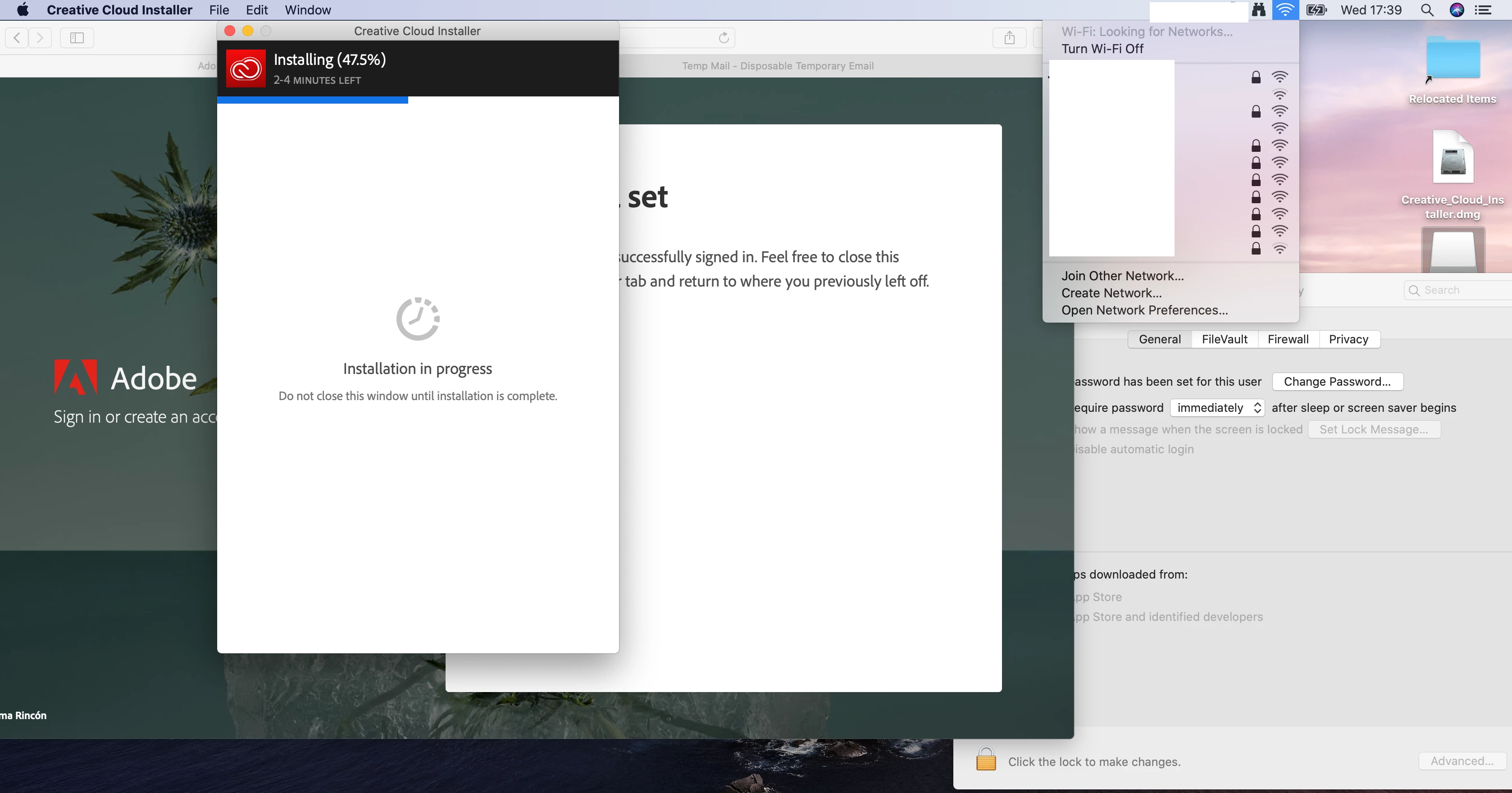
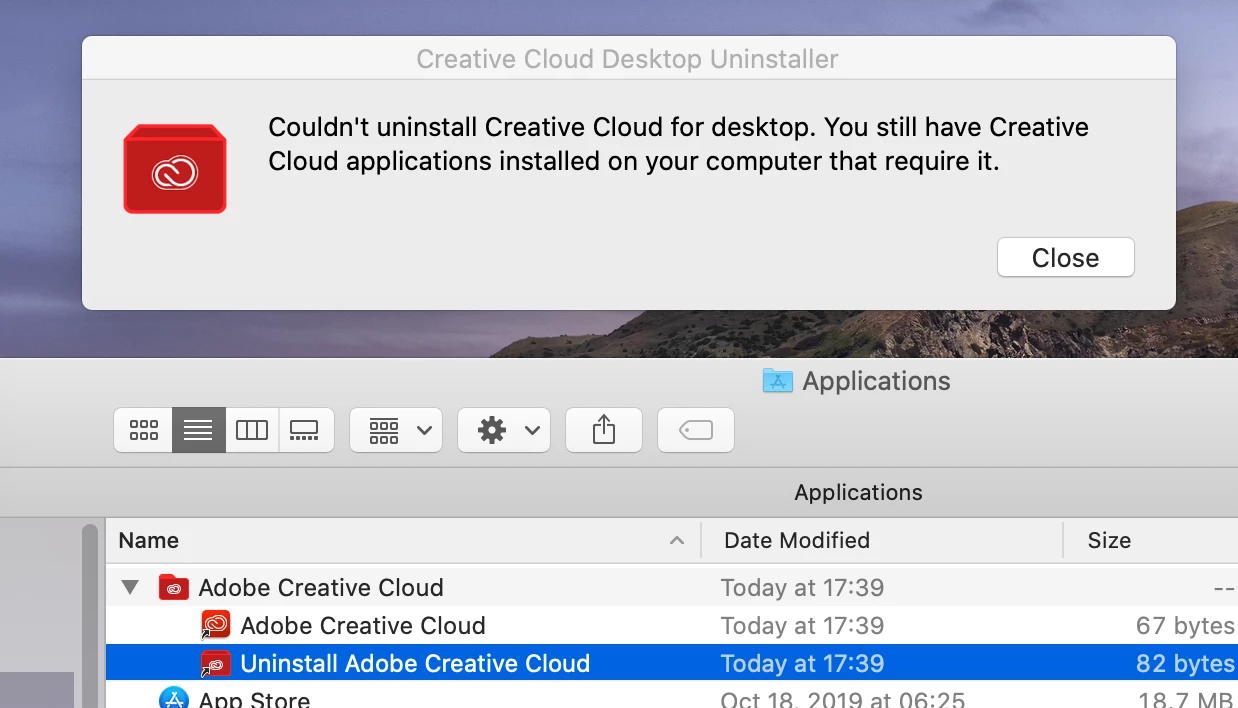
Under a domain/mobile account, installation is not possible. But under the local/staff account installation was successful.
 
Under a domain/mobile account:
 
 
under the local/staff account:
This topic has been closed for replies.
Correct answer dmitryza

I fixed this problem by disabling Gatekeeper:

Launch Terminal if you haven’t done so yet (/Applications/Utilities/) and issue the following command to turn off Gatekeeper:

sudo spctl --master-disable
http://osxdaily.com/2015/05/04/disable-gatekeeper-command-line-mac-osx/

9 replies

dmitryzaAuthorCorrect answer
Inspiring
December 16, 2019

I fixed this problem by disabling Gatekeeper:

Launch Terminal if you haven’t done so yet (/Applications/Utilities/) and issue the following command to turn off Gatekeeper:

sudo spctl --master-disable
http://osxdaily.com/2015/05/04/disable-gatekeeper-command-line-mac-osx/

dmitryzaAuthor
Inspiring
December 12, 2019

The problem remains relevant.

If you install Adobe CreativeCloud under a local / staff account (you can immediately remove it from the account by moving it to the trash), then further installation under a domain / mobile account will also be successful.

If you never install under a local / staff account, then installation under a domain / mobile account will be impossible.

This only applies to MacOS Catalina.

___Dom___
Inspiring
December 9, 2019

Whereabouts are you downloading the installer from, and is it a recent file? We made some changes to the way packages are created for Mac OS on the Admin Console in the last few months, so I would suggest creating a package on there if you can. 

If it's for an individual (non-Enterprise) user, please re-download the installer from the following page:


https://creative.adobe.com/products/creative-cloud

___Dom___
Inspiring
December 9, 2019

Please could you elaborate on where that link is coming from?