


Adobe Reader GPO error "Acrobat failed to load its Core DLL"
Hi
I am looking to upgrade Adobe Reader from version 17.011.30096 to 17.011.30105 using group policy.
We are using the base version: Acrobat 2017 Release (Classic Track base release) — Release Notes for Acrobat DC Products)
And patching it with the 17.011.30105 update:17.011.30105 Planned update, October 02, 2018 — Release Notes for Acrobat DC Products
Once the updates are packages together, we deploy using a GPOFileSource location.
This process has worked in the past but now displays the dialogue below when installed.
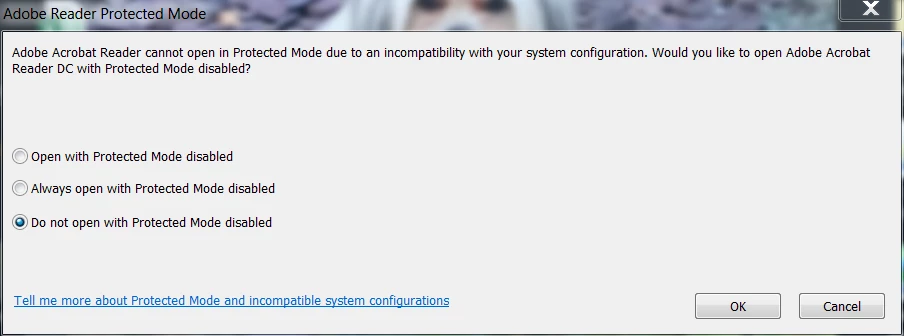
Once 'Open with protected mode disabled' is selected, the error below is presented.
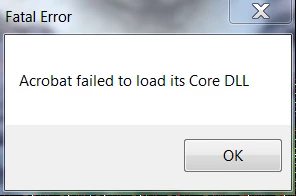
I have been successful in manually installing the updates without using group policy.
As far as I can tell permissions are identical to previous deployments.
We have already tried disabling McAfee buffer overflow on my machine but this hasn't helped.
Can anyone help with this please.
Many thanks
Chris
 AdChoices