


Adobe still linking to Work site license
Hi.
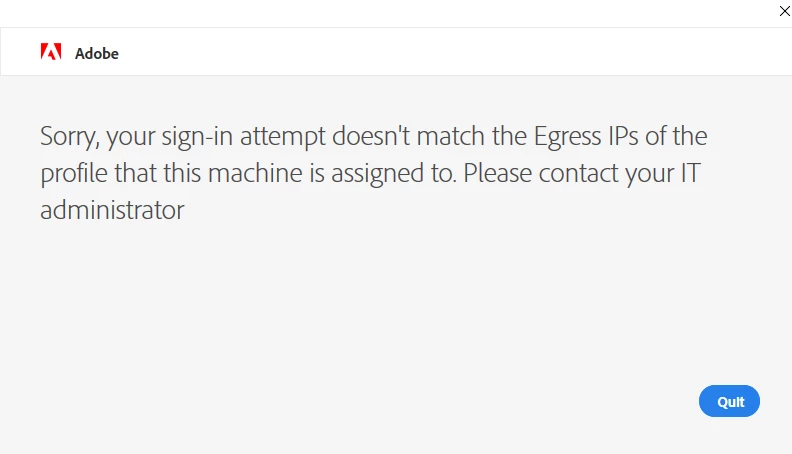
I work for the University of Brighton and everyone has taken their computers home to able to work still. Our Adobe Creative Cloud license is flaging up now as the computers are off campus so we have added peoples account to the Home version.
I have uninstalled the Adobe Apps, ran the Creative Cloud Uninstaller Tool also ran CClaner to remove registry then restarted the machine. Then gone to the Adobe Website and signed in with my work details to install direct from Adobe. When we open Adobe Acrobat we get the same message.
Does anyone know what license file it keeps linking too and where it is that needs deleting? If i install on a computer that has never had Adobe then it works fine so it has to be a license file some where still linking to the University site license and then flags it up.
 AdChoices