ASjaardemaRTT
Participant
April 17, 2026
Question

AI functions are missing in Acrobat Pro

  • April 17, 2026
  • 1 reply
  • 12 views

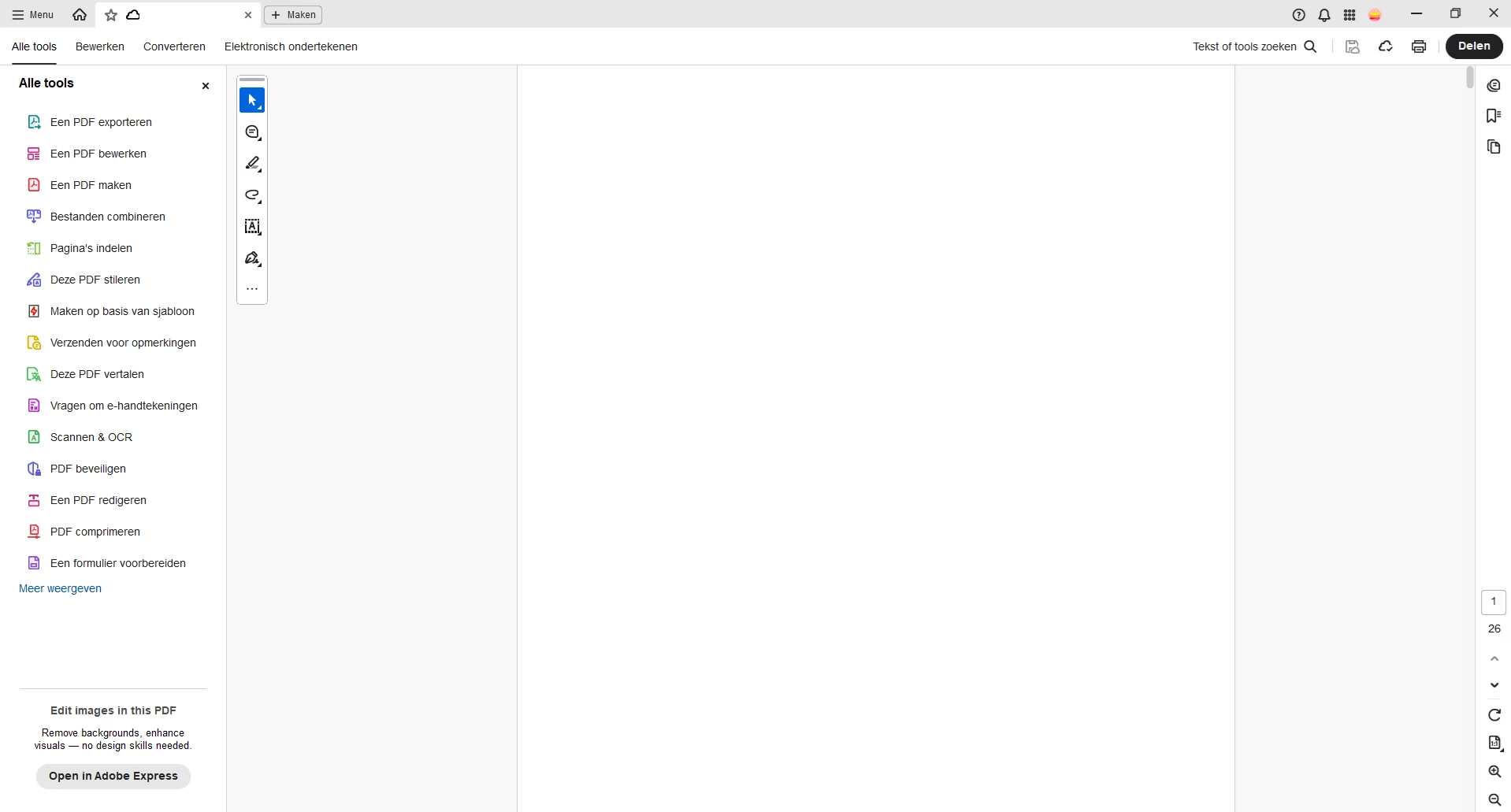
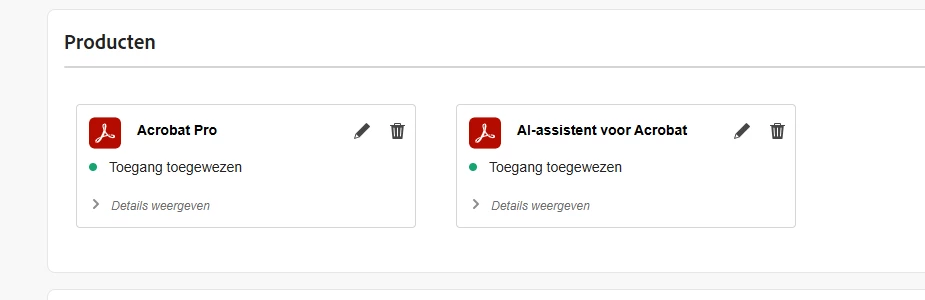
One of our colleagues has received a new device with Acrobat installed. He is signed in with his account to which the Acrobat Pro and AI-assistant for Acrobat licenses are assigned. The Pro features are perfectly activated, however the AI tools are missing in his interface.

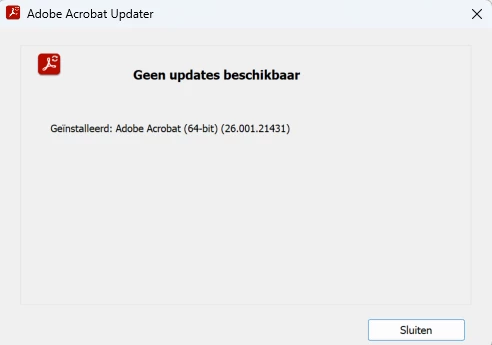
We already updated to the latest version (26.001.21431) and I have removed and added the license to his account again. Both without a result.


    1 reply

    Community Manager
    April 17, 2026

    Hi ​@ASjaardemaRTT 

    Thanks for sharing the details and the screenshot. Based on your description, it appears that an Acrobat Pro plan and AI Assistant plan have been assigned to the user. The user is signed in with the correct account, and the Acrobat Pro features are activated; however, the AI tools are not visible in the interface.

    Please confirm if this is the issue you need assistance with. In the meantime, I recommend trying the following steps:

    Verify version and UI: In Acrobat, go to Help > About and confirm that the application is updated to the latest version (beyond Acrobat 2024).

    Enable the new interface: Navigate to View > Enable New Acrobat, then restart the application.

    Check Preferences again: Go to Menu (or Acrobat) > Preferences > Generative AI and confirm that “Enable generative AI features” is enabled. https://adobe.ly/4dTU20m

    Confirm sign-in and license: Sign out of Acrobat and sign back in using the Adobe ID that has both Acrobat Pro and AI Assistant licenses assigned.

    Language and locale: Set Acrobat’s display language to English via Preferences > Language or through the Creative Cloud app, as some non-English locales may prevent AI features from appearing.

    Reinstall Acrobat: If the issue persists, uninstall Acrobat (and Acrobat Reader if installed), run the Cleaner Tool, and reinstall using the Creative Cloud desktop app:

    https://adobe.ly/4vThpOf

    Network/proxy check: Ensure the system has unrestricted internet access. Since AI Assistant is cloud-based, firewall or proxy restrictions may block it. Verify HTTPS access to Adobe endpoints:

    https://adobe.ly/3QjRu1G

    Alternative access: Try accessing AI Assistant via Acrobat Web: https://adobe.ly/4ti60FR

    If it works there, the license and account are functioning correctly, and the issue is likely specific to the desktop application.

    Hope this helps. Please let us know if the issue persists.

    Regards,
    ^AN